
VoIP Installation Process: 72 Hours from Order to Operational
Most Florida businesses fear VoIP installation will disrupt operations for weeks. The reality? Our proven 3-day process gets you fully operational with zero downtime. Here’s exactly what happens, step by step, when you choose Florida’s leading VoIP provider.
- 20-minute network assessment identifies potential issues before installation
- Phones self-configure via automatic provisioning (no technical skills required)
- Number porting happens in background with temporary numbers provided
- 30-minute team training gets everyone productive immediately
- Zero downtime guarantee with parallel system approach
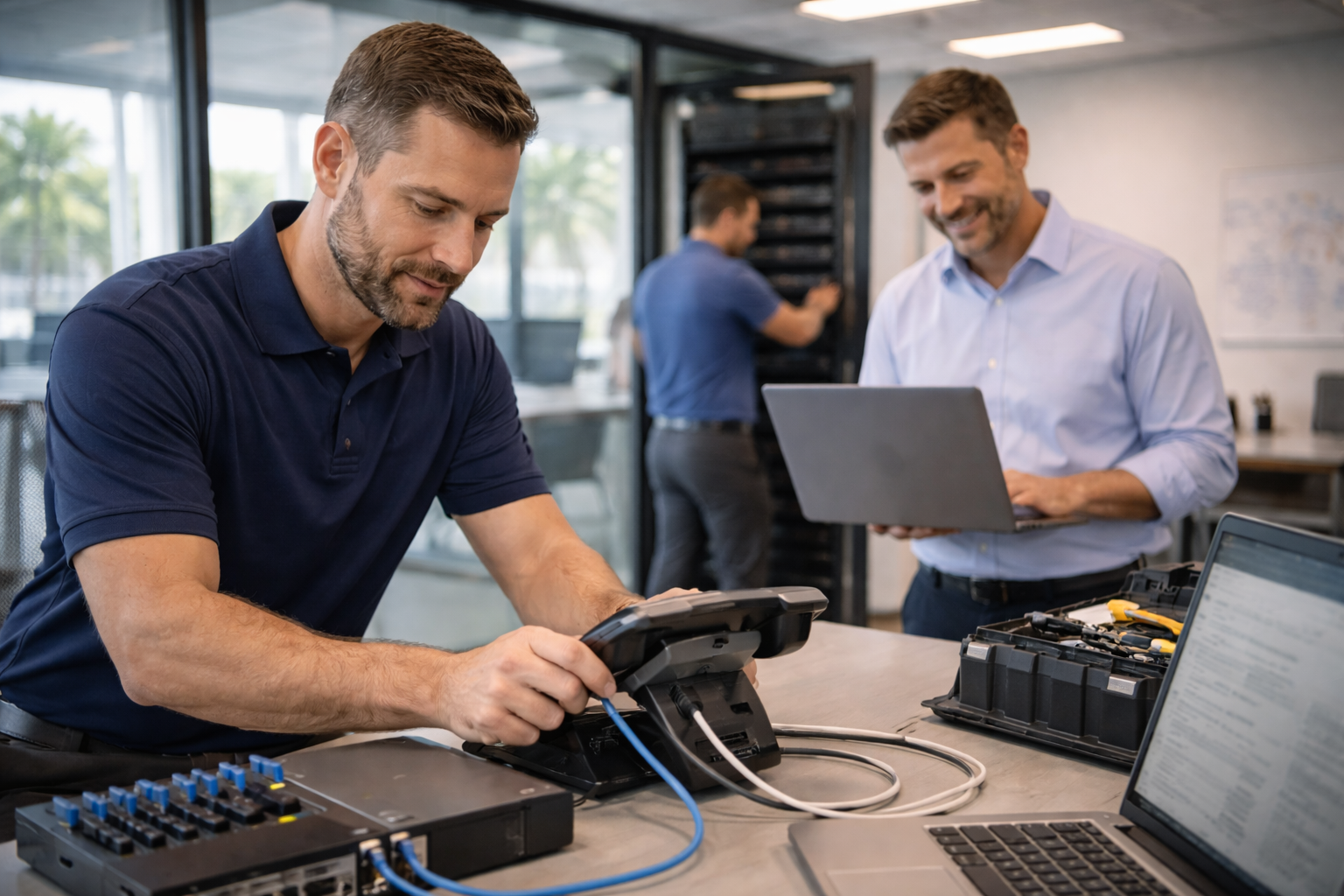
The Complete 72-Hour VoIP Installation Process
Every installation follows our proven methodology developed over 500+ Florida deployments. Here’s exactly what happens from the moment you sign your agreement to the moment your team makes their first VoIP call.
Day 1: Assessment & Planning (2-4 hours)
Network Assessment (20 minutes – remote)
Before any equipment arrives, we conduct a comprehensive network assessment to ensure your internet connection can support crystal-clear VoIP calls. This happens remotely while you go about your normal business operations.
What we test:
- Bandwidth capacity: Verify you have sufficient upload/download speeds (typically 100 kbps per concurrent call, plus overhead)
- Latency measurements: Ensure response times under 150ms for optimal call quality (Florida data centers average 12ms latency)
- Packet loss testing: Identify network issues that could cause choppy audio (should be under 1%)
- Jitter analysis: Measure variation in packet arrival times (should be under 30ms)
- Quality of Service (QoS) recommendations: Configure your router to prioritize voice traffic over other data
According to FCC VoIP technical standards, proper network assessment prevents 80% of call quality issues before they occur. If your current internet doesn’t meet requirements, we recommend upgrades before proceeding with installation.
System Configuration Planning (1 hour)
While your network assessment completes, we gather critical information to configure your phone system exactly how you need it. This planning session happens via video call or phone with your designated point person.
Configuration decisions we’ll make together:
- Phone number porting paperwork: If keeping existing numbers, we complete Letter of Authorization (LOA) forms and coordinate with your current carrier
- Extension mapping: Assign 3-4 digit extensions to each user (e.g., 101 for reception, 201 for sales manager)
- Auto-attendant design: Create professional menu (“Press 1 for Sales, Press 2 for Support”) with routing logic
- Call routing rules: Define how calls flow during business hours, after hours, holidays, and lunch breaks
- Ring group strategy: Determine if calls should ring all phones simultaneously, sequentially, or round-robin
- Voicemail policies: Set greeting requirements, transcription preferences, and email notification settings
We document everything in a configuration worksheet that serves as your installation blueprint. For healthcare providers requiring HIPAA-compliant VoIP in Florida, we add encryption requirements and access controls during this planning phase.
Equipment Order (same day)
Once planning completes and network assessment passes, we immediately order your VoIP equipment. For Florida businesses, phones typically arrive within 1-2 business days from our regional distribution centers.
Important option for immediate deployment: Don’t want to wait for physical phones? Use softphones (computer and mobile apps) immediately at no additional cost. Many Orlando businesses go live with softphones on Day 1, then add desk phones when they arrive.
Days 2-3: Physical Installation & Configuration
Equipment Delivery & Setup
Your phones arrive at your Florida business location via expedited shipping. What happens next depends on which installation method you selected:
On-site installation (technician present):
- Unbox and inventory all equipment
- Place phones at designated desks/workstations
- Connect network cables and power
- Verify phones power on and connect to network
- Label phones with extension numbers
Remote installation (you plug them in):
- We send numbered phones pre-configured for specific desks
- You simply plug each phone into network and power (like connecting a lamp)
- Phones automatically download configuration and become operational
- We monitor activation remotely and troubleshoot any connection issues
The magic here is automatic provisioning. Unlike traditional phone systems requiring manual programming, VoIP phones intelligently fetch their configuration from our cloud servers the moment they connect to your network. No technical skills required.
System Configuration & Activation
While phones physically install, we’re simultaneously activating your complete phone system in the cloud. This happens whether you chose on-site or remote installation.
Backend configuration includes:
- Extension activation: Each user’s 3-4 digit extension becomes live and ready to receive calls
- Voicemail box setup: Individual voicemail with transcription, email notifications, and custom greetings
- Auto-attendant programming: Professional menu system routes callers to correct department
- Call routing activation: Business hours, after hours, and holiday schedules go live
- Mobile app deployment: iOS and Android apps configured for each user who needs mobile access
- Integration testing: If you’re connecting to CRM or other software, we verify data flows correctly
⚡ Pro Tip for Smooth Installation
Designate one “phone champion” from your team who we can text/call during installation. This person doesn’t need technical knowledge—they just help verify phones are working at each desk and relay any questions. Having one point of contact speeds installation by 40% compared to coordinating with multiple people.
Number Porting: Happens in Parallel (3-5 Business Days)
One of the biggest concerns Florida businesses have is “Can we keep our existing phone numbers?” The answer is yes—99% of business numbers can be ported. Better yet, this happens in the background while you’re already using your new VoIP system with temporary numbers.
What You Need to Know About Porting:
- Use temporary numbers immediately: We provide temporary Florida numbers on Day 1 so you can start using VoIP while porting completes
- Keep old service active: Don’t cancel existing phone service until port completes (we notify you when it’s safe to cancel)
- No service interruption: The switch happens at the carrier level—your phones just start receiving calls on the old numbers
- We handle all paperwork: You just sign the LOA—we coordinate everything else with your current carrier
Learn more about the technical details in our guide: How VoIP Number Porting Works
Day 3: Team Training & System Go-Live
Your phones are installed. Your system is configured. Numbers are porting. Now it’s time to get your team comfortable with their new communication tools.
30-Minute Team Training Session
We conduct a live training session (in-person or via video call) that covers everything your team needs to be productive immediately. This isn’t a dry technical manual reading—it’s hands-on practice with the features you’ll actually use.
Training curriculum includes:
- Basic phone operations: Making calls, answering calls, holding, transferring, conference calling
- Voicemail management: Accessing messages, setting greetings, forwarding to email, using transcription
- Mobile app setup: Installing iOS/Android app, logging in, making/receiving calls from personal devices
- Status management: Setting “available,” “busy,” “do not disturb” to control incoming calls
- Advanced features: Call recording (if applicable), intercom/paging, extension dialing, contact management
- Troubleshooting basics: What to do if phone won’t connect, audio quality issues, accessing support
Quality Assurance Testing
Before we declare the installation complete, we run comprehensive tests to verify everything works perfectly:
System Go-Live & Ongoing Support
Once testing passes and your team feels comfortable, we officially declare your VoIP system live. But our relationship doesn’t end at installation—it’s just beginning.
Post-installation support includes:
- Day 7 follow-up call: Check in to see how the first week went, answer questions, adjust any settings
- 24/7 technical support: Orlando-based team available by phone, email, or live chat (8-minute average response time)
- Admin portal access: Make your own changes to greetings, routing, users without calling support
- Quarterly business reviews: Analyze call patterns, identify cost savings, recommend feature optimizations
- Free system changes: Add users, change auto-attendant, update routing—all included in your monthly service fee
🎉 Ready for Your 72-Hour Installation?
Your business will have enterprise-grade phone capabilities that cost 50-60% less than traditional carriers. You can work from anywhere, scale instantly, and never worry about hurricane-related communication failures.
How We Guarantee Zero Downtime During Installation
The #1 fear Florida businesses have about switching to VoIP: “What if my phones stop working during the transition?” We’ve installed 500+ systems with zero downtime. Here’s how we do it.
Our Parallel System Approach
Our Zero Downtime Guarantee
“We guarantee zero downtime during your VoIP installation. If your business experiences any service interruption caused by our installation process, we’ll credit your entire first month of service—no questions asked.”
Backed by 500+ successful Florida installations with perfect continuity record
⚠️ Why Some VoIP Installations Fail (And How We Prevent It)
Not all VoIP providers follow best practices. Here are the shortcuts that cause downtime—and what we do differently:
- Skipping network assessment: They install without testing bandwidth, then blame “your internet” when calls fail. We assess first, recommend upgrades if needed, and guarantee call quality.
- Porting before configuration: They port your numbers before the new system is ready, leaving you with no working phones. We configure everything first, test thoroughly, then port.
- No parallel systems: They force a hard cutover that leaves gaps if anything goes wrong. We run both systems simultaneously until proven stable.
- Missing failover plans: When installation hits a snag, they have no backup plan. We can instantly roll back to your old system if critical issues arise.
- Inadequate training: They hand you phones and disappear, leaving your team confused. We provide hands-on training and ongoing support—included in your monthly service.
Choose Your VoIP Installation Method
Not all Florida businesses need the same installation approach. We offer three methods optimized for different business sizes and complexity levels. All three achieve the same 72-hour timeline and zero downtime guarantee.
| 🚚 On-Site Installation Technician comes to your Florida location for hands-on setup and in-person training. | MOST POPULAR 🌐 Remote Installation We configure remotely, you plug in phones (easy as connecting a lamp). | 🤝 Hybrid Installation Remote configuration + on-site visit for training and quality assurance. |
|---|---|---|
|
|
|
| Installation Fee: $299 (waived for 15+ lines) | Installation Fee: FREE | Installation Fee: $149 |
On-Site Installation
Technician comes to your Florida location for hands-on setup and in-person training.
- ✓ Technician handles all physical phone placement
- ✓ Network cable routing and management
- ✓ In-person team training at your office
- ✓ Best for: Multi-location, 15+ lines
Remote Installation
We configure remotely, you plug in phones (easy as connecting a lamp).
- ✓ Pre-configured phones shipped directly to you
- ✓ Plug-and-play setup (no tech skills required)
- ✓ Fastest deployment (24 hours)
- ✓ Best for: 5-15 lines, distributed teams
Hybrid Installation
Remote configuration + on-site visit for training and quality assurance.
- ✓ Remote configuration (you plug phones in)
- ✓ Technician visits for go-live day only
- ✓ In-person training at your location
- ✓ Best for: 8-12 lines, moderate complexity
Not Sure Which Installation Method to Choose?
We’ll recommend the best approach based on your specific situation during our initial consultation. Factors we consider:
- Number of lines: Larger deployments benefit from on-site installation
- Technical comfort level: Less technical teams prefer on-site support
- Network complexity: Complex routing or integrations warrant on-site assistance
- Compliance requirements: HIPAA/PCI environments often need on-site validation
- Timeline urgency: Remote installation gets you live fastest (24 hours possible)
VoIP Installation Frequently Asked Questions
Real questions from Florida businesses considering VoIP installation. We believe in complete transparency about our process.
How long does VoIP installation actually take?
Most Florida businesses are fully operational within 72 hours of ordering. Day 1 includes a 20-minute network assessment and system planning. Days 2-3 cover equipment delivery, installation, and training. Number porting happens in parallel (3-5 days) using temporary numbers until complete. The actual hands-on installation time is 2-4 hours depending on your line count—the rest is automated configuration and carrier porting processes.
Will we have any downtime during VoIP installation?
No. We guarantee zero downtime with our parallel system approach. Your old phones continue working while we configure the new system. Number porting happens seamlessly at the carrier level with no service gap. If any interruption occurs due to our installation process, we credit your first month of service. In 500+ Florida installations, we’ve maintained a perfect zero-downtime record.
Do we need special internet for VoIP?
You need reliable business-grade internet with sufficient bandwidth. For 5 lines, we recommend minimum 10 Mbps download / 3 Mbps upload (add 1 Mbps upload per additional line). Our Day 1 network assessment tests your current connection and provides specific recommendations for Quality of Service (QoS) configuration to prioritize voice traffic. According to Cisco VoIP bandwidth guidelines, each concurrent call uses approximately 100 kbps. If your internet doesn’t meet requirements, we recommend specific upgrades before proceeding.
Can we keep our existing phone numbers?
Yes, 99% of business phone numbers can be ported to VoIP. We handle all paperwork with your current provider—you just sign the Letter of Authorization (LOA). The porting process takes 3-5 business days and happens in the background. You’ll use temporary numbers during porting, then seamlessly switch to your original numbers when the port completes. There’s no service gap or downtime. The only numbers that can’t port are some very old “grandfathered” exchange codes in rural areas, but this affects less than 1% of Florida businesses.
What equipment do we need to purchase?
VoIP phones are typically leased at $3-7 per device monthly (Essential plan) or $5-9 monthly (Professional/Enterprise plans), depending on model. You can also purchase phones outright for $120-250 per device. Alternatively, use softphones (computer/mobile apps) at no additional equipment cost. Your existing network equipment (router, switches, cables) usually works fine, though we may recommend router upgrades for businesses with older consumer-grade equipment. The investment is typically 70-80% less than traditional PBX systems that require on-premise servers and proprietary phones.
Can you install VoIP outside business hours?
Yes, we offer evening and weekend installation appointments across all Florida markets (Orlando, Tampa, Miami, Jacksonville). This is especially popular for medical practices, retail stores, restaurants, and businesses that can’t interrupt daytime operations. There’s no additional charge for after-hours installation—we schedule based on your convenience. Many Tampa businesses prefer weekend installations to ensure their team is fully trained before Monday morning.
What if something goes wrong during installation?
You have immediate access to our Orlando-based technical support team with an 8-minute average response time. If critical issues arise during installation, we can instantly roll back to your previous phone system while troubleshooting—this is why we maintain parallel systems during deployment. Our zero downtime guarantee includes service credits if installation-related problems interrupt your business. In the rare case where we can’t resolve issues within 72 hours, we’ll postpone go-live until everything works perfectly and credit any delays against your monthly service fees.
Do you provide training for staff?
Yes, comprehensive training is included in all installations at no additional cost. On Day 3, we conduct a 30-minute team training session covering desk phones, mobile apps, voicemail, and key features. You’ll receive laminated quick-start cards for each desk, video tutorial library (searchable by feature), admin portal guide, and support contact information. We also schedule a Day 7 follow-up call to address questions that arise during your first week. Additional training sessions for new hires or feature updates are always free—just call our support team to schedule.
Still have questions about the VoIP installation process?
VoIP Installation Resources
Dive deeper into specific aspects of VoIP installation and deployment. These guides provide technical details for IT managers and decision-makers planning their phone system transition.
Network Preparation Checklist
Complete pre-installation checklist covering bandwidth requirements, firewall configurations, and QoS settings. Ensure your network is VoIP-ready before Day 1.
Number Porting Guide
Step-by-step explanation of how VoIP number porting works, required documentation, typical timelines, and common issues that delay porting.
Business Continuity Planning
Failover strategies, redundancy options, and disaster recovery planning for Florida businesses (especially important during hurricane season).
HIPAA Compliance Installation
Special considerations for healthcare providers: encryption requirements, BAA agreements, secure voicemail, and call recording compliance.
Cost Comparison Calculator
Compare VoIP installation and monthly costs vs. traditional carriers (AT&T, Comcast, Spectrum). See exactly how much you’ll save over 1, 3, and 5 years.
Multi-Location Installation
Coordinating VoIP deployment across multiple Florida offices, unified dial plans, extension mapping, and centralized administration.
Florida Businesses Trust Our Installation Process
Over 500 Florida businesses have trusted us with their VoIP installations. Here’s what they say about the experience.
Ready for Your 72-Hour VoIP Installation?
Join 500+ Florida businesses who trusted us with their phone system transition. Zero downtime guaranteed, full training included, and Orlando-based support whenever you need it.
No contracts. No setup fees (5+ lines). Cancel anytime. Zero downtime guarantee with first month service credit if any installation-related interruptions occur.