

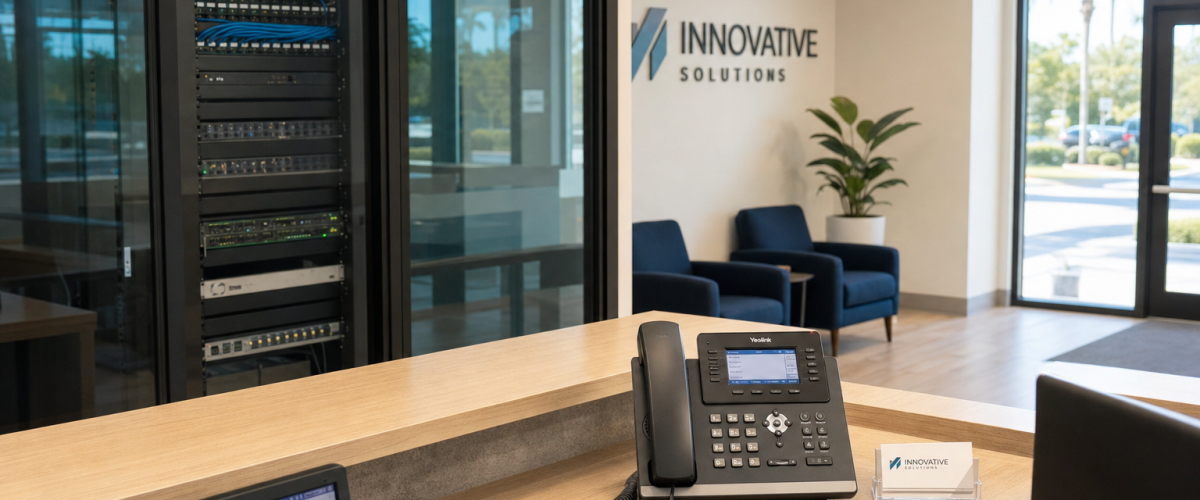
Florida VoIP Install Timeline: What Happens in the First 72 Hours After You Sign Up
Most Florida business owners assume switching phone systems means weeks of downtime, confusing carrier paperwork, and a tech on hold with a national call center. The reality with a properly run VoIP install is very different. Here is exactly what happens—hour by hour, day by day—when you sign up for business VoIP with Mynians in Florida.
Who This Is For (and Who It Is Not)
This guide is for you if:
- You run a Florida business with 5 or more phone lines and want to understand exactly how fast a VoIP cutover can happen.
- You are comparing providers and tired of vague timelines like “2–4 weeks” with no explanation of what fills that time.
- You have been burned by a national carrier install that dragged on, left you with dead lines, or handed you off to three different support reps.
- You manage multiple Florida locations—Orlando, Tampa, Miami, Jacksonville, Winter Garden—and need a single team handling all of them.
- You are in healthcare and need HIPAA-compliant call flows configured correctly from day one.
This guide is NOT for you if:
- Your internet connection is unreliable or your network has not been assessed. VoIP runs on your data connection; a bad network produces bad calls regardless of provider.
- You want to self-install a DIY softphone app and never speak to a tech. That is a valid path for a solo operator, but it is not what this article covers.
- You are under a long-term contract with your current carrier that has significant early-termination fees. Mynians operates month-to-month, but your exit from the old provider is a separate conversation.
How Providers Compare on Install Speed
Before walking through the Mynians timeline, here is an honest look at how different options stack up for a typical Florida business with 10–25 lines.
| Provider / Option | Typical Install Timeline | Local Florida Support | Porting Handled For You | Contract Required | Starting Price (per line/mo) |
|---|---|---|---|---|---|
| Mynians VoIP | 72 hours (site-ready) | Yes — Orlando-based team | Yes — end-to-end | No — month-to-month | $17.95 (Essential, 5-line min) |
| RingCentral | 1–3 weeks typical | No — national call center | Partial — you manage LOA | Often annual | Varies; bundled tiers |
| Nextiva | 1–2 weeks typical | No — national call center | Partial | Often annual | Varies; bundled tiers |
| AT&T Business (legacy) | 2–6 weeks | Regional field techs | Managed by AT&T | Yes — typically 2–3 years | Higher; equipment fees apply |
| Legacy On-Premise PBX | Weeks to months | Depends on local vendor | Varies | Hardware purchase required | High upfront + maintenance |
| DIY Softphone App | Same day possible | None | No | No | Low — but no support or config |
The 72-hour figure for Mynians is not a marketing claim pulled from thin air. It reflects what happens when a business has a working internet connection, a router that can prioritize voice traffic, and a clear picture of how many lines and extensions are needed. The Mynians team does the rest.
Hour Zero: The Consultation and Kickoff
Everything starts with a free VoIP consultation. This is not a sales pitch with a slide deck. It is a working call where the Mynians team reviews your current phone bill line by line, identifies what you are actually paying per line today, maps out your call flow needs—auto-attendant, call queues, after-hours routing, voicemail to email—and confirms your site readiness.
By the end of that first call you will have a line-by-line quote, a clear picture of your plan tier (Essential at $17.95/line, Professional at $27.95/line, or Enterprise at $32.99/line with a 10-line minimum), and a signed agreement if you are ready to move forward. No pressure, no manufactured urgency.
Once you sign, the clock starts.
Day One: Account Build, Number Setup, and Network Check
Account provisioning
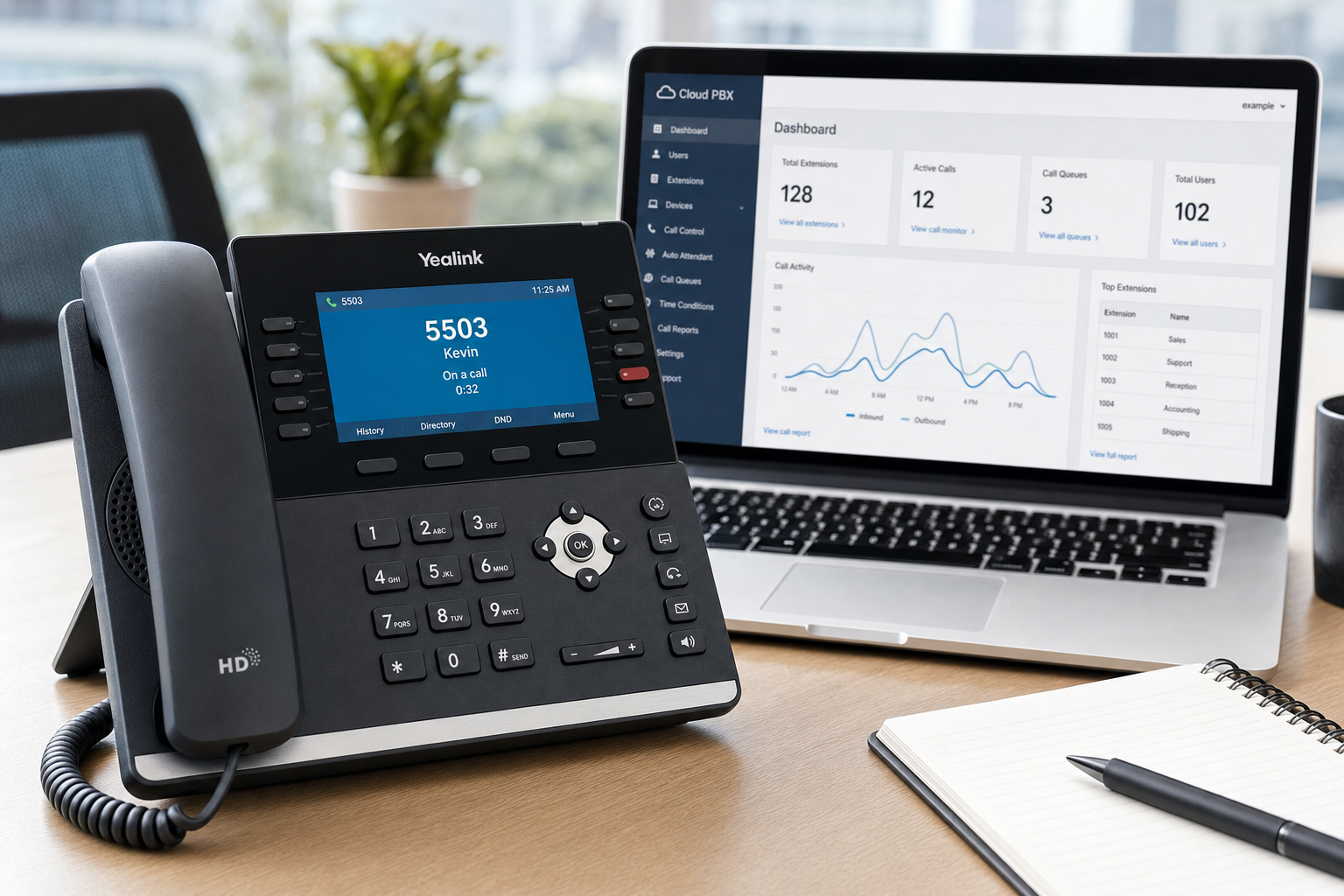
Within hours of your agreement being signed, the Mynians team builds your cloud PBX account. This includes creating your extensions, assigning direct inward dial (DID) numbers for each line, and setting up your admin portal access. You get new numbers immediately—these are live and testable on day one. Your existing numbers port separately (more on that below).
Network assessment
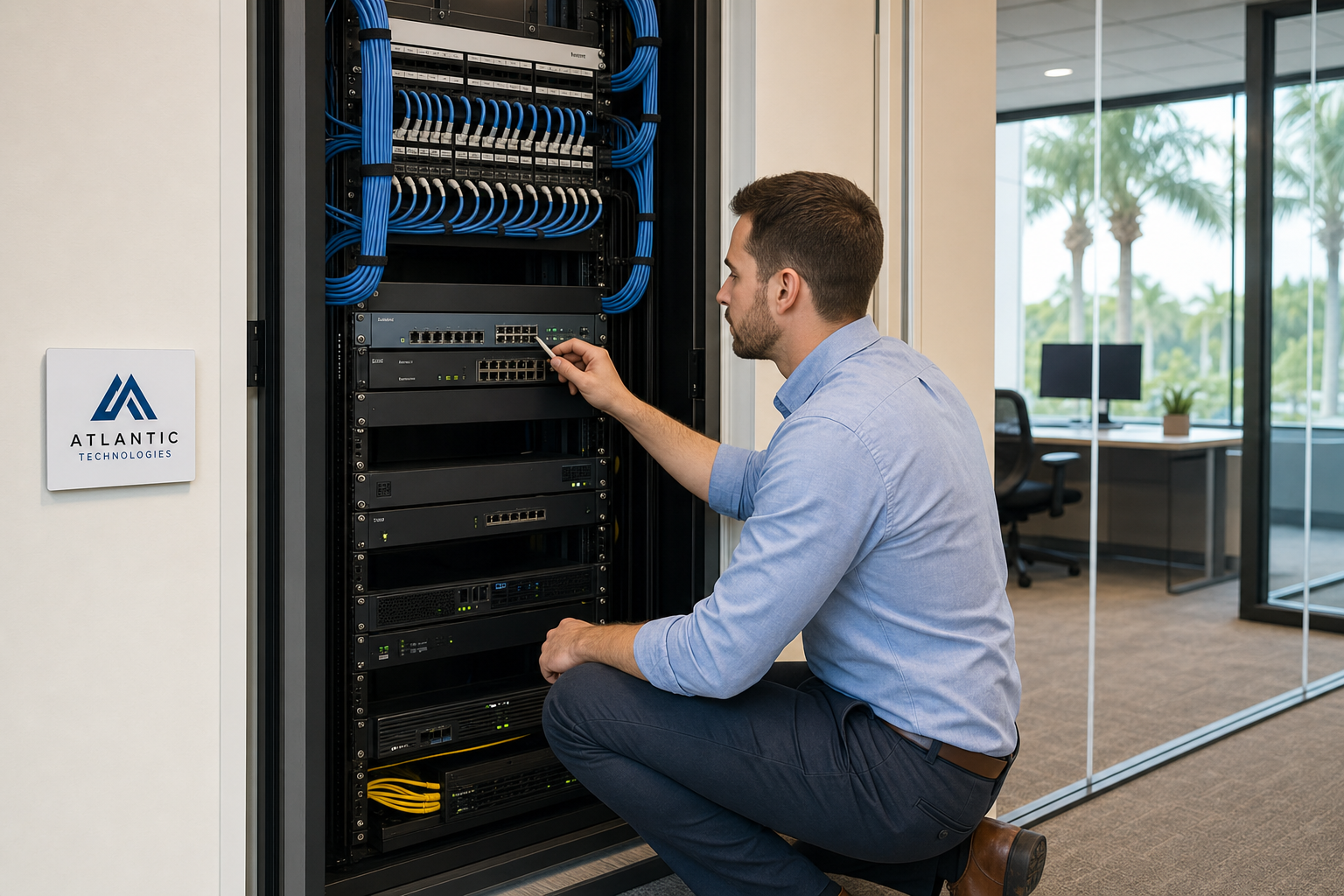
A VoIP system is only as good as the network it runs on. The Mynians team runs a remote network assessment—or dispatches a local tech if your location is in the Orlando, Winter Garden, Tampa, Miami, or Jacksonville area—to check for jitter, latency, and packet loss. If your router needs Quality of Service (QoS) rules configured to prioritize voice traffic, that gets done now, not after you start hearing choppy calls.
If your structured cabling or switch configuration needs attention, Mynians can handle that as part of the same engagement. That is the advantage of working with a team that covers phones, cabling, and managed IT under one roof.
Porting paperwork initiated
On day one, Mynians also submits your Letter of Authorization (LOA) and account information to your current carrier to begin the porting process. You do not call your old carrier. You do not track down account numbers. The Mynians team manages the entire porting process end-to-end. Porting typically takes 5–10 business days depending on the losing carrier, which is why it runs on a parallel track while your new system goes live with temporary numbers.
Day Two: Device Provisioning and Call Flow Configuration
Phone provisioning
If you are using physical VoIP desk phones, day two is when devices get provisioned. Mynians pre-configures phones before they arrive at your office—or remotely provisions existing compatible hardware—so your staff does not receive a box of phones with a setup guide and a phone number for a help desk in another time zone. Phones come ready to plug in and use.
If your team uses mobile or desktop softphones, the Mynians team configures the apps and walks through installation on each device. This matters for Florida businesses with field staff, remote workers, or employees who split time between locations.
Auto-attendant and call routing
Day two is also when your auto-attendant gets built. This includes your main greeting, menu options, department routing, and after-hours behavior. If you have a front desk that currently handles every inbound call manually, a properly configured auto-attendant reduces that load immediately.
Call queues, ring groups, voicemail-to-email, and any HIPAA-compliant call flow requirements for healthcare practices are configured at this stage. The FCC provides guidance on VoIP regulatory requirements that Mynians factors into every Florida business deployment.
Multi-location routing
If you have more than one Florida location, day two includes configuring how calls hand off between sites. A call that comes into your Orlando number can ring a Tampa extension, transfer to a Jacksonville queue, or roll to a mobile softphone—all without the caller knowing anything changed.
Day Three: Testing, Staff Training, and Go-Live
End-to-end call testing
Before anyone picks up a live call, the Mynians team runs end-to-end tests: inbound calls to every DID, outbound calls from every extension, auto-attendant menu navigation, hold music, voicemail recording and delivery, and failover behavior. If a call drops to the wrong extension or a voicemail does not forward to email, it gets caught and fixed in testing—not discovered by a customer.
Staff training
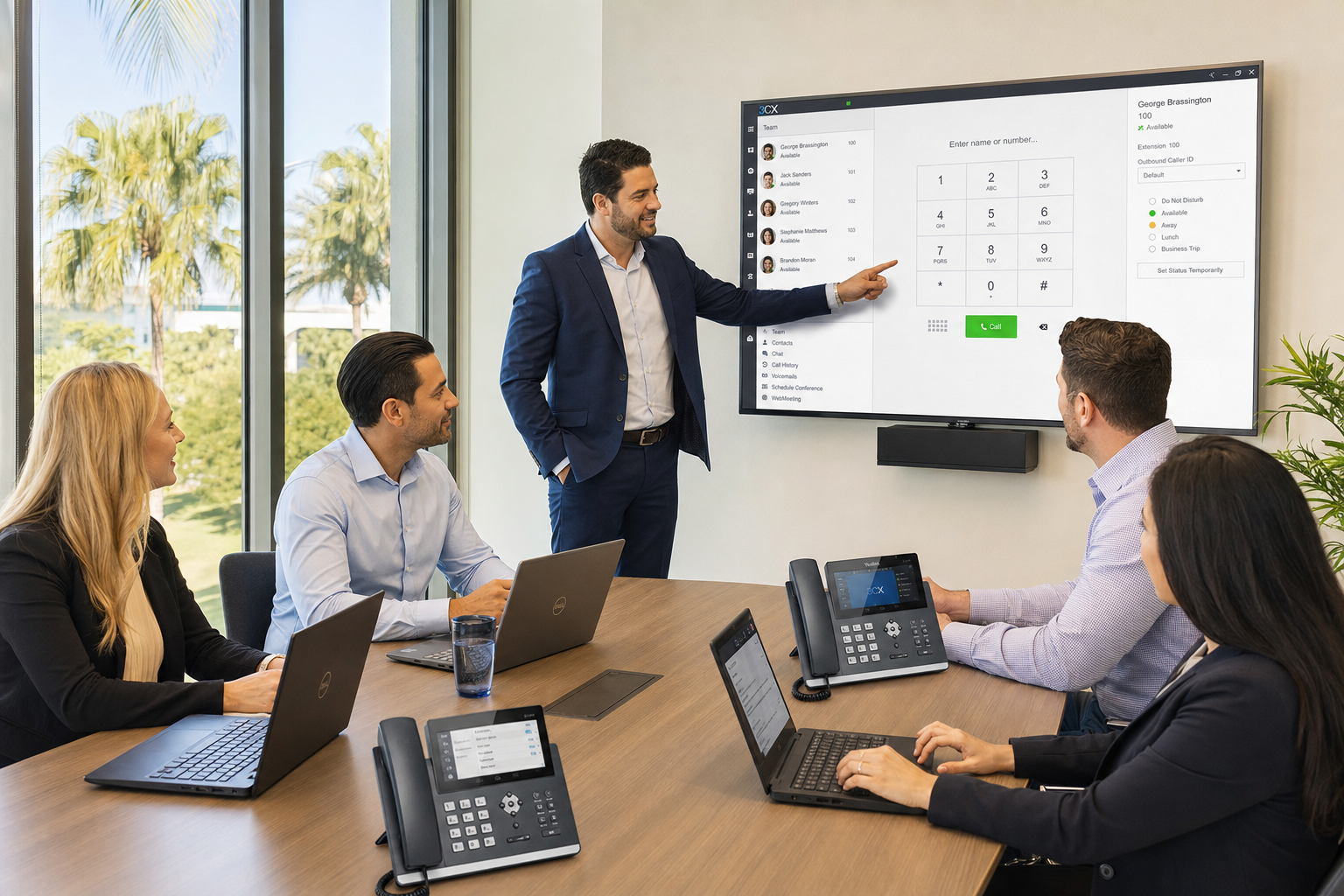
A phone system your staff does not know how to use is a phone system that will cause problems. On day three, Mynians walks your team through the basics: transferring calls, checking voicemail, using the softphone app, adjusting do-not-disturb, and accessing the admin portal. This is not a recorded video tutorial. It is a live walkthrough with a real tech who can answer questions specific to your setup.
Go-live
By the end of day three, your new system is live on your new numbers. Your staff is trained. Your call flows are tested. When your number port completes—typically within the following week—your existing business numbers cut over to the new system automatically. Customers call the same number they always have. Nothing changes on their end.
Number Porting: What Runs in Parallel
Number porting is the process of moving your existing business phone numbers from your current carrier to Mynians VoIP. It is one of the most anxiety-producing parts of any phone system switch, and for good reason—a botched port can leave your business unreachable for hours or days.
Here is how Mynians handles it:
- Day one: Mynians submits your LOA and carrier account details. You provide the information once; the team handles all carrier communication.
- Days 2–10: The losing carrier processes the port request. Mynians monitors status and follows up on delays.
- Port completion day: Your numbers cut over to the Mynians system. Because your system is already live and tested on temporary numbers, the cutover is clean. There is no gap in service.
The FCC’s number portability rules require carriers to complete ports within one business day once all information is verified. Delays almost always come from incomplete account information submitted to the losing carrier—something Mynians catches before submission, not after.
What Can Go Wrong and How Mynians Handles It
Honest answer: a few things can slow a 72-hour install. Here is what they are and how the Mynians team responds.
Network not ready
If your internet connection has high jitter or your router cannot be configured for QoS, call quality will suffer. Mynians identifies this on day one. If cabling or a new managed switch is needed, the same team that installs your phones can handle the network work—no separate vendor, no finger-pointing between contractors.
Porting information mismatch
Carriers reject port requests when the account name, address, or PIN on the LOA does not exactly match what is on file with the losing carrier. Mynians reviews your current bill before submitting to catch mismatches. If a rejection comes back, the team resubmits with corrected information immediately.
Hardware compatibility
Not every existing desk phone is compatible with a new VoIP platform. Mynians checks compatibility before the install date. If your current phones will not work, you get clear options—reprovision compatible hardware, replace specific units, or move to softphones—before day one, not after.
Hurricane-season failover
Florida businesses face a real risk that national providers rarely address in their onboarding: storm-related outages. Mynians configures failover routing as part of every install—calls can automatically roll to mobile numbers or a secondary location if your primary site loses power or internet. This is not an add-on. It is part of building a system that is actually built for uptime in Florida conditions.
For businesses that want to understand broader network resilience standards, CISA’s communications resilience resources provide useful context on redundancy planning.
Frequently Asked Questions
Does the 72-hour install timeline include number porting?
No—and that is intentional. Number porting from your current carrier typically takes 5–10 business days depending on the losing carrier. The 72-hour timeline covers your new system going live with new numbers: account setup, device provisioning, auto-attendant configuration, and staff training. Your existing numbers port over on a parallel track and cut over cleanly once the port completes, with no gap in service because your system is already live and tested.
What does “site ready” mean for a VoIP install?
Site ready means your internet connection has sufficient bandwidth and low enough jitter and packet loss to support voice traffic, and your router can be configured to prioritize VoIP packets. Mynians checks this on day one. If your network needs work—QoS configuration, a managed switch, or structured cabling—the Mynians team can handle that as part of the same engagement before the phone install proceeds.
What happens if I already have VoIP phones from another provider?
It depends on the make and model. Many common business VoIP phones can be reprovisioned to work on the Mynians platform. Mynians checks compatibility before the install date so there are no surprises. If specific units are not compatible, you will get clear options—replacement hardware or softphone alternatives—before work begins.
How much does Mynians VoIP cost per line?
Mynians VoIP plans start at $17.95 per line per month for the Essential plan with a 5-line minimum. The Professional plan is $27.95 per line per month, and the Enterprise plan is $32.99 per line per month with a 10-line minimum. All plans are month-to-month with no contracts. Exact savings compared to your current bill are best confirmed on the free consultation call, where the team reviews your bill line by line. See the pricing page at voip.mynians.com/pricing/ for current details.
What if I have multiple Florida locations?
Multi-location setups are a standard part of what Mynians configures. Call routing between your Orlando, Tampa, Miami, Jacksonville, or Winter Garden locations is set up during the day-two configuration phase. One system, one admin portal, one support team—regardless of how many Florida locations you have.
Is Mynians VoIP HIPAA compliant for healthcare practices?
Mynians offers HIPAA-compliant call flow configuration for healthcare practices. This is set up during the call flow configuration phase of the install. If your practice has specific requirements around call recording, voicemail handling, or patient-facing routing, those are addressed during the consultation and built into your system before go-live.
What happens to my phones during a Florida hurricane or power outage?
Mynians configures failover routing as part of every install. If your primary location loses power or internet, calls can automatically roll to mobile softphones or a secondary location. This is not an optional add-on—it is part of building a system that is actually built for uptime in Florida conditions.
Update Log
- July 2026: Created and reviewed for Mynians VoIP business phone system accuracy.



Post a Comment