


3-8 Line Florida Office VoIP Pricing Guide
If you run a small Florida office and you’re trying to figure out what a business phone system actually costs per month, this guide is built for you. We’ll break down per-licensed-user pricing, common add-ons, and how to estimate your total monthly spend before you talk to a single vendor — so you walk into any conversation with a clear number in mind.
Who This Guide Is For — and Who It Is Not
This guide is for you if:
- You run a Florida office with 3 to 8 phone lines and you’re comparing monthly costs.
- You’re currently on a legacy landline or a confusing carrier bundle and want to understand what switching to VoIP would actually cost.
- You’re an office manager or business owner who needs a clear per-line number to bring to a budget conversation.
- You want to understand what’s included versus what costs extra before you talk to any vendor.
This guide is NOT for you if:
- You’re staffing 10 or more employees and need a full call center or multi-queue setup — that’s a different pricing conversation.
- You’re looking for a free consumer app like Google Voice for personal use.
- You need a 20-to-50-seat enterprise deployment with complex SIP trunking and custom integrations — that scope goes beyond this article.
VoIP Pricing Comparison: Small Office Options
Before diving into per-line math, here’s an honest side-by-side look at the options a small Florida office typically considers. Prices shown are publicly available estimates and may vary by configuration.
| Option | Approx. Monthly Cost Per Line | Contract Required? | Local Florida Support? | Porting Handled? | Install Timeline |
|---|---|---|---|---|---|
| Mynians VoIP (Essential) | $22.95 per licensed user | No — month-to-month | Yes — Orlando-based team | Yes — end-to-end | ~72 hours (site-ready) |
| Mynians VoIP (Professional) | $29.95 per licensed user | No — month-to-month | Yes — Orlando-based team | Yes — end-to-end | ~72 hours (site-ready) |
| Mynians VoIP (Enterprise) | Starting at $39.95 per licensed user | No — month-to-month | Yes — Orlando-based team | Yes — end-to-end | ~72 hours (site-ready) |
| RingCentral (Core) | ~$20–$30/line (published rates) | Annual discount available | No — national call center | Self-managed or assisted | Varies; often 1-3 weeks |
| Nextiva (Essential) | ~$18–$30/line (published rates) | Annual discount available | No — national call center | Self-managed or assisted | Varies; often 1-3 weeks |
| AT&T Business (legacy) | $40–$80+/line (bundled) | Often 1-2 year terms | Regional field tech | Carrier-managed, slow | 2-6 weeks typical |
| Legacy PBX (on-premise) | High upfront + maintenance | Hardware commitment | Depends on vendor | Requires separate carrier | Weeks to months |
The comparison above is meant to give you a realistic starting point. Exact pricing from national providers changes frequently — always verify current rates directly with each vendor. What doesn’t change is the support model: when you call Mynians VoIP at (407) 374-2782, you reach the same local Orlando-based team that installed your system.
Per-Line Cost Breakdown for a 3-8 Line Office
The cleanest way to estimate your monthly VoIP bill is to start with your line count and multiply by the tier rate. Here’s what that looks like across Mynians VoIP’s three published tiers.
Essential Tier — $22.95 per licensed user/month (five-licensed-user minimum)
The Essential plan is the entry point for small offices that need reliable hosted VoIP without advanced call-center features. Core capabilities typically include hosted cloud PBX, standard call routing, voicemail to email, and softphone access on mobile and desktop. Note the five-licensed-user minimum — if your office has only 3 or 4 active users, you’d still be billed for five licensed users at this tier.
- 5 licensed users: $114.75/month
- 6 licensed users: $137.70/month
- 7 licensed users: $160.65/month
- 8 licensed users: $183.60/month
Professional Tier — $29.95 per licensed user/month (five-licensed-user minimum)
The Professional plan adds more advanced call management features suited for offices with a front desk, multiple departments, or after-hours routing needs. This is the most common tier for growing Florida small businesses that need auto-attendants and call queues without paying for a full enterprise setup.
- 5 licensed users: $149.75/month
- 6 licensed users: $179.70/month
- 7 licensed users: $209.65/month
- 8 licensed users: $239.60/month
Enterprise Tier — starting at $39.95 per licensed user/month (ten-licensed-user minimum)
The Enterprise plan is designed for offices that need the full feature set — advanced call flows, healthcare configurations designed to support a HIPAA compliance program, multi-location routing, and failover redundancy. The ten-licensed-user minimum means this tier is typically relevant once you’re at the upper edge of this guide’s scope or planning ahead for growth. Confirm exact feature inclusions during your consultation.
Common Add-Ons and What They Actually Cost
Your base per-licensed-user rate covers the core phone system. But most small offices end up adding at least one or two features that affect the monthly total. Here are the most common ones to ask about during any vendor conversation.
Additional Direct Inward Dial (DID) Numbers
If you want each employee to have their own direct number — separate from the main business line — that’s typically an add-on. Useful for sales teams, healthcare offices, or any role where clients call a specific person directly.
Auto-Attendant (Virtual Receptionist)
A basic auto-attendant is often included in mid-tier and higher plans. If you need multiple auto-attendants — for example, one for your main line and a separate one for a second location or department — that may be an additional cost. Confirm what’s included in your tier before assuming.
Call Recording
Call recording for compliance, training, or quality review is a common add-on for professional services offices, real estate firms, and healthcare-adjacent businesses. Storage and retention policies vary by provider.
Voicemail to Email
Voicemail to email — where voicemails are transcribed or delivered as audio files to your inbox — is included in Mynians VoIP plans. Confirm this is active during setup so your team isn’t missing messages.
Hardware: Desk Phones vs. Softphones
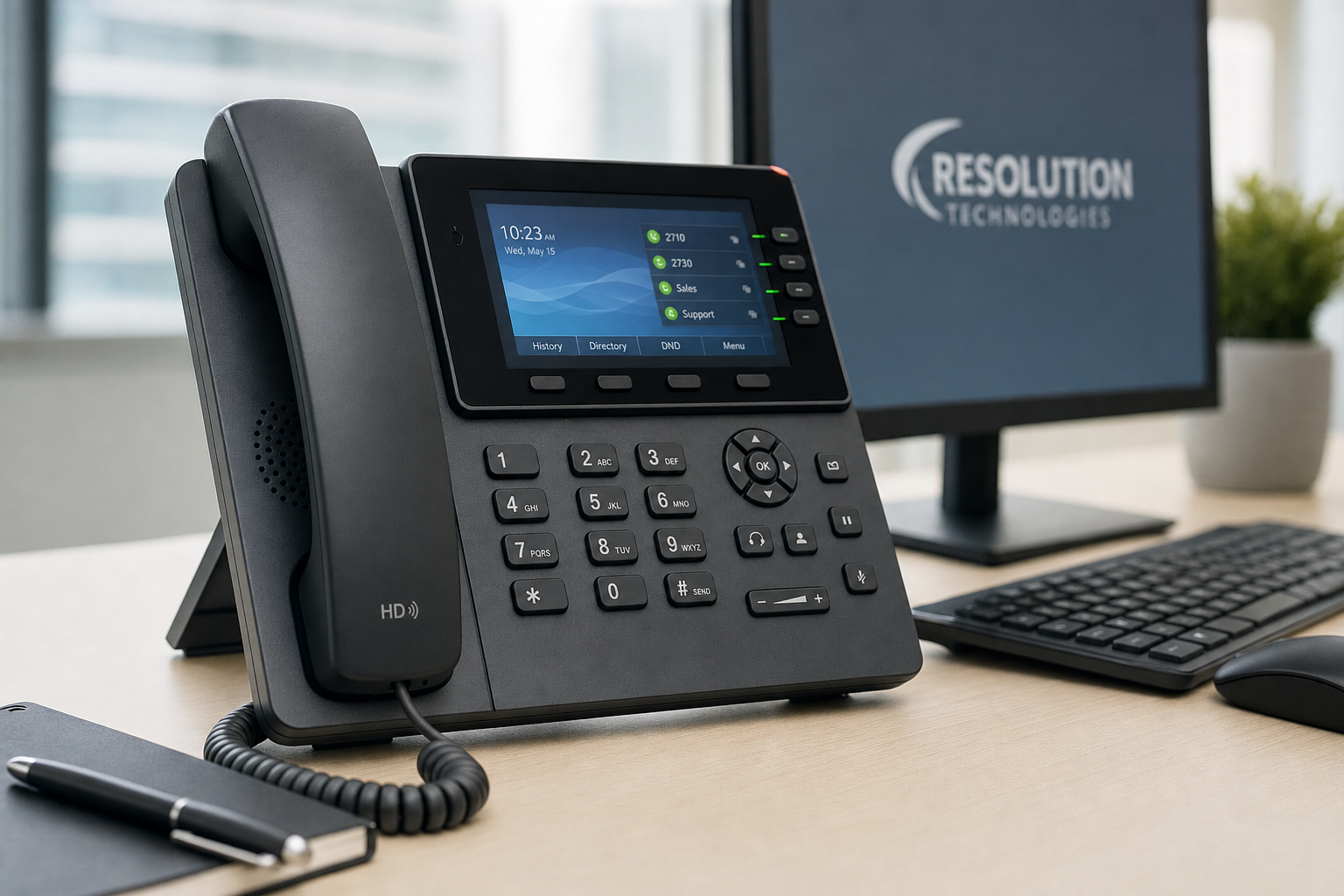
VoIP desk phones are a one-time hardware cost, not a monthly line item. Softphones (apps on your computer or mobile device) are typically included in the plan. If your office wants physical desk phones, budget for hardware separately — prices vary widely by model and brand. Ask your provider whether phones are purchased, leased, or provided.
How to Estimate Your Monthly Spend Before Talking to Anyone
You don’t need a vendor on the phone to get a ballpark. Here’s a simple framework for a 3-to-8-line Florida office.
Step 1: Count your active lines
Count the number of people who need a dedicated phone line — not just the number of employees. A receptionist, two sales reps, and a manager is 4 lines. Remember the five-licensed-user minimum on the Essential tier.
Step 2: Pick a tier based on features you actually need
If you need basic call routing and voicemail, Essential may work. If you need an auto-attendant, call queues, or after-hours routing, look at Professional. If you’re in healthcare or need healthcare call-flow configurations designed to support a HIPAA compliance program, Enterprise is worth the conversation. Review the published VoIP pricing page to compare what’s included at each tier.
Step 3: Add estimated add-ons
If you know you want call recording or additional direct numbers, add those to your estimate. If you’re unsure, leave them out for now and confirm costs during your consultation.
Step 4: Compare against your current bill
Pull your last two or three phone bills. Look for line items you don’t recognize — carrier fees, maintenance charges, per-minute overages, or equipment rental. These are the costs that often disappear when you move to hosted VoIP. A bill review during your free consultation can identify exactly what you’re paying for versus what you actually need.
Florida-Specific Considerations for Small Office VoIP
Hurricane Season and Failover
Florida businesses face a real risk that most national VoIP providers don’t address in their sales pitch: what happens to your phone system when a storm knocks out power or your internet connection? A properly configured hosted VoIP system with failover routing can automatically redirect calls to mobile numbers or alternate locations. This isn’t a theoretical feature — it’s something Mynians VoIP configures as part of the setup for Florida clients. Ask any provider specifically how your calls are handled during an outage before you sign anything.
Multi-Location Call Handoffs
If your small office has a second location — even just a satellite office or a second suite — cloud PBX makes it straightforward to route calls between locations without separate phone systems. This is a common need in the Orlando, Tampa, and Miami markets where businesses often have a main office and a secondary presence.
Healthcare call-flow configurations designed to support a HIPAA compliance program
Healthcare-adjacent offices — medical billing firms, therapy practices, dental offices, and similar businesses — need call flows that meet HIPAA requirements. Mynians VoIP supports healthcare configurations designed to support a HIPAA compliance program. This is not a feature to assume is included; confirm it explicitly during your consultation and verify your Business Associate Agreement (BAA) requirements with your compliance team. For general HIPAA guidance, the FCC and CISA publish resources on communications security for regulated industries.
Front-Desk Overload
A common pain point in small Florida offices is a single receptionist handling every inbound call manually. An auto-attendant with proper call routing reduces that load significantly — callers can reach the right department or person without going through a human first. This is a feature worth budgeting for even at the small-office scale.
Number Porting and Install Timeline: What to Expect
Keeping Your Existing Business Numbers
One of the most common fears when switching phone systems is losing your existing business number. Number porting — the process of transferring your current number to a new provider — is handled end-to-end by Mynians VoIP. You don’t manage the carrier paperwork. The process typically takes 7 to 14 business days depending on your current carrier’s cooperation, and your number stays active throughout the transition. The FCC has published consumer rights guidance on number porting that’s worth reviewing if you’ve had a bad experience with a previous carrier.
What Can Go Wrong During Porting
Porting delays usually come from one of three places: incorrect account information submitted to the losing carrier, a carrier that slow-walks the release, or a number that’s tied to a bundle that needs to be separated first. Mynians VoIP manages this process and follows up with carriers directly — you’re not left waiting on hold with a national carrier’s porting department.
72-Hour Install Timeline
For Florida offices where the site is ready — meaning your internet connection is stable, your network is configured, and your hardware decisions are made — Mynians VoIP targets a typical 72-hour installs across major Florida markets when the site is ready including Orlando, Winter Garden, Tampa, Miami, and Jacksonville. “Site ready” is the key phrase. If your network needs work first, that timeline extends. A pre-install network assessment is part of the consultation process.
Why Local Support Matters for a Small Florida Office
When you call a national VoIP provider’s support line, you reach a call center. The rep reading from a script doesn’t know your office layout, your carrier history, or the fact that your building’s network closet hasn’t been touched since 2014. When you call Mynians VoIP at (407) 374-2782, you reach the same Orlando-based team that set up your system.
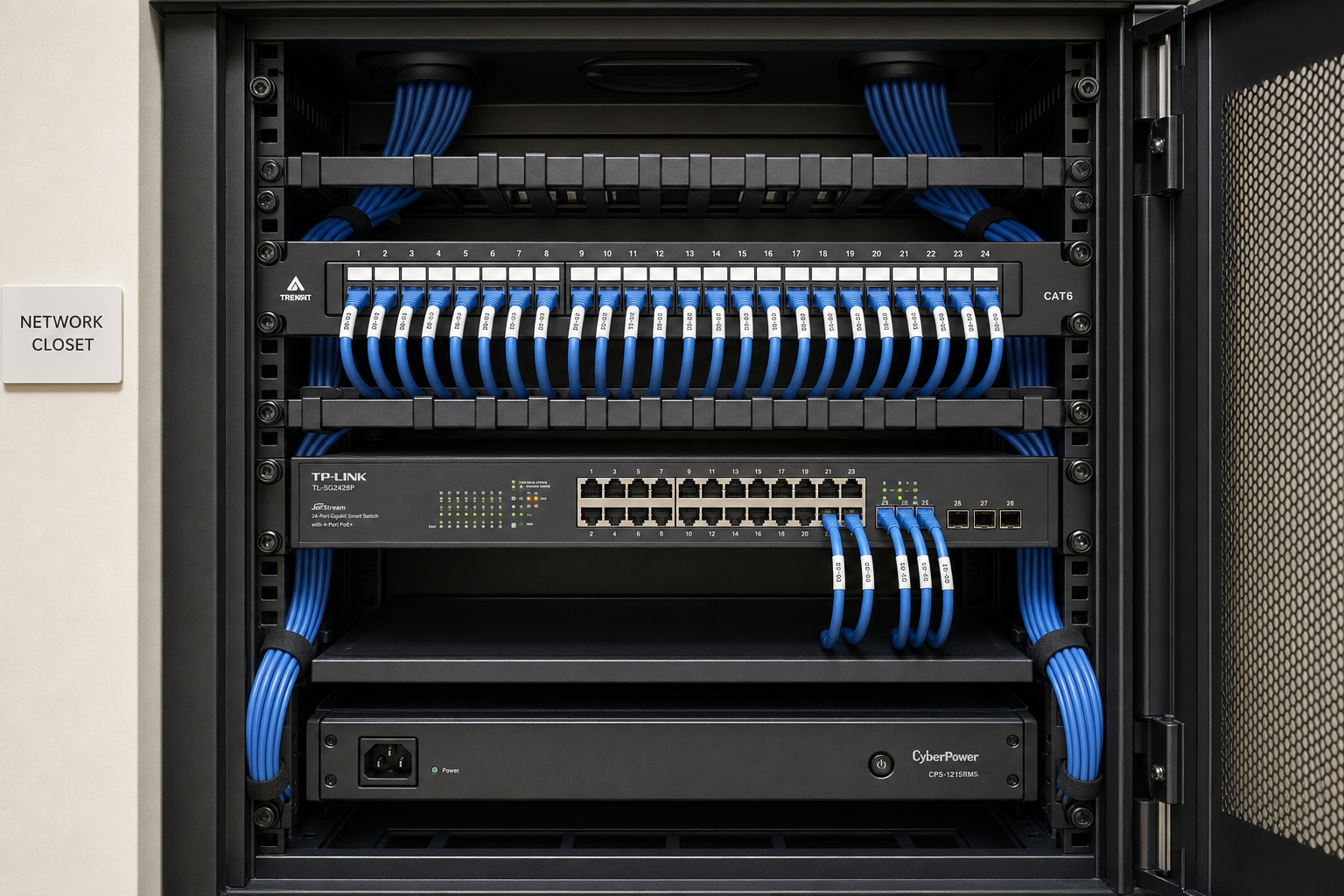
That matters practically when something goes wrong. A dropped call issue that a national provider might troubleshoot over email for three days can often be diagnosed and resolved faster when the support team knows your configuration and can dispatch a local tech if needed. Mynians also handles structured cabling and network readiness through the wider Mynians company — so if your VoIP quality issue turns out to be a cabling problem, you’re not bouncing between vendors.
For small offices without a dedicated IT person, having one local team for phones, cabling, and network readiness is a practical advantage that doesn’t show up in a per-line price comparison but shows up every time something needs fixing.
Frequently Asked Questions
What is the minimum number of licensed users required for Mynians VoIP?
The Essential plan has a five-licensed-user minimum. The Enterprise plan has a ten-licensed-user minimum. The Professional plan also carries a five-licensed-user minimum — confirm your specific licensed-user count during a free consultation to get an accurate quote.
Can I keep my existing business phone number when switching to VoIP?
Yes. Mynians VoIP handles number porting end-to-end. You keep your existing business number and don’t manage the carrier paperwork yourself. Porting typically takes 7 to 14 business days depending on your current carrier.
Is there a long-term contract required?
No. Mynians VoIP operates on month-to-month terms. There is no long-term contract requirement. You’re not locked in if your team size or needs change.
How long does a VoIP installation take for a small Florida office?
Mynians VoIP targets a 72-hour install across major Florida markets when the site is ready. Site readiness means a stable internet connection, a configured network, and finalized hardware decisions. If network or cabling work is needed first, the timeline extends accordingly.
What happens to my phone system during a Florida hurricane or power outage?
A properly configured hosted VoIP system with failover routing can automatically redirect inbound calls to mobile numbers or alternate locations during an outage. Mynians VoIP configures failover as part of the setup for Florida clients. Ask specifically about failover configuration before committing to any VoIP provider.
What does the free VoIP consultation include?
The free consultation includes a review of your current phone bill, a line-by-line quote based on your actual line count and feature needs, and a network readiness assessment if applicable. It typically takes about 15 minutes and gives you a concrete monthly number to work with. You can schedule at voip.mynians.com/schedule-consultation/ or call (407) 374-2782.
Are desk phones included in the monthly per-licensed-user price?
No. Physical desk phones are a one-time hardware cost separate from the monthly per-licensed-user rate. Softphones — apps on your computer or mobile device — are typically included in the plan. Ask your provider whether desk phones are purchased outright, leased, or provided as part of a bundle.
Update Log
- August 2026: Created and reviewed for Mynians VoIP business phone system accuracy.


