

Florida VoIP Failover for Storms and Outages
Hurricane season does not care about your call queue. When a storm knocks out your primary internet connection or a utility failure takes down your office, your business phone system either keeps working or it does not. For Florida businesses, that distinction is not theoretical — it happens every year. This guide explains how VoIP failover and backup routing work, what your options are, and how to build a phone system that keeps calls moving when conditions get bad.
Why Florida Businesses Need VoIP Failover
Florida is not a state where you can treat phone system redundancy as optional. Between June and November, tropical storms and hurricanes can knock out fiber runs, flood utility infrastructure, and leave entire commercial corridors without power for days. Even outside hurricane season, afternoon thunderstorms regularly cause brief but disruptive internet outages across Central Florida, Tampa, and South Florida markets.
When your phone system lives on a traditional landline or an on-premise PBX, a power or internet failure at your office means your phones are simply dead. Callers hear a busy signal or nothing at all. There is no automatic rerouting, no fallback to a mobile device, and no way for your team to receive calls remotely without manually forwarding lines — if the lines are even reachable.
A properly configured hosted VoIP system changes that equation. Because the call routing logic lives in the cloud, your phone system can keep functioning even when your physical office cannot. Calls can be routed to mobile softphones, remote employees, or an alternate location automatically, based on rules you set in advance.
How Your Options Compare
Before diving into configuration details, it helps to understand how different phone system types handle outages. The table below compares the most common options Florida businesses evaluate.
| Phone System Type | Outage Behavior | Failover Capability | Remote Work Ready | Local Support | Contract Flexibility |
|---|---|---|---|---|---|
| Mynians Hosted VoIP (Cloud PBX) | Routing stays active in cloud; calls reroute per configured rules | Yes — mobile softphone, alternate number, remote staff | Yes — desktop and mobile softphones included | Yes — Orlando-area local team | Month-to-month, 30-day notice |
| RingCentral / Nextiva (National Cloud VoIP) | Cloud routing stays active; failover depends on user self-configuration | Yes — if configured correctly by the user | Yes | No — remote support only, no local Florida team | Typically annual contracts |
| AT&T Business (Hosted or Landline) | Varies by product; traditional lines fail at the office | Limited; depends on product tier | Limited | Regional, not local | Multi-year contracts common |
| Legacy Landline / On-Premise PBX | Phones go dead when office loses power or connectivity | None — no automatic rerouting | No | Depends on vendor | Hardware investment, long refresh cycles |
| DIY Softphone Apps (Google Voice, etc.) | Calls route to mobile if internet is available | Partial — no centralized call queue or auto-attendant | Yes — but no business features | None | No contract, but no support either |
The core difference is where the routing logic lives. If it lives in your office, your office going dark takes your phone system with it. If it lives in the cloud, your routing rules survive the outage.
How VoIP Failover and Backup Routing Work
The Cloud PBX Advantage
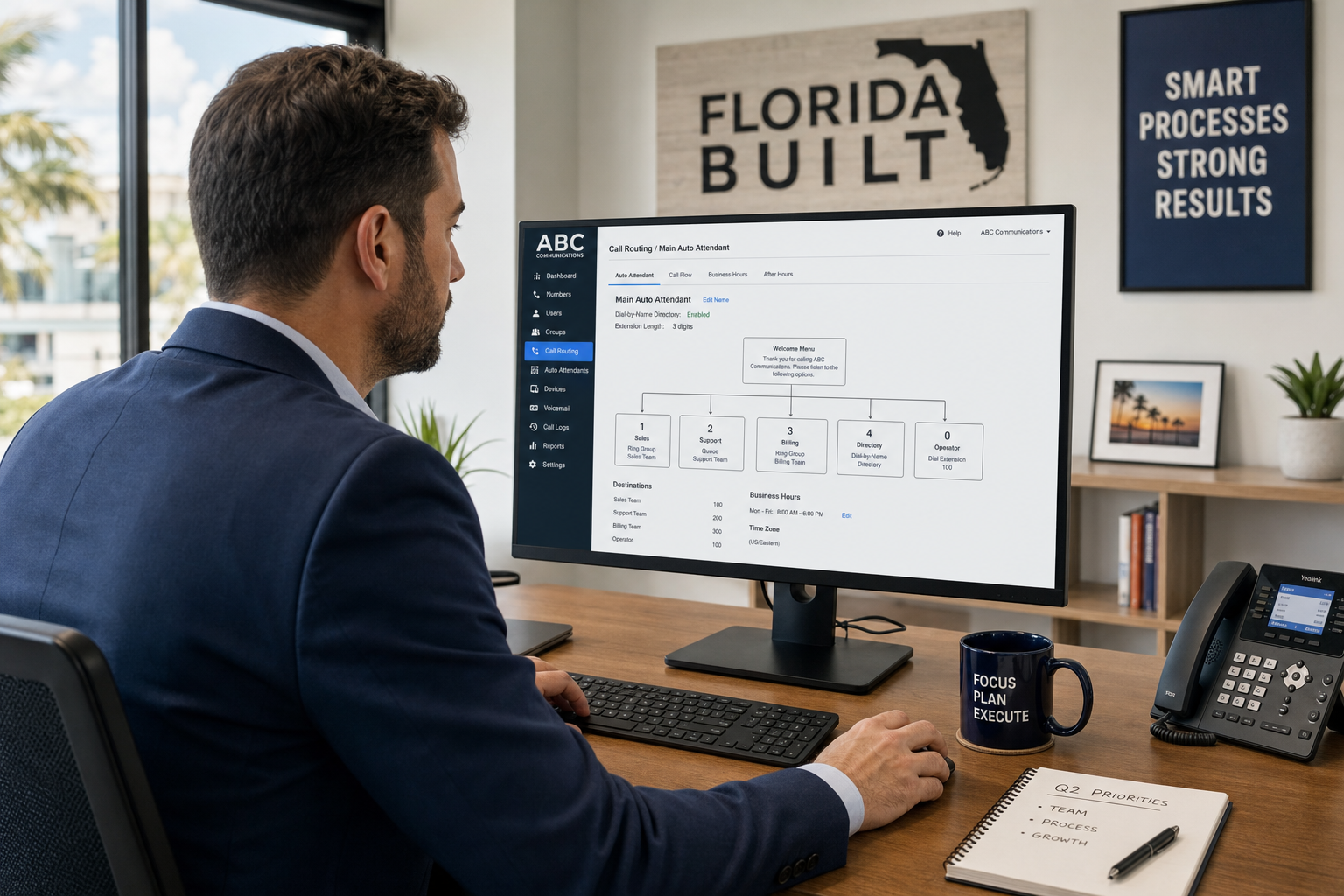
With a hosted cloud PBX, your auto-attendant, call queues, ring groups, and routing rules are all managed on remote servers — not hardware sitting in your office. When your office internet goes down, those rules do not disappear. Inbound calls still hit your cloud PBX, and the system follows whatever failover path you configured.
Failover Routing Options
There are several practical ways to route calls when your primary office connection fails:
- Mobile softphone failover: Staff install a softphone app on their smartphones. When the office connection drops, calls ring their mobile devices instead. No call is lost; the caller experience is unchanged.
- Alternate number forwarding: Your cloud PBX can be configured to forward calls to a cell number, a home office line, or a secondary location if the primary extension is unreachable.
- Remote staff ring groups: If your team is working from home during a storm, a ring group can distribute calls across remote workers’ softphones exactly as it would in the office.
- Voicemail with email delivery: If no one is reachable, calls can drop to voicemail and the recording is delivered immediately to email — so messages are not lost even if the office is inaccessible for days.
Secondary Internet Connection (LTE Failover)
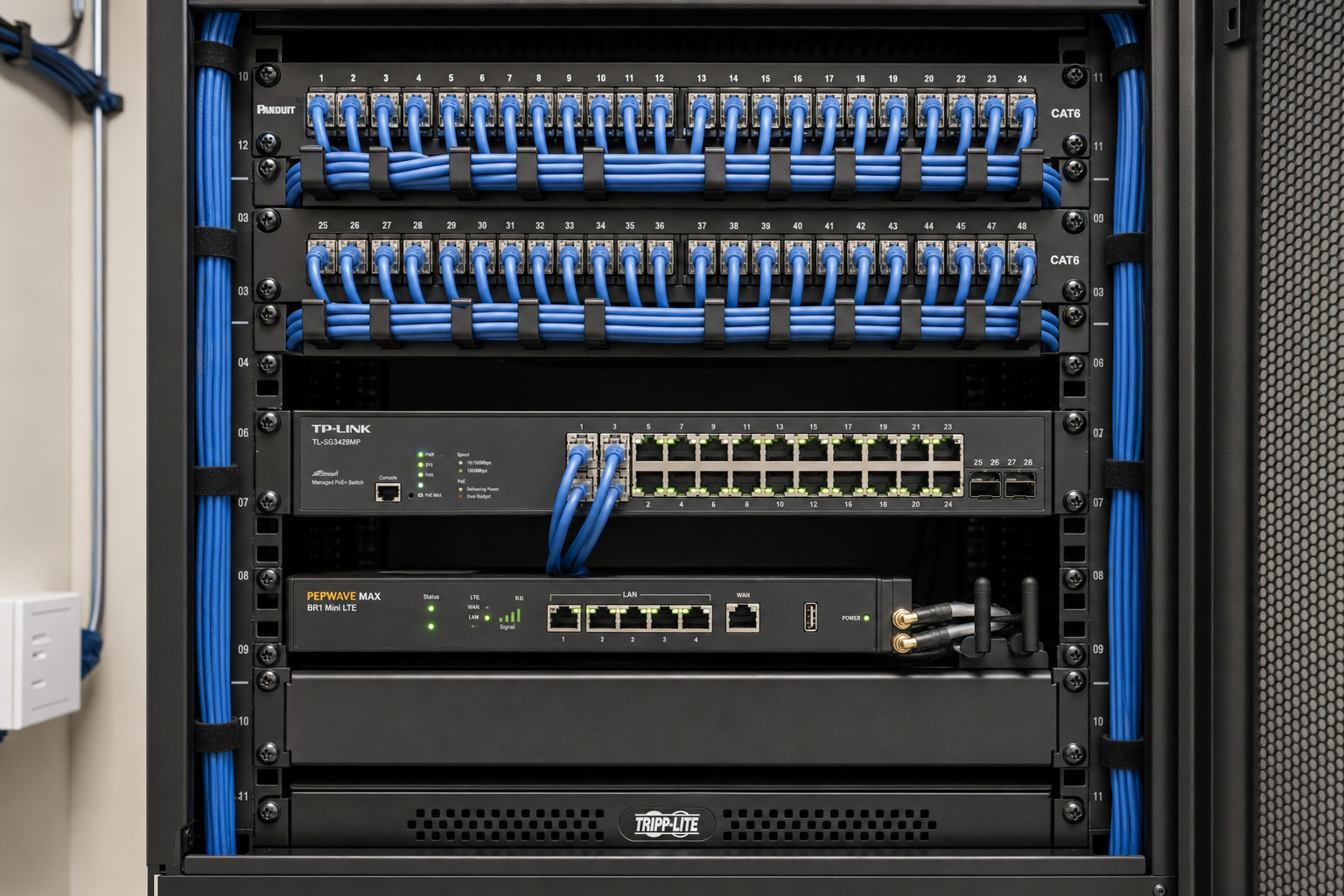
For businesses that need the highest level of call continuity, pairing your cloud PBX with a secondary internet connection is the most reliable approach. A 4G/LTE router or a second ISP connection can automatically take over when your primary fiber or cable connection fails. Combined with a cloud PBX, this means your desk phones stay online even during a primary ISP outage. The FCC has published guidance on communications resilience for businesses that outlines why redundant connectivity matters during disasters.
Storm-Prep Phone System Checklist
Use this checklist before hurricane season to confirm your business phone system is ready for an outage. If you cannot check every box, the gaps are worth addressing now.
- ☐ Cloud PBX confirmed: Your call routing logic lives in the cloud, not on office hardware.
- ☐ Failover rules configured: Your system has explicit rules for what happens when a primary extension or location is unreachable.
- ☐ Mobile softphones installed and tested: Key staff have softphone apps on their phones and have made at least one test call.
- ☐ Voicemail-to-email active: Voicemails are delivered to email so messages are accessible even without office access.
- ☐ Auto-attendant storm message ready: You have a recorded message ready to activate that informs callers of your status during a disruption.
- ☐ Secondary internet connection evaluated: You have considered or implemented an LTE failover router or second ISP for your office.
- ☐ Remote staff call routing tested: You have confirmed that calls reach remote workers correctly when they are not in the office.
- ☐ Number porting complete: Your business numbers are fully ported to your VoIP provider — not still tied to a legacy carrier that controls the routing.
- ☐ Local support contact confirmed: You know exactly who to call and how to reach them if something breaks during a storm.
Who This Is For
VoIP failover configuration is a practical priority for:
- Florida businesses in hurricane-prone areas — coastal, Central Florida, and anywhere that sees regular storm-related outages.
- Offices where missing inbound calls has a direct revenue or service impact: law firms, contractors, property managers, medical offices, logistics companies, and retail operations.
- Multi-location businesses that need calls to roll between locations automatically when one site goes down.
- Businesses currently on a legacy landline or on-premise PBX that have no remote routing capability.
- Operations managers who are responsible for business continuity planning and need a phone system that fits into that plan.
Who This Is NOT For
- Solo operators who work entirely from a personal cell phone and have no office call routing needs.
- Businesses with fewer than five staff members who only need basic call forwarding and are not ready for a full hosted PBX system.
- Organizations that have already invested in a well-configured cloud PBX with tested failover paths — this guide is for businesses that have not yet done that work.
Common Failover Mistakes Florida Businesses Make
Assuming the System Will Figure It Out
A cloud PBX does not configure failover automatically. Someone has to set the rules. Businesses that purchase a hosted VoIP plan and never configure failover paths are in the same position as businesses with no failover at all — they just do not know it until the power goes out.
Leaving Numbers on the Legacy Carrier
If your business phone numbers are still controlled by a legacy carrier and you have only partially moved to VoIP, a carrier outage can strand your numbers entirely. Full number porting to your VoIP provider puts routing control in your hands. Mynians handles number porting end-to-end, and porting timelines are confirmed per site after reviewing network readiness and carrier details.
Not Testing Before Storm Season
Failover rules that have never been tested are failover rules that may not work. A five-minute test call from a remote location before June 1 is worth more than any amount of planning that was never verified.
Relying on a Single Internet Connection
Even the best cloud PBX cannot route calls to desk phones if the office has no internet at all. For businesses where desk phone availability during a storm is critical, a secondary LTE connection is the practical answer. The Cybersecurity and Infrastructure Security Agency (CISA) recommends redundant communications paths as a core element of business continuity planning.
Why Local Support Matters During an Outage
When a storm hits Central Florida and your phone system has a configuration problem, you do not want to be on hold with a national provider’s support line. You want to reach someone who knows your setup, is in the same time zone, and can make changes to your call routing without a three-day ticket queue.
Mynians VoIP is based in Winter Garden, Florida, and serves businesses across Orlando, Tampa, Miami, Jacksonville, and the surrounding markets. When something goes wrong, you are calling a local team — real techs, real answers — not a national call center. That distinction matters most when conditions are worst.
For businesses that need a business VoIP system built for Florida’s operating environment, local implementation and support is not a luxury — it is part of what makes the system reliable.
Mynians VoIP Plans and Pricing
Mynians VoIP publishes straightforward per-licensed-user pricing with no long-term contracts. All plans are month-to-month with 30-day cancellation notice.
- Essential — $22.95 per licensed user/month (5-user minimum): Core hosted VoIP features including cloud PBX, auto-attendant, voicemail to email, and mobile softphone.
- Professional — $29.95 per licensed user/month (5-user minimum): Adds advanced call routing, queues, and additional collaboration features.
- Enterprise — Starting at $39.95 per licensed user/month (10-user minimum, final quote required): For multi-location businesses and organizations with complex call flow requirements.
Standard implementation is $149 for 5–9 licensed users and included for 10 or more. Hardware, taxes, fees, and quoted add-ons are separate. Installation and porting timelines are confirmed per site after reviewing network readiness, hardware, and porting details. See full details on the Mynians VoIP pricing page.
Failover configuration, call flow setup, and number porting are handled as part of the implementation process — not left to the customer to figure out after the fact.
Frequently Asked Questions
What happens to my VoIP calls if my office internet goes down during a storm?
With a hosted cloud PBX, your call routing logic lives in the cloud — not in your office. If your office internet fails, inbound calls still reach your cloud PBX and follow whatever failover rules you configured in advance. That might mean ringing mobile softphones, forwarding to a remote employee, or routing to voicemail with email delivery. The key is that those rules must be set up before the outage occurs.
Can my staff take business calls on their cell phones during an outage?
Yes. Mynians VoIP includes mobile and desktop softphone apps. When configured as a failover destination, staff can receive and make calls through the softphone using their business number — callers see your business number, not a personal cell. This works as long as the staff member has a cellular data or Wi-Fi connection, even if the office itself is offline.
How long does it take to set up VoIP failover for my Florida business?
Implementation and porting timelines are confirmed per site after Mynians reviews your network readiness, existing hardware, and number porting details. There is no fixed timeline we can state universally because every business location is different. The consultation call is where we assess your specific situation and give you a realistic schedule.
What is the difference between VoIP failover and just forwarding my calls to a cell phone?
Manual call forwarding requires someone to actively set it up — usually from inside the office, before the outage happens. VoIP failover is an automatic rule built into your cloud PBX that triggers without any manual action when a primary extension or location becomes unreachable. Failover is faster, more reliable, and does not depend on someone remembering to act before conditions deteriorate.
Do I need a second internet connection for VoIP failover to work?
Not necessarily. If your staff can receive calls on mobile softphones using cellular data, your cloud PBX can route calls to them even if the office internet is completely down. However, if you need desk phones to stay online during an outage, a secondary LTE router or second ISP connection is the practical solution. We discuss both options during the consultation based on your call volume and continuity requirements.
What does Mynians VoIP cost and is there a long-term contract?
Mynians VoIP is priced per licensed user per month. The Essential plan starts at $22.95 per licensed user with a 5-user minimum. The Professional plan is $29.95 per licensed user with a 5-user minimum. Enterprise starts at $39.95 per licensed user with a 10-user minimum and requires a final quote. All plans are month-to-month with 30-day cancellation notice. Standard implementation is $149 for 5 to 9 licensed users and included for 10 or more. Hardware, taxes, fees, and quoted add-ons are separate.
Can Mynians port my existing business phone numbers to VoIP?
Yes. Mynians handles number porting end-to-end. Porting timelines are confirmed per site after reviewing your current carrier, network readiness, and hardware. Keeping your existing numbers is important for business continuity, and we manage the process so you are not left coordinating between carriers on your own.
Update Log
- October 2026: Created and reviewed for Mynians VoIP business phone system accuracy.


