

Florida VoIP Hurricane Readiness Checklist
Hurricane season in Florida is not a hypothetical. It is a recurring operational risk that can cut your phones, your internet, and your customer contact lines at the worst possible moment. If your business phone system has never been tested against a real outage scenario, you are not ready. This checklist walks Florida business owners and office managers through exactly what to test, configure, and confirm before the next storm makes landfall.
Why VoIP Outage Planning Matters in Florida
Florida businesses face a concentrated storm season that runs June through November. A direct hit or even a near-miss can knock out commercial internet service for hours or days. Traditional landlines are not immune either — copper infrastructure fails in flooding and wind events just as readily as fiber runs. The difference with a properly configured hosted VoIP system is that the phone number and call logic live in the cloud, not in a box on your wall. That means your routing, your auto-attendant, and your voicemail can keep working even when your physical office cannot.
The problem is that most businesses set up their VoIP system once and never test what happens when the internet drops. They assume it will work. Then the storm hits, the ISP goes down, and calls go nowhere — or worse, ring endlessly with no answer, signaling to customers that the business is closed.
How VoIP Stacks Up Against Other Phone Options During Outages
| Phone System Type | Works During Internet Outage? | Works During Power Outage? | Remote/Mobile Access? | Failover Routing? | Typical Florida Setup Reality |
|---|---|---|---|---|---|
| Hosted VoIP (Mynians) | Yes, with backup internet or LTE | Yes, via mobile softphone on cell | Yes, full softphone app | Yes, cloud-configured | Local tech configures failover before storm season |
| RingCentral / Nextiva (national hosted) | Yes, with backup internet or LTE | Yes, via mobile app | Yes | Yes, self-configured portal | Support is remote; no local tech on-site; portal changes require your own IT |
| AT&T Business (hosted or SIP) | Varies by plan | Limited | Limited | Varies | Long install waits; national support queue during storm events |
| Legacy On-Premise PBX | No — PBX box requires local power and internet | No without generator | No without additional config | No built-in cloud failover | Common in older Florida offices; high single-point-of-failure risk |
| DIY Softphone Apps (consumer) | Partial — depends on app and account | Yes, on cell | Yes | No | No business call routing, no auto-attendant, no porting support |
Who This Checklist Is For
This guide is for you if:
- You run a Florida business with 5 or more employees who depend on phone calls to operate.
- You have a VoIP system but have never tested what happens when your internet goes down.
- You are still on a legacy PBX or landline and want to understand your storm exposure.
- You manage multiple locations across Florida and need consistent call handling during regional outages.
- You are an office manager responsible for business continuity planning before June.
This guide is NOT for you if:
- You are a solo operator with a single cell phone and no office staff — a basic mobile plan is sufficient for your scale.
- Your business is fully closed during storm events with no customer-facing operations to maintain.
- You already have a documented, tested failover plan reviewed by your VoIP provider in the last 12 months.
The Pre-Hurricane VoIP Readiness Checklist
Work through each item below before June 1. If any item is unchecked, treat it as an open risk.
System and Account Access
- Confirm you have admin login credentials for your VoIP portal — do not wait until the storm to find out you do not have access.
- Verify that at least two staff members know how to log in and make routing changes.
- Confirm your provider’s emergency support contact number is saved offline (not just in your VoIP app).
Call Routing and Auto-Attendant
- Review your after-hours and holiday routing rules — these are the same rules that activate when your office is unreachable.
- Create or update a storm routing profile that redirects calls to mobile numbers or a remote team.
- Record a storm-specific auto-attendant greeting that tells callers your status and alternate contact options.
- Test the auto-attendant by calling your main number from an outside line.
Voicemail and Notifications
- Enable voicemail-to-email on every extension so messages reach staff even without office access.
- Confirm the email addresses on file are current and accessible from mobile devices.
- Test voicemail delivery by leaving a test message and confirming email receipt.
Mobile Softphones
- Install and activate the softphone app on every key staff member’s mobile device before the storm.
- Log in and place a test call from each device using the business number.
- Confirm that mobile data (not just Wi-Fi) is enabled for the app — office Wi-Fi will be down.
Internet Backup and Failover Considerations
Your VoIP system is only as reliable as the internet connection it runs on. This is the most important infrastructure decision you will make for storm readiness.
Primary ISP Failure
When your primary ISP goes down — whether from a downed line, flooded node, or power failure at the provider’s facility — your VoIP phones go silent unless you have a secondary path. Options include a second wired ISP from a different provider using a different physical route, or an LTE/5G cellular router that automatically takes over when the primary connection drops.
The FCC has published guidance on communications network resilience during disasters, including the importance of diverse network paths for business continuity. Review their resources as part of your planning.
LTE Failover Routers
A cellular failover router — configured to switch automatically when the primary ISP drops — can keep your VoIP system running on cell data during short to medium outages. Call quality on LTE is generally sufficient for business calls when the connection is stable. This is not a permanent replacement for wired internet, but it is a practical bridge during storm events.
Power Backup
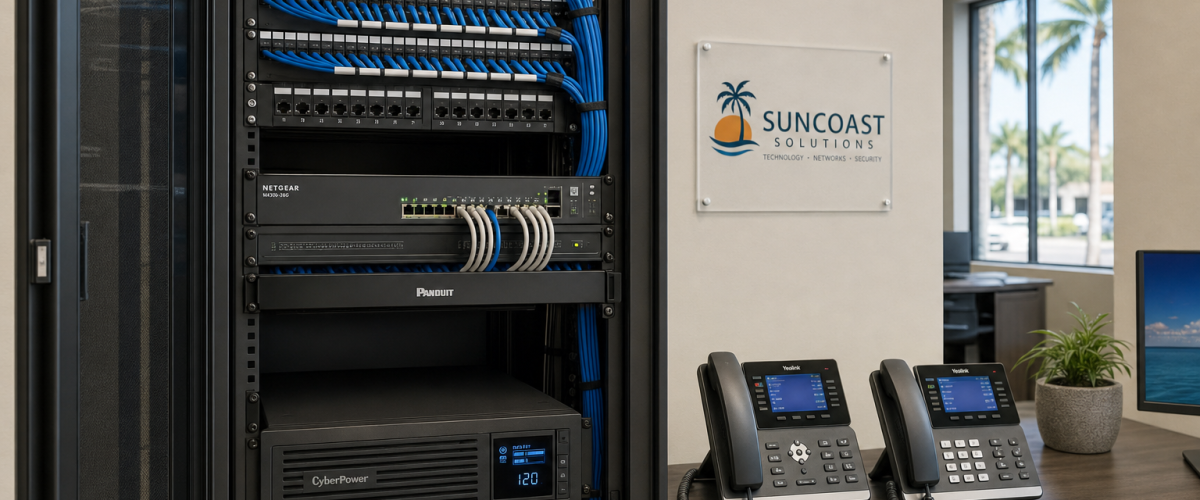
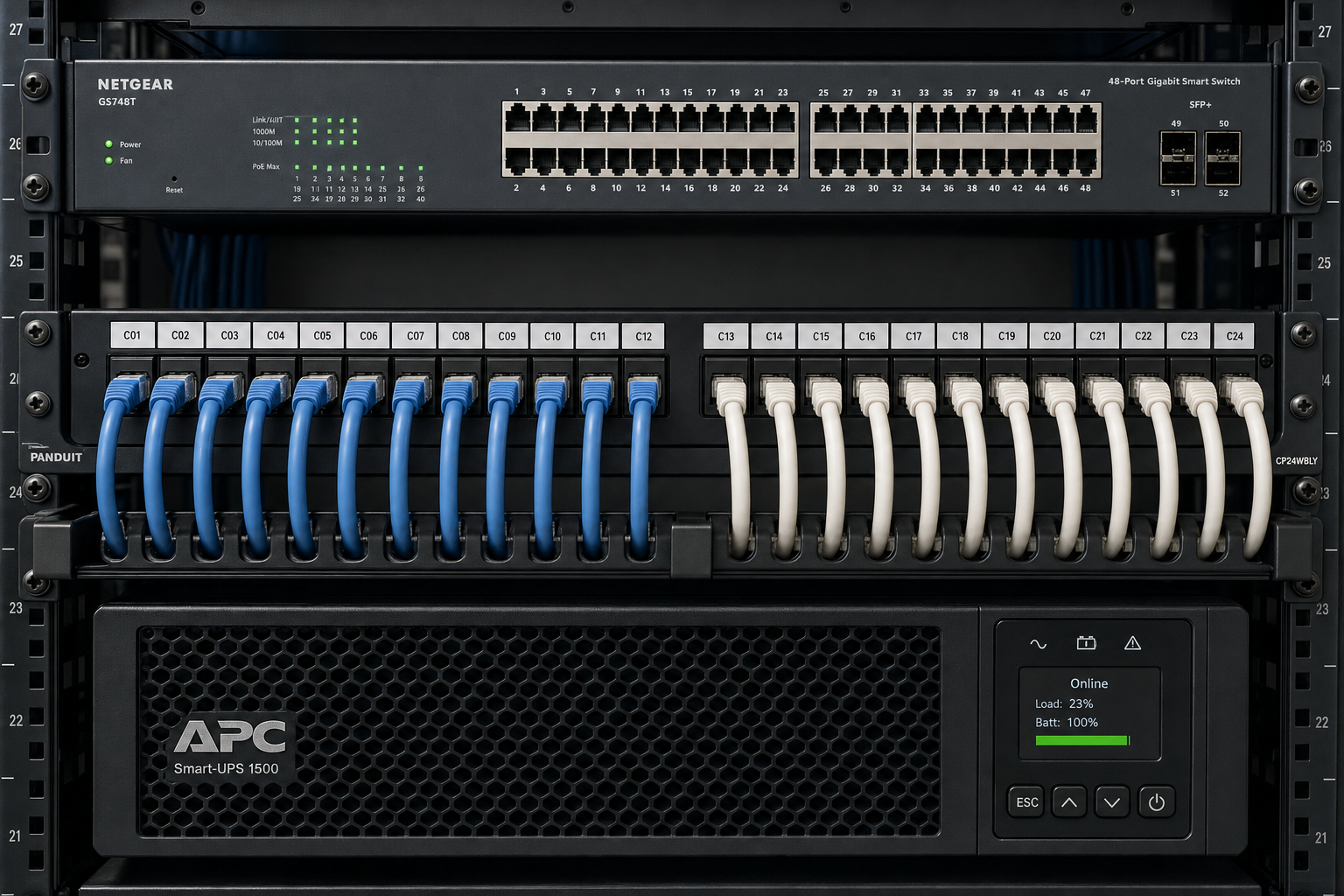
Your router, switch, and any on-site VoIP hardware need power to function. A UPS (uninterruptible power supply) on your network equipment can keep your internet and phones running through brief outages. For extended outages, a generator is required. Even with cloud-hosted VoIP, your local network gear must stay powered for office phones to work.
Call Routing and Failover Configuration
Cloud-hosted VoIP gives you a significant advantage during outages: your call routing logic lives off-site. Even if your office is completely unreachable, your phone number can still ring, route, and reach people — as long as the routing is configured correctly in advance.
Hunt Groups and Simultaneous Ring
Configure hunt groups or simultaneous ring to include mobile numbers for key staff. When the office phones go offline, calls will continue ringing to mobile devices without the caller knowing anything changed.
Overflow and Voicemail Fallback
Set a clear overflow destination for calls that go unanswered. During a storm, staff capacity is unpredictable. A well-configured voicemail fallback with a storm-specific greeting is far better than a call that rings out with no answer.
Geographic Redundancy for Multi-Location Businesses
If you operate across multiple Florida locations — say, an Orlando office and a Tampa branch — configure your routing so that a storm affecting one location automatically shifts call handling to the unaffected site. This is a standard configuration in a properly built cloud PBX and one of the strongest arguments for moving away from location-dependent legacy systems.
Mobile Softphones and Remote Access
A mobile softphone app turns any smartphone into a full business extension. Staff can make and receive calls on the business number, transfer calls, access voicemail, and join conference calls — all from wherever they evacuated to, as long as they have a cell signal.
This is not a workaround. It is a designed feature of hosted VoIP, and it is one of the most practical tools available to Florida businesses during storm events. The key is installing and testing the app before the storm, not during it.
For businesses that need storm-ready VoIP with properly configured mobile access and failover routing, the setup work happens before the season — not after the first named storm appears on the radar.
How to Actually Test Your System Before the Storm
Reading a checklist is not the same as testing. Here is how to run a real outage simulation before June.
Step 1: Disconnect Your Primary Internet
Physically unplug your primary ISP connection at the router. This simulates a real outage. Observe what happens to your office phones and confirm whether your LTE failover activates automatically.
Step 2: Call Your Main Business Number
From an outside cell phone, call your main business number while the primary internet is disconnected. Confirm the call routes correctly — to your storm routing profile, mobile numbers, or auto-attendant — rather than ringing endlessly or going to a generic voicemail.
Step 3: Test Mobile Softphone on Cell Data Only
Disable Wi-Fi on a staff member’s phone and confirm the softphone app can place and receive calls on mobile data alone. This is the real-world condition during a storm.
Step 4: Confirm Voicemail-to-Email Delivery
Leave a voicemail on a key extension and confirm the email notification arrives within a few minutes. Check that the email is accessible from a mobile device.
Step 5: Document What Broke
Write down every failure point you found. These are your action items. Contact your VoIP provider to resolve them before the season opens.
Common Mistakes Florida Businesses Make
- Assuming the system will figure it out. Failover routing does not configure itself. It must be set up deliberately and tested.
- No UPS on network gear. The VoIP system survives in the cloud, but your local router and switch do not.
- Softphone apps not installed until after the storm. App stores may be slow or inaccessible during high-demand storm events. Install and test before.
- Single ISP with no backup path. One internet provider is one point of failure. LTE failover is a practical, affordable second path.
- Outdated routing rules. Staff turnover means old mobile numbers in routing profiles. Audit your hunt groups and ring groups annually.
- No storm-specific auto-attendant greeting. A generic greeting during a storm event leaves callers with no useful information about your status.
- Relying on a national provider’s support queue during a regional storm. When a hurricane hits Florida, every business in the affected area is calling the same national support line. Local support matters.
The Cybersecurity and Infrastructure Security Agency (CISA) publishes business continuity planning resources that apply directly to communications infrastructure. Their guidance on critical communications resilience is worth reviewing as part of your broader storm preparedness planning.
How Mynians VoIP Supports Florida Business Continuity
Mynians VoIP is the Florida business phone division of Mynians, a Winter Garden, Florida technology company with over two decades of hands-on experience. We serve businesses across Orlando, Winter Garden, Tampa, Miami, Jacksonville, and the broader Florida market.
Our hosted VoIP plans start at $22.95 per licensed user per month (Essential, 5-user minimum) and $29.95 per licensed user per month (Professional, 5-user minimum), with Enterprise plans starting at $39.95 per licensed user per month with a 10-user minimum and a final quote required. Standard implementation is $149 for 5–9 users and included for 10 or more licensed users. Hardware, taxes, fees, and quoted add-ons are separate. Service is month-to-month with 30-day cancellation notice — no long-term contract required.
We handle number porting end-to-end. Installation and porting timelines are confirmed per site after reviewing your network readiness, hardware, and porting situation — we do not give blanket promises because every Florida business location is different.
For storm readiness specifically, we configure failover call routing, mobile softphone access, voicemail-to-email, and auto-attendant profiles. We also work with the wider Mynians team on network infrastructure — managed IT, structured cabling — so your VoIP system has a solid foundation to run on, not just a cloud account sitting on top of an untested local network.
When you call us at (407) 374-2782, you reach real techs with real answers — not a national support queue. That matters most when a storm is 48 hours out and you need something fixed now.
Visit our pricing page for current plan details, or contact us to discuss your specific setup.
Frequently Asked Questions
Will my VoIP phones still work if my office internet goes down during a hurricane?
Your office desk phones will go offline if your local internet connection fails and you have no backup path. However, if your system is configured with mobile softphones and failover routing, calls to your business number can continue ringing to staff mobile devices over cell data. The cloud PBX keeps running — it is your local network connection that determines whether office phones stay up. This is why LTE failover routers and UPS units on network gear are critical pre-storm investments.
How much does Mynians VoIP cost per user?
Mynians VoIP plans are priced per licensed user per month. The Essential plan is $22.95 with a 5-user minimum. The Professional plan is $29.95 with a 5-user minimum. The Enterprise plan starts at $39.95 with a 10-user minimum and requires a final quote. Standard implementation is $149 for 5–9 users and included for 10 or more. Hardware, taxes, fees, and quoted add-ons are separate. Service is month-to-month with 30-day cancellation notice.
What is failover call routing and how does it help during a storm?
Failover call routing is a pre-configured rule in your cloud PBX that redirects incoming calls to alternate destinations — such as mobile numbers or a different office location — when your primary phones are unreachable. Because the routing logic lives in the cloud, it activates automatically based on the rules you set, even if your office has no power or internet. It must be configured and tested before the storm to work reliably.
How long does it take to set up VoIP with Mynians before hurricane season?
Installation and porting timelines are confirmed per site after Mynians reviews your network readiness, existing hardware, and porting requirements. Every Florida business location is different, so we do not publish a blanket timeline. Contact us as early as possible before hurricane season to allow adequate time for site review, configuration, and testing.
Can I keep my existing business phone number if I switch to Mynians VoIP?
Yes. Mynians handles number porting end-to-end. The porting timeline is confirmed per site based on your current carrier and number type. We manage the process so you do not have to coordinate between providers yourself.
What is the difference between Mynians VoIP and a national provider like RingCentral during a Florida storm?
Both are cloud-hosted systems, so the core VoIP infrastructure is similar. The practical difference is support. When a hurricane affects Florida, every business in the region is calling the same national support queue simultaneously. Mynians is based in Winter Garden, Florida, with local technicians who serve the Florida market directly. You reach real techs with real answers, not a national call center. We also work with the wider Mynians team on your local network infrastructure, not just the VoIP account.
Do I need a contract to use Mynians VoIP?
No. Mynians VoIP is month-to-month service with a 30-day cancellation notice. There is no long-term contract requirement.
Update Log
- September 2026: Created and reviewed for Mynians VoIP business phone system accuracy.


