


Healthcare VoIP Switch Checklist for Florida Offices
Switching phone providers is already stressful. For Florida medical, dental, therapy, and counseling offices, it carries an extra layer of responsibility: your phone system touches protected health information every day. Before you port a single number or unbox a new desk phone, there are specific hosted VoIP settings and vendor commitments you need to verify. This guide walks you through exactly what to check so your new setup supports your HIPAA obligations from day one.
Who This Guide Is For — and Who It Is Not
This guide is for you if:
- You manage the front desk or operations for a Florida medical, dental, therapy, or counseling office.
- You are actively evaluating a VoIP provider switch and want to avoid compliance gaps during the cutover.
- Your current provider has not explained whether a business associate agreement applies to the selected services, what it would cover, or how call flows support your safeguards.
- You have multiple locations, remote staff, or after-hours routing needs that your current system handles poorly.
This guide is NOT for you if:
- You are a solo practitioner with a personal cell phone and no staff — your needs are different and a full hosted PBX may be more than you require right now.
- You are looking for legal or regulatory advice. This guide covers VoIP configuration considerations, not legal counsel. Consult your compliance officer or attorney for formal HIPAA guidance.
- You are outside Florida and looking for a national provider with no local support preference.
Step 1: Determine BAA Applicability and Scope
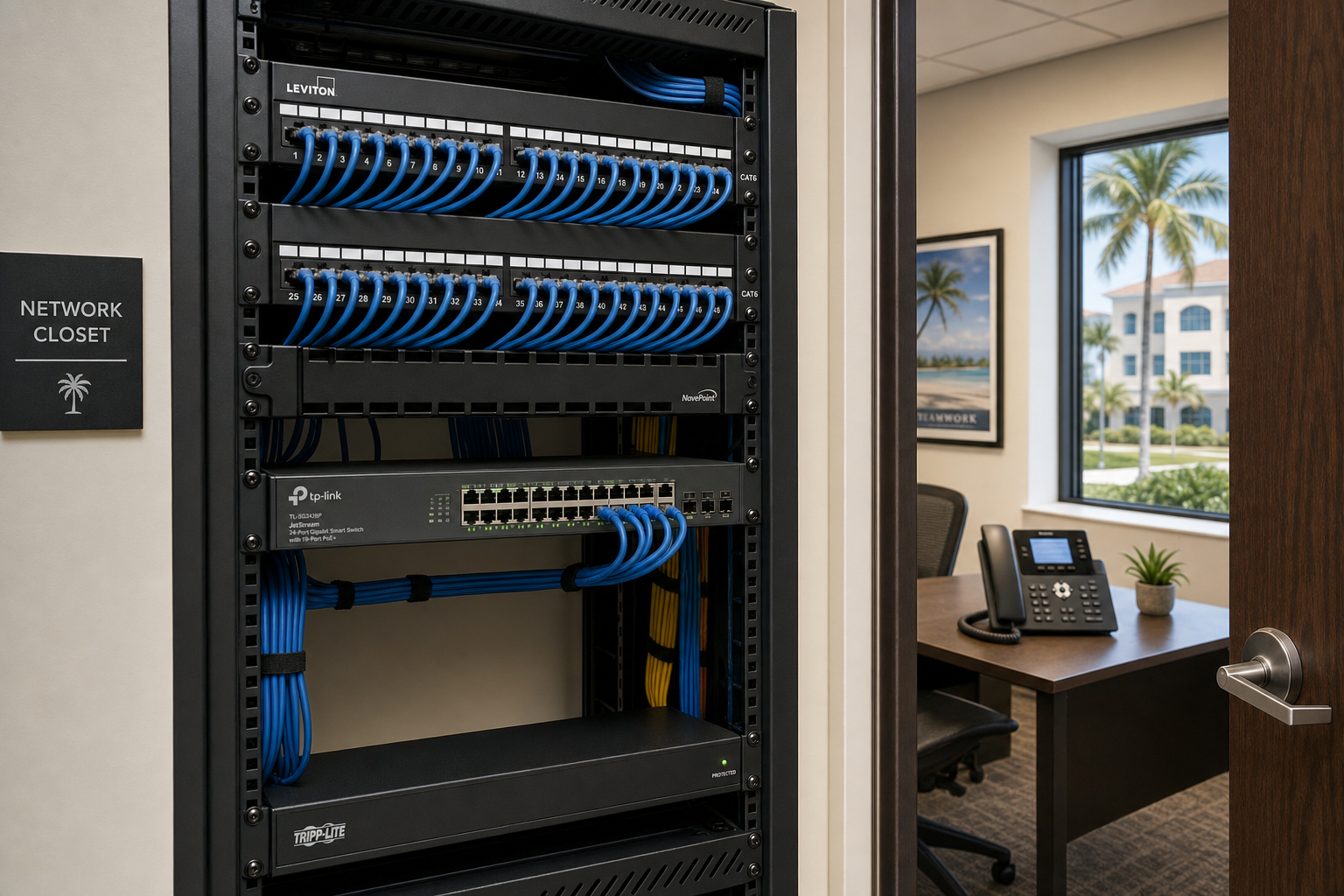
HHS explains that a written business associate agreement is required when a vendor performs covered functions or services for a covered entity that involve creating, receiving, maintaining, or transmitting protected health information. The first step is therefore to determine whether the proposed VoIP configuration makes the provider a business associate and, if so, to document the permitted services and safeguards in writing before protected health information is handled.
Ask every prospective VoIP provider these questions directly:
- Do you provide a Business Associate Agreement for healthcare customers?
- Which specific services are covered under the BAA — does it include voicemail storage, call recording, and the admin portal?
- Who signs it and how long does the review process take?
If the proposed service will involve protected health information and the provider cannot explain its business-associate status or written terms, pause the cutover and involve the practice’s privacy or security lead. Review the current HHS business-associate guidance and the HHS sample contract provisions with qualified counsel as needed.
Step 2: Audit Voicemail and Voicemail-to-Email Settings
Voicemail is one of the most overlooked exposure points in a healthcare phone system. Patients leave messages that may include names, dates of birth, appointment details, or descriptions of their reason for calling. Every one of those messages is potentially protected health information.
What to verify before switching:
- Voicemail storage location: Where are voicemail recordings stored? Is that storage covered under your BAA?
- Voicemail-to-email delivery: If your system forwards voicemail audio files or transcriptions to staff email addresses, confirm that the email domain and delivery path are also covered or that the feature can be restricted to inboxes approved under the practice’s safeguards.
- Access controls: Can you set PIN requirements and limit which extensions or users can retrieve voicemail remotely?
- Retention and deletion: Does the system allow you to set retention periods and delete recordings on a defined schedule?
Mynians’ published plans include voicemail-to-email, while the Enterprise healthcare configuration lists encrypted call paths and controlled voicemail access. Confirm the exact service, Business Associate Agreement applicability, transcription settings, recording options, and retention controls in the written scope before go-live.
Step 3: Review Call Recording Configuration
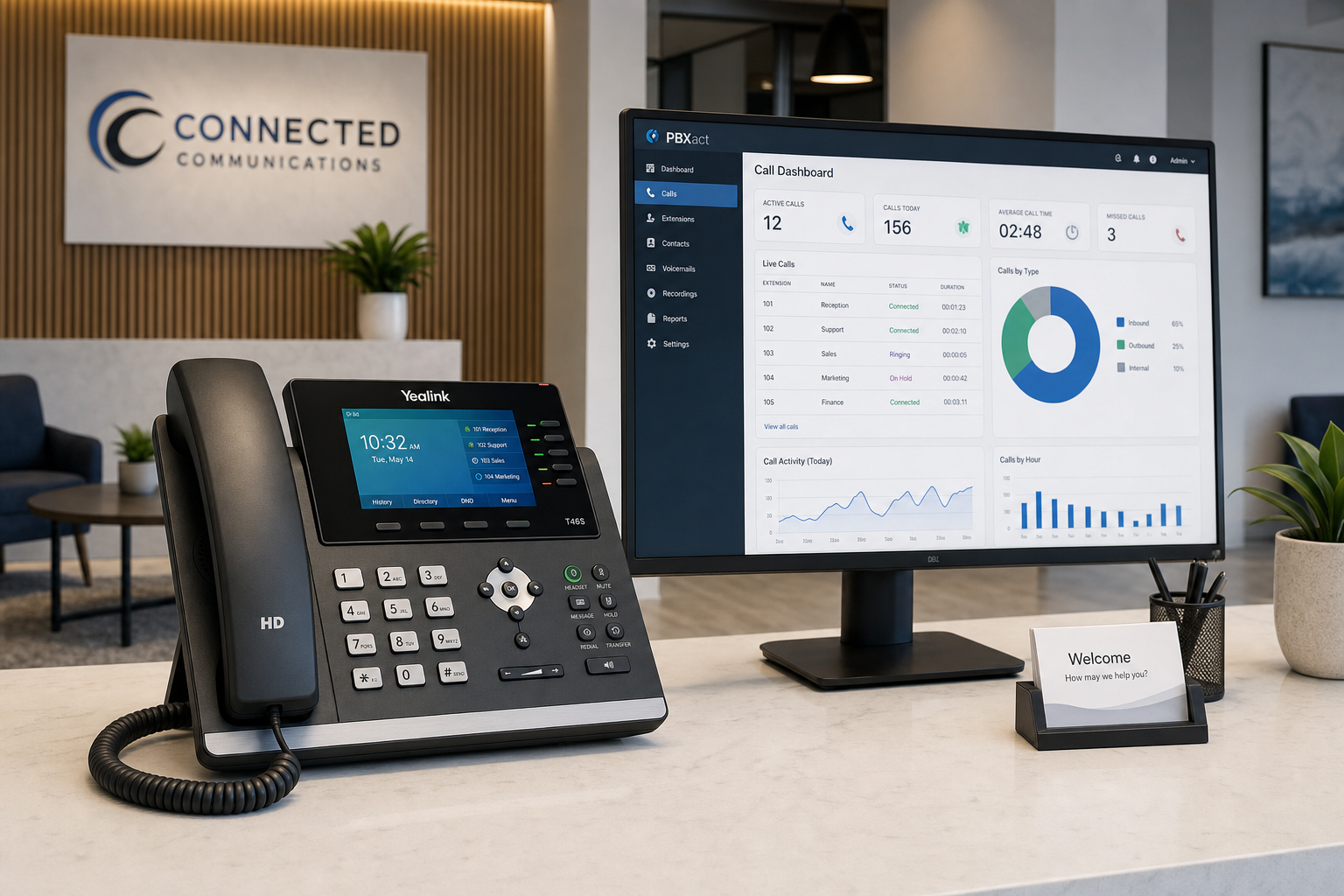
Call recording is a useful tool for staff training and quality review, but in a healthcare office it requires deliberate configuration. Recorded calls that include patient information must be stored, accessed, and retained in a way that aligns with your HIPAA obligations.
Questions to ask your prospective VoIP provider:
- Is call recording on-demand, automatic, or configurable by extension or queue?
- Where are recordings stored and is that storage covered under the BAA?
- Who has access to recordings — can you restrict access by role?
- Can recordings be exported, and if so, to what destinations?
- Is there an audit log of who accessed or downloaded a recording?
If your new provider cannot answer these questions clearly, or if call recording is bundled into a plan without any configuration options, that is a configuration risk worth flagging before go-live. Our healthcare VoIP configurations setup page covers how Mynians approaches these configurations for Florida healthcare offices specifically.
Step 4: Verify Call Routing and Auto-Attendant Setup
Your auto-attendant and call routing logic is the first thing patients interact with. A misconfigured routing tree does not just frustrate callers — it can send calls to the wrong extension, expose voicemail boxes that are not monitored, or leave after-hours calls with no coverage at all.
Healthcare-specific routing considerations:
- After-hours routing: Where do calls go when the office is closed? Is there a clear path to an on-call line, an answering service, or a specific voicemail box that is monitored?
- Department routing: Can callers reach billing, scheduling, and clinical staff on separate extensions without being transferred through a general pool?
- Overflow handling: If the front desk is busy, where does the call go? A queue with hold music is better than a busy signal or a dropped call.
- Holiday and emergency schedules: Can you update routing schedules quickly without calling your provider? During a Florida hurricane or unexpected closure, you need to reroute calls in minutes, not hours.
Step 5: Understand Porting Risk and Timeline
Number porting is where healthcare office switches go wrong most often. Your main practice line, your fax number, and any direct-dial extensions that patients have saved all need to transfer cleanly. A porting error that leaves your office unreachable for even a few hours is a serious operational problem.
What can go wrong during porting:
- Incorrect account information submitted to the losing carrier causes the port to be rejected and restarted.
- The losing carrier delays release, extending the cutover window.
- Fax lines are ported on a different timeline than voice lines, creating a gap.
- The new provider does not confirm a test call before the old service is disconnected.
Mynians handles number porting end-to-end for every account. The porting and installation timeline is confirmed per site after reviewing network readiness, hardware, and porting requirements — because no two offices port the same way. We do not give you a generic timeline and leave you to manage the carrier relationship yourself.
For background on how number portability works at the regulatory level, the FCC publishes consumer and business porting rules that are worth reviewing if you want to understand your rights during a carrier dispute.
Step 6: Test Failover Before You Go Live
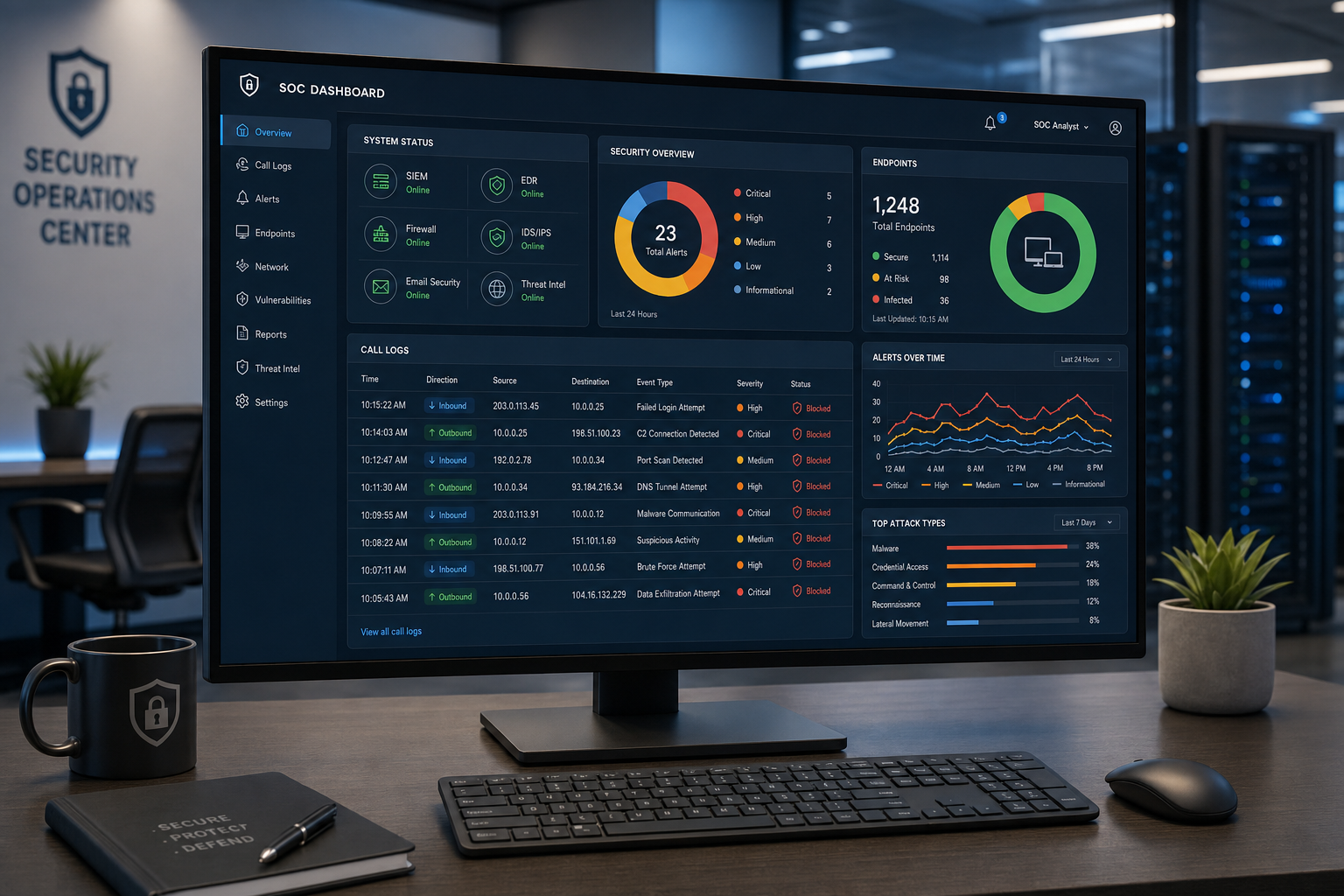
Florida offices face outage risks that offices in other states do not think about as often. Hurricane season, tropical storms, and localized power events can knock out internet connectivity for hours or days. A hosted VoIP system without a tested failover plan leaves your office dark when patients need to reach you most.
Failover questions to ask before switching:
- If our internet connection goes down, where do inbound calls route automatically?
- Can calls fail over to mobile numbers or a backup location?
- Is failover configuration included in the setup, or is it a separate add-on?
- How do we test failover before go-live, and who runs that test?
Mynians’ current site says failover rules can route calls to approved mobile apps, cell phones, or another location and are tested during onboarding. The exact destinations, permissions, and test plan should be confirmed for the account before cutover.
Step 7: Plan for Multi-Location and Remote Staff
If your practice has more than one location — or if staff take calls from home or on mobile — your VoIP system needs to handle that without creating separate, disconnected phone environments. A unified cloud PBX means a patient calling your Orlando office can be transferred to your Winter Garden location without a dropped call or a confusing callback experience.
What to confirm for multi-location and remote setups:
- Can all locations share a single dial plan and extension directory?
- Do mobile and desktop softphones connect to the same system with the same call handling rules?
- Can you manage all locations from a single admin portal?
- Are call logs and recordings consolidated across locations?
Mynians VoIP supports multi-location systems across Florida, including offices in Orlando, Winter Garden, Tampa, Miami, and Jacksonville. Whether you have two locations or ten, the system is built so your team operates as one practice, not a collection of separate phone accounts.
Pricing starts at $22.95 per licensed user per month on the Essential plan (5-user minimum), $29.95 per licensed user per month on Professional (5-user minimum), and Enterprise starting at $39.95 per licensed user per month (10-user minimum, final quote required). Standard implementation is $149 for 5–9 licensed users and included for 10 or more. Service is month-to-month with 30 days’ cancellation notice. Hardware, taxes, fees, and quoted add-ons are separate. See the full pricing page for details.
Frequently Asked Questions
How does Mynians handle Business Associate Agreement availability for healthcare configurations?
Mynians confirms Business Associate Agreement availability in writing for the specific service before signing. Whether an agreement applies and which services it covers depend on the configuration and handling of protected health information. Recording and retention controls are optional add-ons that require a separately accepted scope.
How long does number porting take for a Florida healthcare office?
Porting timelines are confirmed per site after reviewing network readiness, hardware, and the specific numbers being ported. There is no single universal timeline because carrier release schedules, account verification, and the number of lines being ported all affect the process. Mynians handles porting end-to-end and coordinates directly with the losing carrier so your office does not have to manage that relationship.
What happens to patient calls if our internet goes down during a Florida storm?
Mynians configures failover routing as part of the system setup for healthcare accounts. If your internet connection goes down, inbound calls can be automatically routed to mobile numbers, a backup location, or another defined destination. Failover is tested before go-live so you know it works before you need it.
How is Mynians VoIP priced for a healthcare office with multiple staff members?
Pricing is per licensed user per month, not per phone line. The Essential plan starts at $22.95 per licensed user per month with a 5-user minimum. The Professional plan is $29.95 per licensed user per month with a 5-user minimum. Enterprise starts at $39.95 per licensed user per month with a 10-user minimum and requires a final quote. Standard implementation is $149 for 5 to 9 licensed users and is included for 10 or more. Service is month-to-month with 30 days’ cancellation notice. Hardware, taxes, fees, and quoted add-ons are separate.
Can Mynians VoIP support a practice with locations in multiple Florida cities?
Yes. Mynians VoIP supports multi-location systems across Florida, including Orlando, Winter Garden, Tampa, Miami, and Jacksonville. All locations can share a single cloud PBX, unified dial plan, and admin portal so your team operates as one practice regardless of how many offices you have.
What is the difference between a VoIP system that supports HIPAA obligations and one that is HIPAA certified?
There is no official HIPAA certification for VoIP vendors. HIPAA compliance remains the responsibility of the covered entity and any applicable business associates. Determine whether the provider will create, receive, maintain, or transmit protected health information for the selected services; if so, confirm the appropriate written agreement, scope, safeguards, and subcontractor terms. Mynians describes its healthcare configurations as supporting applicable HIPAA obligations and confirms agreement availability for the specific service in writing before signing.
Update Log
- October 2026: Created and reviewed for Mynians VoIP business phone system accuracy.


