

How to Fix Missed Calls in a Florida Business
If your front desk is overwhelmed, your remote staff is unreachable, or calls are falling into voicemail black holes across multiple locations, you have a routing problem — not a staffing problem. Here is how Florida businesses are fixing it with the right VoIP setup.
Why Calls Get Missed in Florida Businesses
Missed calls are not random. They follow predictable patterns that show up in businesses across Orlando, Tampa, Miami, Jacksonville, and Winter Garden every day. Here are the most common causes:
- Single-point front desk: One receptionist, one line. When she is on a call, the next caller hits a busy signal or an unmonitored voicemail box.
- Remote staff cut off from the main number: Field techs, work-from-home employees, and satellite office staff have no way to receive or transfer calls on the company number.
- No after-hours routing: Calls that come in after 5 p.m. go nowhere useful. No auto-attendant, no on-call routing, no voicemail-to-email notification.
- Multi-location handoff failures: A caller reaches the Orlando office but needs Tampa. The transfer drops, or the Tampa line just rings with no answer.
- Legacy PBX with no overflow logic: Older on-premise systems were not built for distributed teams. They route to extensions that no longer exist or to phones nobody sits at.
- Hurricane and outage gaps: Florida businesses that rely on copper lines or aging hardware lose phone service entirely when a storm hits. No failover means no calls answered.
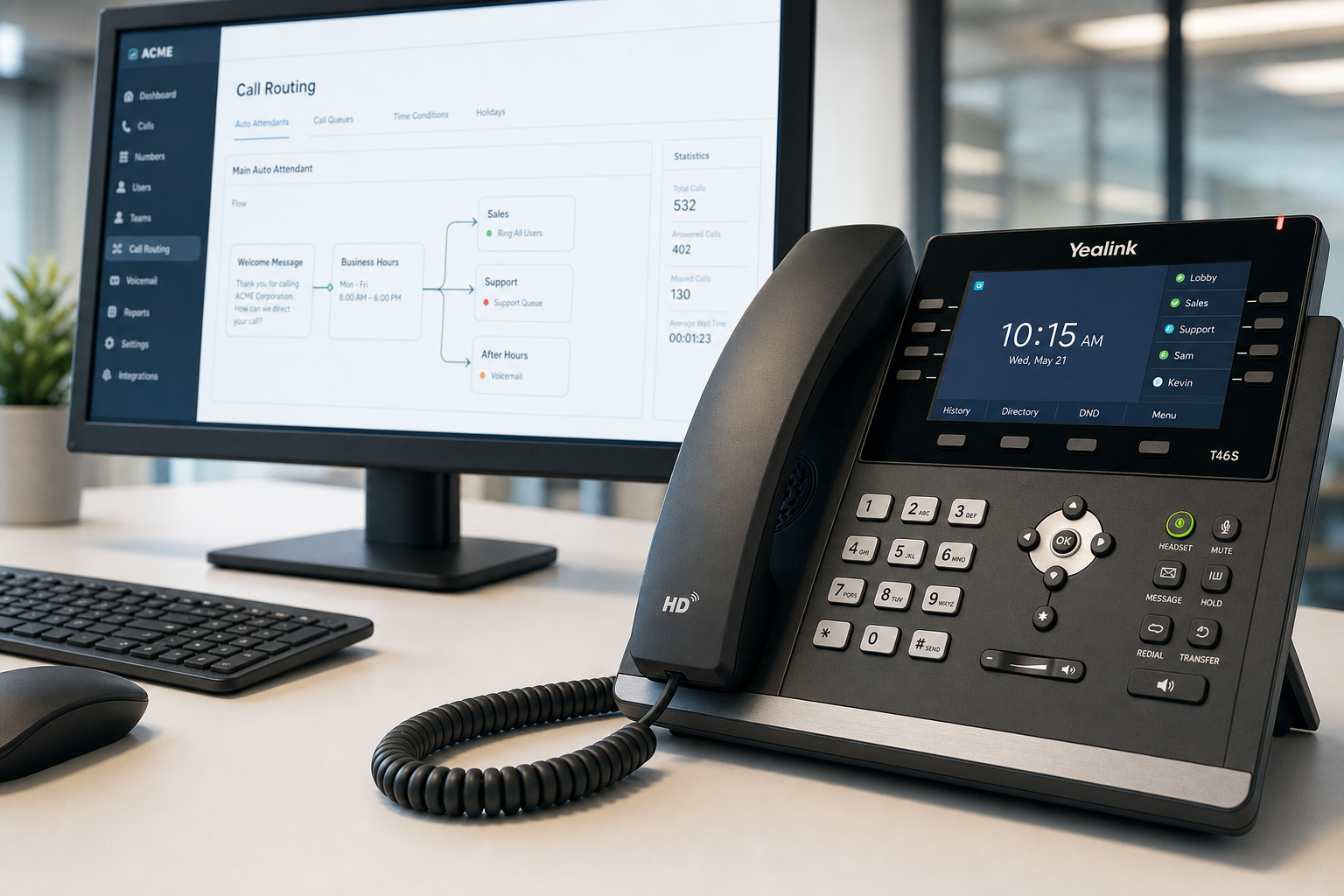
Comparing Your Options
Before diving into the fixes, it helps to understand what your real choices are. The table below compares the most common options Florida business owners evaluate.
| Option | Setup Time | Remote Staff Support | Multi-Location Routing | Local Support | Contract | Starting Cost |
|---|---|---|---|---|---|---|
| Mynians VoIP | Site-specific installation planning | Yes — mobile softphone included | Yes — cloud PBX, ring groups, queues | Orlando-based team, not a call center | Month-to-month | $22.95 per licensed user/month (5-user min) |
| RingCentral | Self-serve, days to weeks | Yes | Yes | National call center | Annual typical | Varies by provider and billing unit |
| Nextiva | Self-serve, days to weeks | Yes | Yes | National call center | Annual typical | Varies by tier |
| AT&T Business | Weeks to months | Limited | Limited without add-ons | Regional reps, national support queue | Multi-year common | Higher; bundled pricing |
| Legacy On-Premise PBX | Weeks; hardware dependent | Poor — extensions only | Requires expensive trunking | Depends on local vendor | Hardware purchase | High upfront cost |
| DIY Softphone Apps | Same day | Yes, but unmanaged | No centralized routing | None | None | Low — but no reliability SLA |
The honest difference with Mynians VoIP is local accountability. When something breaks, you call a Florida number and reach a real tech — not a national support queue. That matters when a storm rolls through and your phones go down on a Monday morning.
Who This Is For (and Who It Is Not)
This guide is for you if:
- You manage a Florida business with 5 or more phone lines across one or multiple locations.
- You have remote staff, field employees, or work-from-home team members who need to receive business calls.
- Your current system drops calls, fails to route after hours, or leaves callers in dead-end voicemail boxes.
- You are paying for a legacy PBX or a national carrier plan that does not match how your team actually works.
- You want a local team to handle setup, porting, and ongoing support — not a ticket system in another time zone.
This is NOT for you if:
- You need fewer than 5 licensed users and have no plans to grow. (Essential and Professional each have a 5-user minimum; Enterprise has a 10-user minimum.)
- You are looking for a consumer-grade app with no SLA or support expectations.
- Your business is outside Florida and you need on-site cabling or installation support.
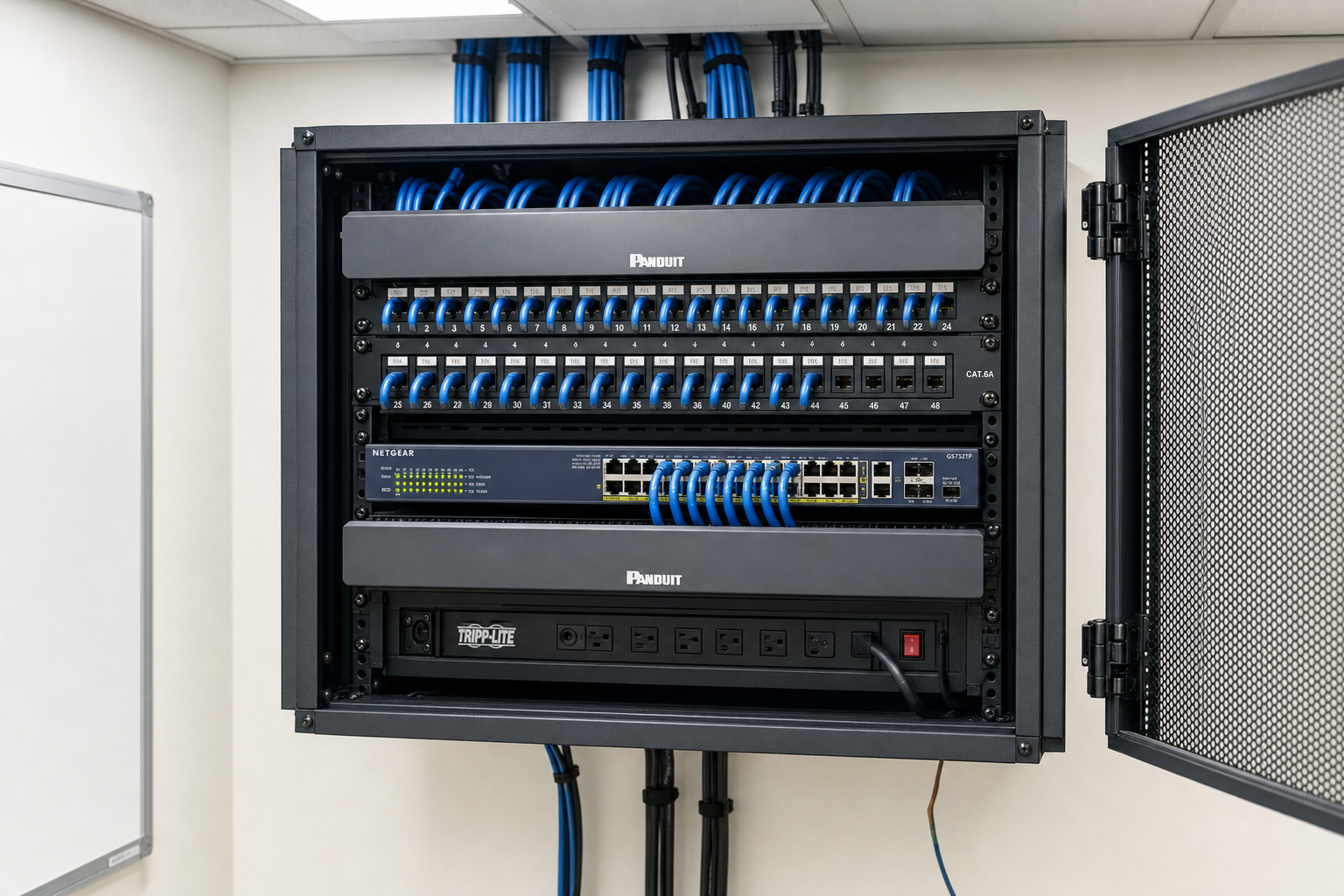
Ring Groups: The First Fix for Distributed Teams
A ring group is exactly what it sounds like: one inbound call rings multiple phones at the same time (or in a defined sequence). Instead of routing to a single extension, the call goes to your whole customer service team, your two front-desk staff, or your three sales reps simultaneously. The first person to pick up takes the call.
How to set up a ring group that actually works
- Define the group purpose. Sales calls, support calls, and billing calls should each have their own ring group. Mixing them creates confusion and slower answer times.
- Choose simultaneous vs. sequential ringing. Simultaneous rings all members at once — fastest answer time. Sequential (hunt group) rings each member in order — useful when you have a clear priority hierarchy.
- Include mobile softphones. Remote staff and field employees should be in the ring group via the softphone app on their cell phone. They receive the call on their business number, not their personal cell.
- Set a ring timeout. If nobody answers within 20 seconds, the call should route to a queue or voicemail — not drop.
- Test before going live. Call the group from an outside line and verify every member’s device rings. Check the timeout behavior.
For a hypothetical example: a five-location property management company in the Orlando metro sets up three ring groups — leasing, maintenance, and billing. Each group includes both in-office staff and remote coordinators via softphone. Before this setup, calls to the main number rang one desk. After, answer rates across all three departments improve because every call reaches the right team immediately, regardless of who is in the office that day.
Smart Call Routing for Multi-Location Businesses
Ring groups solve the who-answers problem. Call routing solves the where-does-this-call-go problem. For businesses with offices in multiple Florida cities, routing logic is what keeps callers from bouncing between locations or hitting dead ends.
Auto-attendant setup for multi-location businesses
An auto-attendant greets every caller and presents options: press 1 for Orlando, press 2 for Tampa, press 3 for Miami. Each option routes to that location’s ring group or direct extension. This eliminates the manual transfer problem entirely.
Key configuration points:
- Keep the menu short — three to five options maximum. Longer menus increase hang-ups.
- Record greetings in a quiet environment. Poor audio quality signals an unprofessional operation to callers.
- Set a default route for callers who do not press anything (often older callers or mobile users). Route them to your main ring group, not to silence.
- Build a separate after-hours greeting that sets expectations and routes to an on-call line or voicemail-to-email.
Time-based routing
Your cloud PBX can route calls differently based on the time of day and day of week. Business hours go to the main ring group. After 5 p.m. on weekdays and all day on weekends, calls route to an after-hours auto-attendant or directly to a designated on-call mobile softphone. This is a configuration setting, not a hardware upgrade — it takes minutes to set up correctly.
Overflow Routing and Voicemail That Actually Works
Even with ring groups and smart routing, high call volume creates overflow. A call queue holds callers in line with hold music or a recorded message instead of sending them to a busy signal. Here is how to configure overflow so it does not become another missed-call problem:
- Set a maximum queue wait time. If a caller has been on hold for two minutes with no answer, route them to voicemail automatically. Do not leave them holding indefinitely.
- Use voicemail-to-email. Every voicemail left in your system should arrive as an audio file attachment in the responsible team member’s email inbox within seconds. No more checking a physical voicemail box that nobody remembers to clear.
- Assign voicemail ownership. Each ring group and each extension should have a named owner responsible for clearing messages. Shared voicemail boxes with no owner become graveyards for missed leads.
- Set up voicemail notifications. Beyond email delivery, configure SMS or app notifications so staff know immediately when a message arrives.
For Florida businesses in healthcare, voicemail configuration also intersects with HIPAA call-flow requirements. Mynians VoIP can configure calling workflows to support applicable HIPAA obligations; confirm the scope and any BAA requirements in writing.
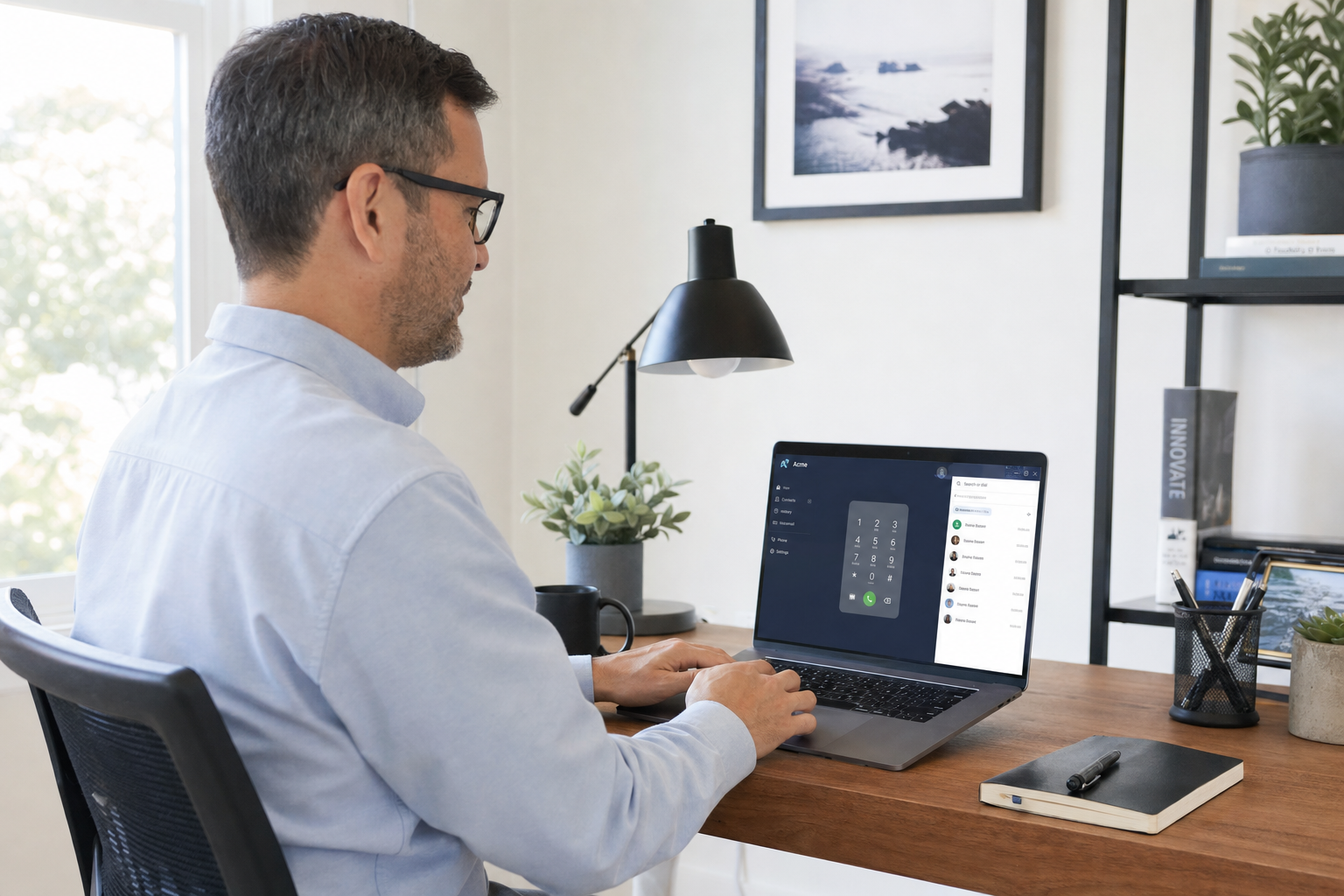
Mobile and Remote Staff: Keeping Everyone in the Loop
The shift to hybrid and remote work did not change the expectation that your business number works. Callers do not care that your sales rep is working from home in Kissimmee or your field tech is on a job site in Clearwater. They expect someone to answer.
Mobile softphone setup
A softphone app installed on a staff member’s cell phone or laptop gives them a full business phone extension — same number, same ring groups, same transfer capability — without exposing their personal cell number. Setup steps:
- Install the softphone app on the employee’s device (iOS, Android, Windows, or Mac).
- Provision the extension credentials through your cloud PBX admin portal.
- Add the extension to the appropriate ring groups.
- Test inbound and outbound calls, including transfers to other extensions.
- Confirm voicemail-to-email is active for that extension.
Remote staff should also have access to the desktop softphone for video calls and internal messaging if your plan includes those features. Mynians VoIP’s Professional and Enterprise plans include desktop and mobile softphone access — confirm what is included for your tier at the pricing page.
Failover for Florida weather events
Florida businesses face a real risk that national VoIP providers often underestimate: hurricane season. A properly configured hosted VoIP system with geographic redundancy keeps your phones working even when your physical office loses power or internet. Calls route to mobile softphones automatically. Staff working from home or a backup location stay reachable on the same business numbers. This is not a premium add-on — it is how a well-built cloud phone system should work by default. Mynians VoIP plans failover for each Florida client’s setup, based on the available network and carrier paths.
For more on communications infrastructure resilience, the Cybersecurity and Infrastructure Security Agency (CISA) publishes guidance on business continuity planning that applies directly to phone system redundancy decisions.
Porting Your Numbers and Getting Installed Fast
The two questions Florida business owners ask most before switching VoIP providers are: “Can I keep my number?” and “How long will this take?”
On number porting: yes, you keep your number. Mynians VoIP handles the porting process end-to-end — submitting the LOA, coordinating with your current carrier, and managing the timeline so your number transfers cleanly. The most common porting mistake businesses make on their own is canceling their old service before the port completes, which can result in losing the number permanently. We manage that sequence so it does not happen.
On install timeline: Mynians VoIP confirms the installation timeline for each Florida site after reviewing network readiness, hardware and number porting. “Site ready” means your internet connection is active, your network is stable, and any cabling work is complete. If your network needs work first, Mynians also handles structured cabling and network readiness as part of the wider Mynians service offering, so you are not coordinating between three different vendors.
For businesses evaluating business VoIP in Florida, the combination of local install support, end-to-end porting, and a single point of contact for phones and network is a practical advantage that national providers cannot match from a call center in another state.
The Federal Communications Commission (FCC) provides consumer guidance on number porting rights that every business should understand before initiating a carrier switch.
Frequently Asked Questions
How much does Mynians VoIP cost per licensed user?
Mynians VoIP plans start at $22.95 per licensed user per month for the Essential plan (5-user minimum), $29.95 per licensed user per month for Professional (5-user minimum), and $39.95 per licensed user per month for Enterprise (10-user minimum). All plans are month-to-month with no contracts. Exact savings compared to your current bill are confirmed on the free consultation call.
Can I keep my existing business phone number when switching to VoIP?
Yes. Mynians VoIP handles number porting end-to-end, including submitting the Letter of Authorization, coordinating with your current carrier, and managing the cutover timeline. You should not cancel your existing service until the port is confirmed complete — we manage that sequence for you.
How long does a VoIP installation take in Florida?
Mynians VoIP confirms the installation timeline for each Florida site after reviewing network readiness, hardware and number porting. Site readiness means an active internet connection, a stable network, and any necessary cabling completed. If your site needs network or cabling work first, Mynians handles that too.
What happens to calls when my office loses power during a hurricane?
A properly configured hosted VoIP system routes calls to mobile softphones automatically when your office loses connectivity. Staff working from home or a backup location remain reachable on the same business numbers. Mynians VoIP plans and configures failover routing for each Florida business setup.
What is a ring group and how does it reduce missed calls?
A ring group routes one inbound call to multiple phones simultaneously or in sequence. Instead of a single extension ringing, your whole team — including remote staff on mobile softphones — receives the call at once. The first person to answer takes it. This eliminates the single-point-of-failure problem where one unanswered desk means a missed call.
Why choose a local Florida VoIP provider over RingCentral or Nextiva?
National providers offer solid platforms but route support through national call centers. Mynians VoIP is based in Winter Garden, Florida, with a local team that handles on-site installs, cabling, and network readiness across Florida. When something breaks, you reach a real tech who knows your setup — not a ticket queue. For multi-location Florida businesses, having one local team for phones, cabling, and network is a practical advantage.
Update Log
- September 2026: Created and reviewed for Mynians VoIP business phone system accuracy.


