


VoIP Call Routing for Growing Florida Offices
Adding a second location, bringing on remote staff, or absorbing more inbound calls than your front desk can handle — any one of these changes can turn a working phone system into a missed-call machine. For Florida businesses in growth mode, the fix is not more phone lines. It is a call routing setup built around how your team actually works, across every office, desk, and device.
Why Call Routing Breaks When Florida Offices Grow
Most small Florida businesses start with a simple setup: one main number, one front desk, maybe a handful of extensions. It works until it does not. The moment you open a second location in Tampa or add three remote employees in Jacksonville, the old system starts showing its cracks.
Calls ring at the original office even when the caller needs the new location. Remote staff miss calls because they are not on the office system. The front desk gets overwhelmed during peak hours and callers hit voicemail — or worse, a busy signal. After-hours calls go nowhere useful.
These are not technology failures. They are routing failures. The system was never configured to handle growth, and patching it with forwarding rules and personal cell numbers creates a different kind of chaos: no call logs, no accountability, no way to know what was missed.
A properly configured hosted PBX solves this at the system level — not with workarounds.
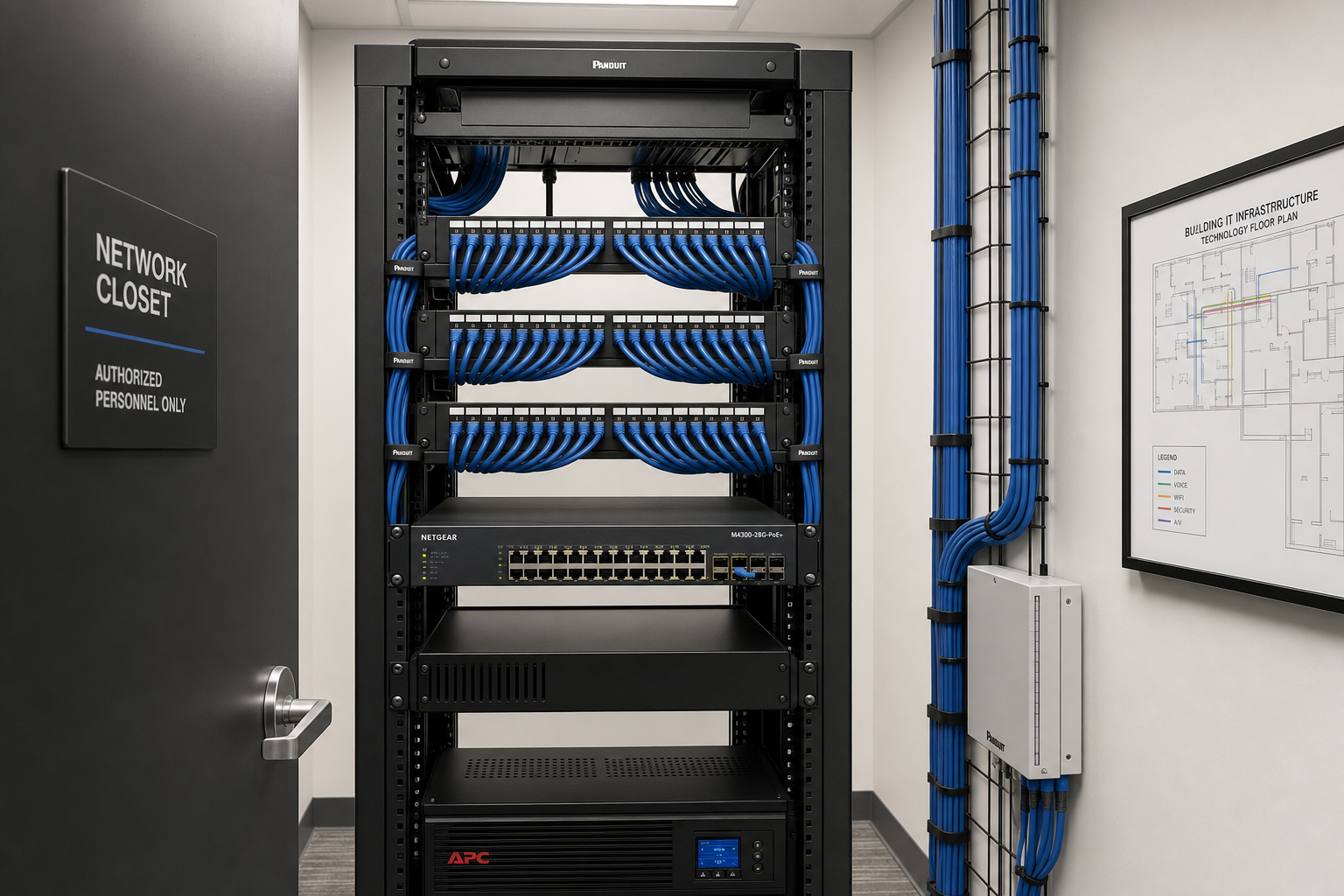
Comparing Your Options: VoIP vs. Legacy vs. National Carriers
| Option | Multi-Location Support | Remote Staff Coverage | Local Support | Contract / Flexibility | Typical Setup Experience |
|---|---|---|---|---|---|
| Mynians VoIP (Hosted PBX) | Yes — one system, all sites | Yes — softphone and mobile app | Orlando-area local techs | Month-to-month, 30-day notice | Site-reviewed, configured per business |
| RingCentral / Nextiva | Yes — national platform | Yes | National call center support | Annual contracts common | Self-serve portal; support varies |
| AT&T Business / National Carrier | Limited without add-ons | Limited | Regional dispatch, variable | Multi-year contracts typical | Weeks-long install waits reported |
| Legacy On-Premise PBX | Difficult across sites | Poor without VPN/workarounds | Depends on vendor | Hardware investment, no flexibility | Expensive to expand or move |
| DIY Softphone Apps | No unified routing | Partial — no call logs or queues | None | Low cost, high management burden | Works until it does not |
The honest difference between a national platform and a local provider like Mynians VoIP is not the feature list — it is what happens when something needs to change. With a national provider, you open a ticket. With Mynians, a real tech who knows your setup picks up the phone.
Who This Is For — and Who It Is Not
This is a strong fit if your Florida business:
- Is opening or has recently opened a second or third location in Florida
- Has added remote employees who need to be reachable on the main business number
- Is experiencing missed calls during peak hours or after hours
- Is paying for multiple carrier lines across locations with no unified routing
- Wants month-to-month service without a multi-year hardware commitment
- Needs call flows configured to support applicable HIPAA obligations (healthcare offices)
- Has 5 or more licensed users to start
This is likely not the right fit if your business:
- Has fewer than 5 users and no near-term growth plans
- Operates in a location with consistently poor internet connectivity and no path to improve it
- Needs a single analog line for a basic fax-only use case with no other phone needs
The Routing Tools That Keep Growing Teams Reachable
Auto-Attendant
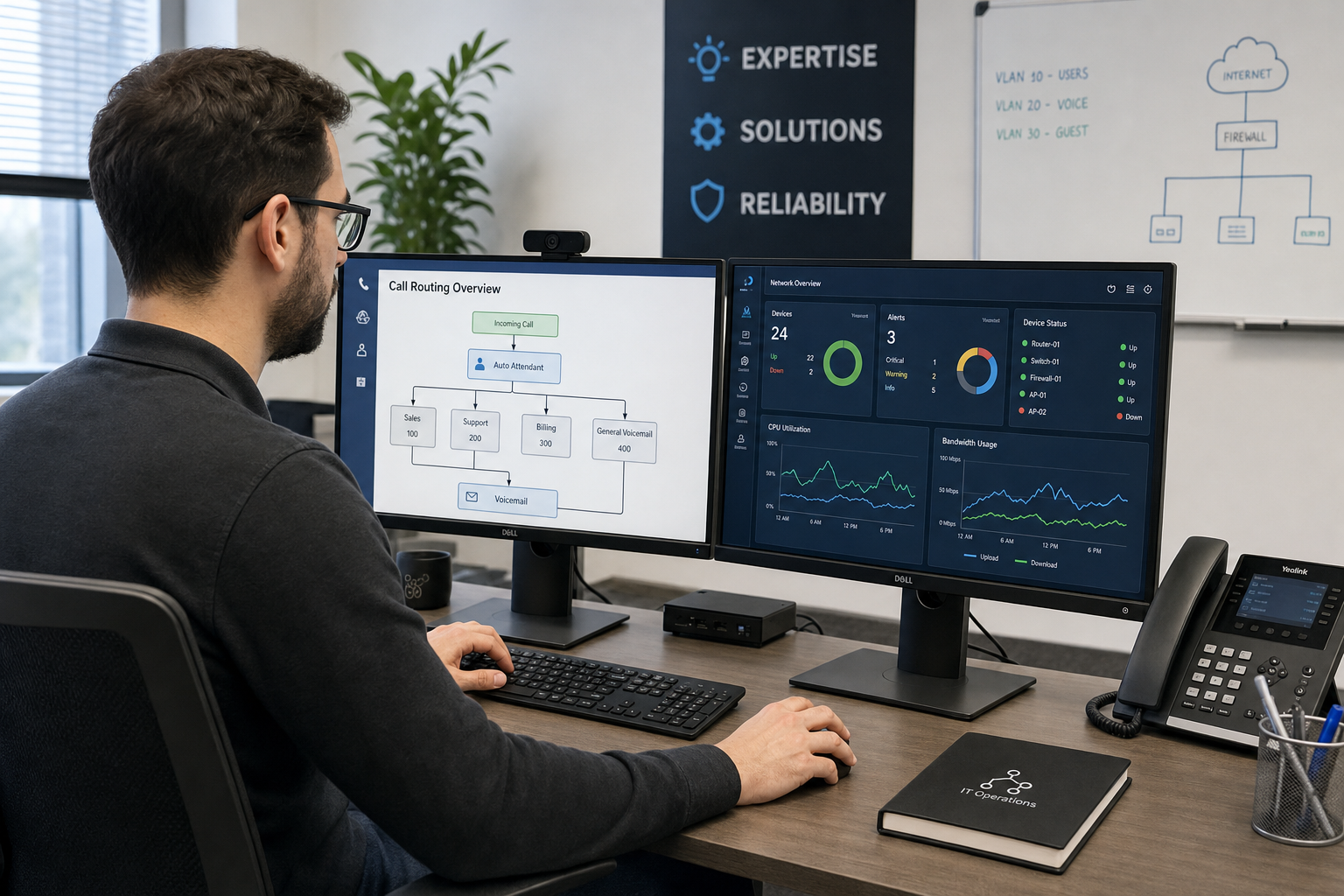
An auto-attendant answers every inbound call with a consistent greeting and routes the caller based on their selection. For a business with two Florida locations, this means a caller can press 1 for the Orlando office and 2 for the Tampa office without the front desk acting as a human switchboard. The menu can be updated any time — no vendor call required.
Ring Groups
A ring group sends one inbound call to multiple phones at the same time or in a defined sequence. For example, a call to your sales line could ring three sales reps simultaneously. The first one to answer takes the call. If nobody answers within a set number of seconds, the call rolls to a backup — another group, a voicemail box, or an after-hours message. Ring groups are one of the most practical tools for preventing missed calls without hiring more staff.
A clearly labeled hypothetical example: a five-person service team in Orlando and two remote techs in the field could all be in the same ring group. A customer calling the main number reaches whoever is available first — office or field — without the caller knowing or caring where that person is physically located.
Call Queues
When call volume spikes — a Monday morning rush, a promotion, a storm-related service surge — a call queue holds callers in line with on-hold messaging instead of sending them to voicemail or a busy signal. Queues are especially useful for front-desk-heavy businesses like medical offices, law firms, and property management companies across Florida.
Time-Based Routing
After-hours routing sends calls to a different destination based on the time of day or day of week. During business hours, calls go to the front desk. After 6 p.m., they go to an after-hours voicemail with a clear message. On weekends, they route to an on-call line. This is configured once and runs automatically — no manual forwarding needed.
Voicemail to Email
Every voicemail is delivered as an audio file to the assigned email address. Remote staff and field techs do not need to dial in to check messages. They get an email, they listen, they respond. Nothing falls through the cracks because someone forgot to check the office voicemail box.
Covering Remote Staff Without Chaos
Remote employees are one of the fastest ways a phone system breaks down. When a remote team member uses their personal cell number for business calls, the business loses call records, the employee’s personal number gets shared with clients, and there is no way to transfer a call to a colleague.
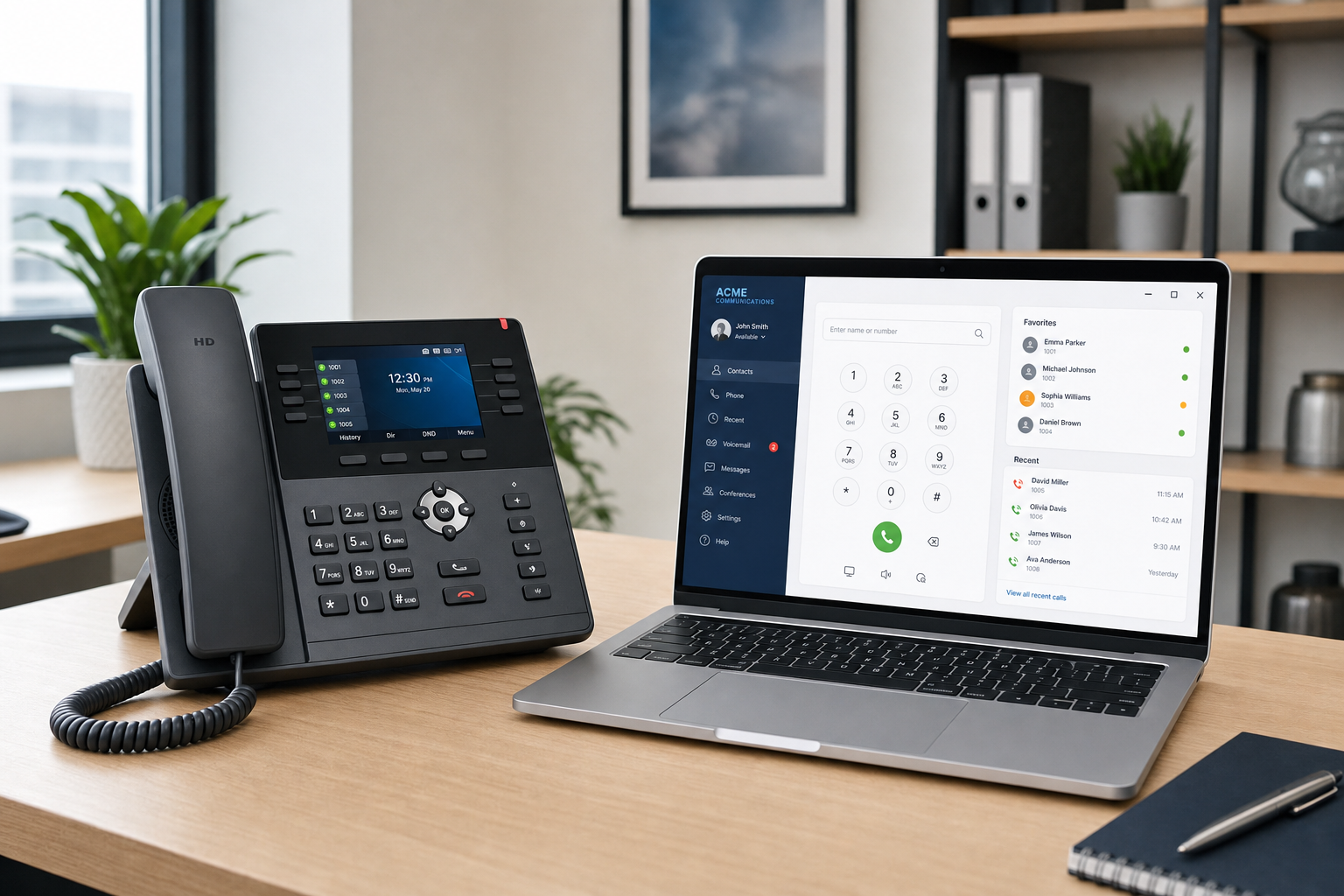
With a hosted VoIP system, remote staff use a softphone app on their laptop or mobile device. They appear on the system exactly like an in-office extension. Calls can be transferred to them, they can be added to ring groups, and their calls show the business caller ID — not a personal number. From the caller’s perspective, the team is in one place. From the team’s perspective, everyone is reachable.
This matters especially for Florida businesses with staff spread across Orlando, Miami, Jacksonville, and remote home offices. One system, one dial plan, one set of call logs.
Florida Failover: Routing That Holds During Outages
Florida businesses deal with weather events that can knock out power and internet for hours or days. A hosted VoIP system with failover routing configured means that when your office internet goes down, inbound calls do not just stop. They can be rerouted automatically to mobile softphones, a backup location, or an answering service — based on rules you set in advance.
The FCC and CISA both publish guidance on business communications continuity planning. Failover routing is one of the most practical steps a Florida business can take to stay reachable when infrastructure is disrupted. Mynians configures redundancy and failover as part of the system setup — it is not an afterthought.
Number Porting: What Can Go Wrong and How It Gets Handled
Porting your existing business phone numbers to a new VoIP system is one of the steps that causes the most anxiety — and the most problems when it is not managed carefully. Common issues include porting rejections due to account name mismatches, delays caused by the losing carrier, and temporary loss of service if the cutover is not coordinated correctly.
Mynians handles number porting end-to-end. That means reviewing the porting requirements for your specific numbers, coordinating with the losing carrier, and confirming the cutover timing so your business does not go dark during the transition. Installation and porting timelines are confirmed per site after reviewing network readiness, hardware, and porting status — because every situation is different and a timeline that works for one office may not work for another.
If you have questions about what the porting process looks like for your current carrier, the FCC’s number porting resources provide a useful baseline for understanding your rights as a business customer.
Pricing, Implementation, and What the Consultation Covers
Mynians VoIP publishes its pricing per licensed user per month with no hidden line items buried in the fine print:
- Essential: $22.95 per licensed user per month — 5-user minimum
- Professional: $29.95 per licensed user per month — 5-user minimum
- Enterprise: Starting at $39.95 per licensed user per month — 10-user minimum, final quote required
Standard implementation is $149 for 5–9 users and is included for teams of 10 or more. Hardware, taxes, fees, and quoted add-ons are separate. Service is month-to-month with a 30-day cancellation notice — no multi-year lock-in.
The free consultation is not a sales pitch. It is a working conversation about your current setup, your locations, your call volume, and where calls are being missed. From that conversation, Mynians produces an itemized written quote that reflects your actual needs — not a generic package. You can review full published pricing at the Mynians VoIP pricing page.
Mynians is based in Winter Garden, Florida, and serves businesses across Orlando, Tampa, Miami, Jacksonville, and the surrounding areas. Local support means a real tech who knows your system — not a national call center reading from a script.
Frequently Asked Questions
Can one VoIP system cover multiple Florida office locations?
Yes. A hosted PBX system connects all of your locations under one phone system with shared extensions, ring groups, and call routing rules. Employees at different offices can transfer calls to each other, share a main business number, and appear on the same dial plan — regardless of whether they are in Orlando, Tampa, Miami, or working remotely.
How does VoIP handle remote employees?
Remote staff use a softphone app on their laptop or mobile device. They receive and make calls using the business caller ID, can be added to ring groups, and can transfer calls just like an in-office extension. Their personal phone number is never exposed to clients.
What happens to my existing business phone numbers when I switch?
Your existing numbers are ported to the new system. Mynians handles the porting process end-to-end, including coordinating with your current carrier and confirming the cutover timing. Porting timelines are confirmed per site after reviewing your specific numbers, network readiness, and hardware — because every porting situation is different.
How long does installation take?
Installation timelines are confirmed per site after Mynians reviews your network readiness, hardware, and porting requirements. There is no fixed promise because every office environment is different. The goal is a clean cutover with no service gaps, and that requires reviewing your specific situation first.
What does the free VoIP consultation actually cover?
The consultation is a working conversation about your current phone setup, your locations, your team size, and where calls are being missed or mishandled. From that conversation, Mynians produces an itemized written quote tailored to your business — not a generic package. There is no obligation to move forward.
What happens to calls if our internet goes down?
Mynians configures failover routing as part of the system setup. When your office internet is disrupted, inbound calls can be automatically rerouted to mobile softphones, a backup location, or another destination based on rules you define in advance. This is especially relevant for Florida businesses that deal with hurricane-season outages and weather-related infrastructure disruptions.
Is there a long-term contract?
No. Mynians VoIP service is month-to-month with a 30-day cancellation notice. Plans are priced per licensed user per month starting at $22.95 with a 5-user minimum. There is no multi-year lock-in.
Update Log
- October 2026: Created and reviewed for Mynians VoIP business phone system accuracy.


