

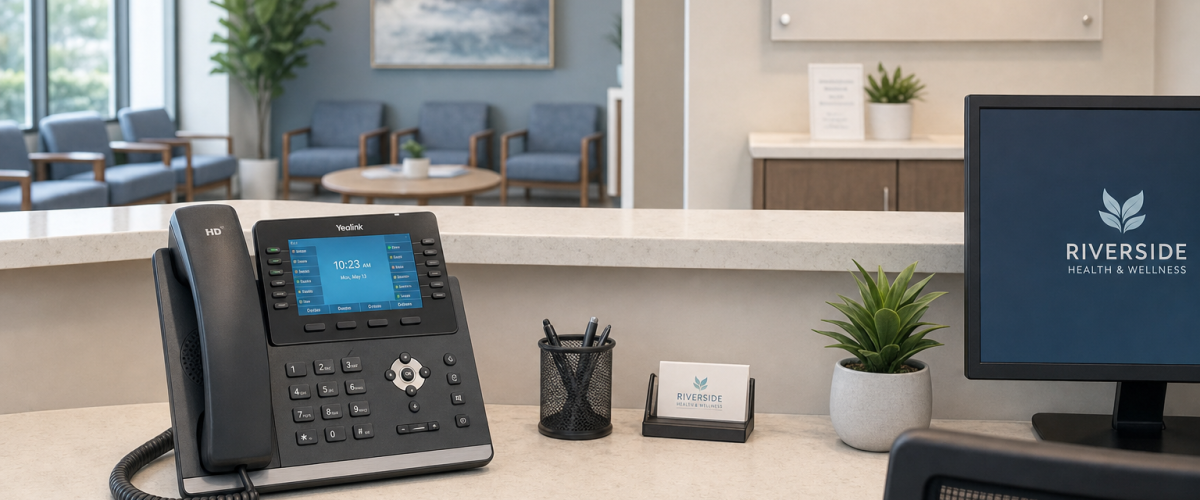
HIPAA-Safe Call Handling for Medical Offices
Your front desk answers dozens of calls a day. Patients leave voicemails with sensitive details. Staff transfer calls between locations. If your phone system was not built with HIPAA-safe call handling in mind, every one of those interactions is a potential liability. This guide walks Florida medical office managers through the practical safeguards that matter most — access controls, call recordings, voicemail handling, and staff workflow — and shows you what to look for in a compliant business phone system.
Why Your Phone System Is a Compliance Risk
Most medical office managers spend significant time securing their EHR platform and patient portal. The phone system often gets far less attention — and that gap is where problems develop. Consider what moves through your business phone lines on a typical day: appointment confirmations that include patient names and dates of birth, voicemails describing symptoms or prescription needs, call recordings used for staff training, and transfers between front desk, billing, and clinical staff.
If those calls are routed through a consumer-grade VoIP app, a legacy analog system, or a national carrier that has never signed a BAA with your practice, you are handling protected health information (PHI) on infrastructure that was not designed to protect it. That is not a theoretical risk — it is a documented pattern that regulators have acted on.
The good news: a properly configured healthcare VoIP configurations system addresses these risks at the infrastructure level, so your staff does not have to make compliance decisions on every call.
Comparing Your Options
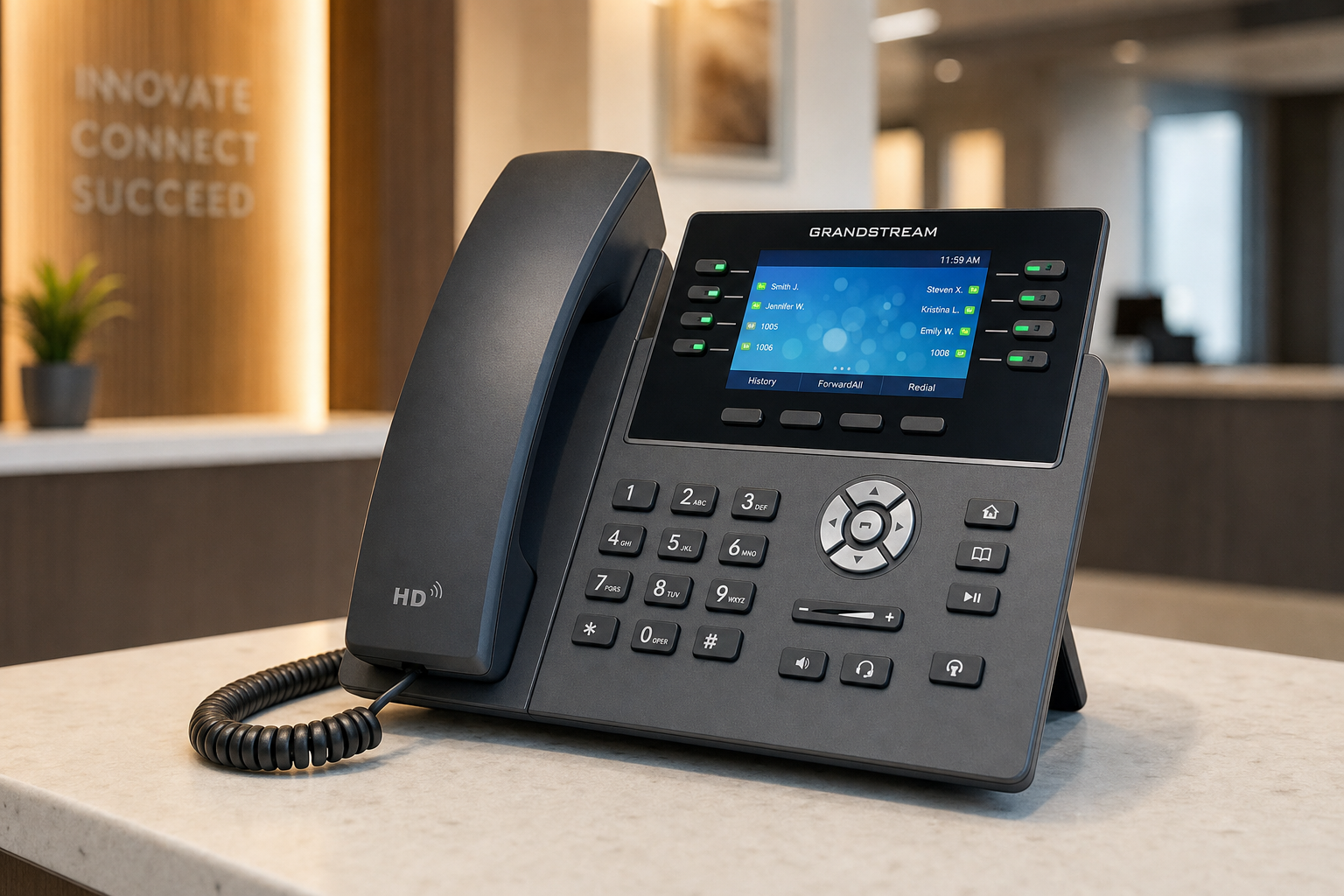
Before diving into safeguards, it helps to understand how different phone system options stack up for a Florida medical office evaluating compliance requirements.
| Option | BAA Available | Encrypted Storage | Local Support | Install Timeline | Contract Required | Starting Price |
|---|---|---|---|---|---|---|
| Mynians VoIP (Florida) | Yes | Yes | Yes — Orlando-based team | 72 hours when site is ready | No — month-to-month | From $22.95/line/mo |
| RingCentral | Yes (HIPAA edition) | Yes | No — national call center | Varies, often weeks | Annual contracts common | Higher per-line cost |
| Nextiva | Yes (on request) | Yes | No — national call center | Varies | Annual contracts common | Higher per-line cost |
| AT&T Business | Varies by product | Varies | Regional, not local | Often 2–4 weeks+ | Yes — multi-year common | Bundled, hard to compare |
| Legacy On-Premise PBX | Depends on config | Rarely out of the box | Depends on vendor | Weeks to months | Hardware purchase | High upfront cost |
| Consumer VoIP / DIY Apps | Rarely or never | Rarely | None | Immediate but risky | No | Low — but non-compliant |
The table above is a general comparison based on publicly available information. Confirm BAA availability and encryption specifics directly with any provider before signing a contract.
Who This Is For (and Who It Is Not)
This guide is for you if:
- You manage a medical, dental, therapy, or specialty practice in Florida with 5 or more phone lines.
- Your current phone system was not set up with HIPAA call handling in mind.
- You are evaluating a new VoIP system and want to understand what compliance-safe configuration actually looks like.
- You have staff using personal cell phones or consumer apps to handle patient calls.
- You operate multiple office locations and need consistent call routing policies across all of them.
This guide is NOT for you if:
- You are looking for legal advice or a compliance audit — consult your attorney or compliance officer for that.
- You are a solo practitioner with no staff and no call volume — your needs may be simpler.
- You are already working with a VoIP provider that has signed your BAA and configured encrypted storage — you may just need a review, not a full replacement.
Start With the Business Associate Agreement
Before any other configuration decision, your VoIP provider must be willing to sign a Business Associate Agreement. A BAA is a written contract that establishes the provider’s responsibilities for safeguarding PHI that passes through or is stored on their infrastructure. Without one, using a hosted VoIP platform for patient calls puts your practice in a difficult position regardless of how well the rest of the system is configured.
When evaluating providers, ask directly: Do you sign BAAs for healthcare clients? What does your BAA cover — call recordings, voicemail storage, call logs? Who is responsible for breach notification? A provider that cannot answer these questions clearly is not the right fit for a medical office.
For background on what a BAA should address from a technical safeguards standpoint, the National Institute of Standards and Technology (NIST) publishes guidance on security controls that align with federal compliance frameworks.
Access Controls and User Permissions
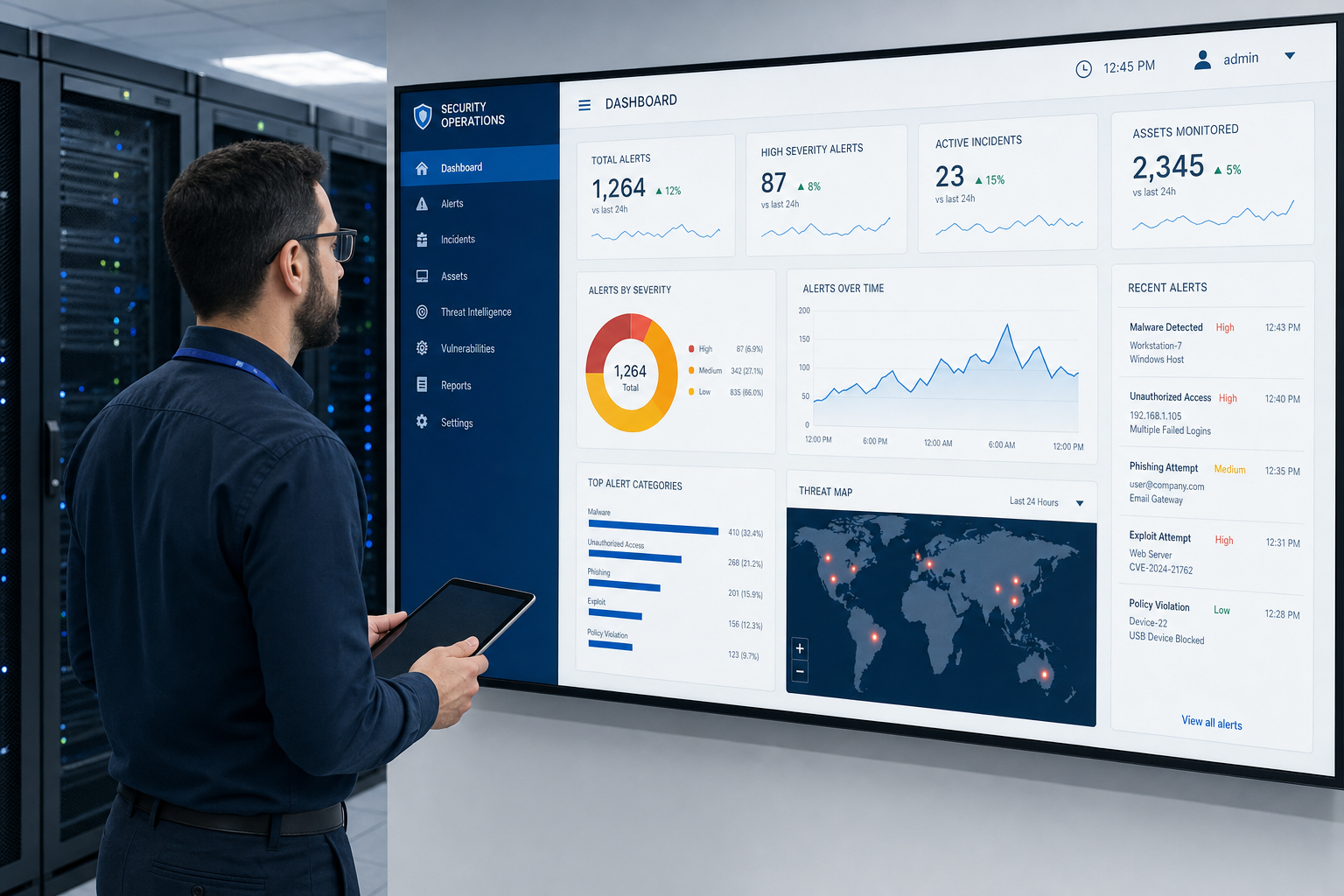
A compliant phone system is not one where every staff member can access every call recording, voicemail, and call log. Role-based access controls let you define who can listen to recordings, who can retrieve voicemails, and who can pull call history reports.
Practical access control steps for medical offices:
- Assign extensions by role, not by person. When a staff member leaves, deactivating their extension immediately removes their access — no shared passwords to change.
- Restrict voicemail access by department. Billing voicemails should not be accessible to front desk staff, and vice versa.
- Audit access logs regularly. Your VoIP admin portal should show who accessed which recordings and when. Review this on a scheduled basis.
- Disable features staff do not need. If a medical assistant does not need to forward calls externally, that feature should be off for their extension.
The Cybersecurity and Infrastructure Security Agency (CISA) recommends the principle of least privilege — users should have access only to what they need to do their job. This applies directly to VoIP user permissions in a healthcare setting.
Call Recordings and Voicemail Handling
Call recordings are one of the most useful tools a medical office can have — for staff training, dispute resolution, and quality review. They are also one of the highest-risk data types if stored or transmitted without proper controls.
Call recording safeguards to put in place:
- Encrypt recordings at rest and in transit. Your VoIP provider should use TLS for call signaling and SRTP for media encryption. Ask specifically — do not assume.
- Store recordings in a compliant environment. Cloud storage used for call recordings must be covered under your BAA. Consumer cloud storage accounts are not appropriate.
- Set retention and deletion policies. Define how long recordings are kept and who is authorized to delete them. Document this policy in writing.
- Notify callers when recording is active. Florida is a two-party consent state for recorded conversations. Your auto-attendant or IVR should include a clear disclosure before recording begins. Confirm the specific legal requirements with your attorney.
Voicemail handling:
- Voicemail-to-email is convenient but requires that the receiving email account is secured, access-controlled, and covered under your BAA.
- Voicemail transcription features that use third-party AI services introduce an additional data handler — confirm that service is also covered under your BAA before enabling it.
- Set voicemail PIN requirements for all extensions. Default PINs are a common and easily avoided vulnerability.
Call Routing and After-Hours Workflows
Gaps in call routing are where patient information most often ends up in the wrong place. A patient calls after hours, reaches a generic voicemail, leaves a detailed message with their name and reason for calling, and that message sits in an unsecured inbox until Monday morning. That is a workflow problem that a properly configured auto-attendant and after-hours routing policy can solve.
Routing configurations that support compliant call handling:
- After-hours auto-attendant with clear options. Give callers a path to an on-call line, an urgent care referral, or a secure voicemail — not a dead end.
- Hunt groups and call queues with overflow rules. Define what happens when no one answers. Overflow to a compliant voicemail, not a personal cell phone.
- Multi-location routing. If you have offices in Orlando, Tampa, or Jacksonville, calls should route between locations cleanly without exposing patient information to unsecured transfer paths.
- Document every routing rule. Written call flow documentation is part of a defensible compliance posture. If you cannot show an auditor how a call is handled from ring to resolution, that is a gap.
Staff Workflow Considerations
Technology configuration only goes so far. Staff behavior is the other half of compliant call handling, and your phone system should make the right behavior the easy behavior.
Common staff workflow problems in medical offices:
- Personal cell phones for patient callbacks. Staff using personal numbers to return patient calls bypasses every safeguard your office phone system has. Mobile softphone apps on managed devices, configured through your VoIP system, solve this without inconveniencing staff.
- Shared extension logins. When multiple staff share one extension login, there is no audit trail. Individual extensions with individual credentials are a basic requirement.
- Untrained staff on transfer procedures. A warm transfer to the wrong department or an accidental external transfer can expose patient information. Train staff on transfer procedures and test them.
- No process for terminated employee access removal. The day a staff member leaves, their extension, voicemail PIN, and softphone access should be deactivated. Build this into your offboarding checklist.
The Federal Trade Commission has published guidance on employee data handling practices that applies broadly to businesses handling sensitive personal information, including healthcare-adjacent workflows.
Florida-Specific Considerations
Florida medical offices face a few practical challenges that are worth addressing directly.
Hurricane season and outage resilience. A phone system that goes down during a storm is not just an inconvenience — it is a patient safety and continuity issue. A hosted cloud PBX with failover routing can redirect calls to mobile devices or alternate numbers automatically when your primary location loses power or internet. This is not a feature to skip in Florida.
Multi-location practices. Practices with offices across Orlando, Tampa, Miami, or Jacksonville need consistent call routing policies and access controls at every location. A single hosted system managed from one admin portal is far easier to keep compliant than separate systems at each site.
Number porting. Switching VoIP providers while keeping your existing phone numbers is a process that national carriers routinely mishandle, leaving practices without their main line for days. Mynians handles number porting end-to-end, including coordination with your current carrier, so your practice number stays live through the transition.
72-hour installs. When a site is network-ready, Mynians can have a new hosted VoIP system live across major Florida markets within 72 hours. That matters when your current system is failing and you cannot wait weeks for a national provider’s scheduling queue.
Mynians VoIP serves medical and professional offices across Orlando, Winter Garden, Tampa, Miami, and Jacksonville. Our team is local — not a national call center — which means when something needs to be fixed on-site, we can be there.
Frequently Asked Questions
Does my VoIP provider need to sign a BAA for my medical office?
If your VoIP provider stores, transmits, or processes protected health information on your behalf — including call recordings, voicemails, and call logs — they are acting as a business associate under federal rules. A signed Business Associate Agreement documents their responsibilities for safeguarding that information. Consult your compliance officer or legal counsel to confirm your specific obligations, but most healthcare practices should require a BAA before using any hosted communication platform for patient-related calls.
Can I use a regular VoIP app like Google Voice or Zoom Phone for patient calls?
Consumer-grade VoIP apps are generally not designed for healthcare compliance. They may not offer BAA coverage, encrypted storage of recordings, or the access controls needed for a medical office. Using them for patient calls that involve protected health information creates risk. A business VoIP platform built for healthcare — with a signed BAA and proper configuration — is the appropriate choice for medical offices.
What happens to my existing phone numbers if I switch VoIP providers?
Your existing phone numbers can be ported to a new VoIP provider. The porting process involves coordination between your new provider and your current carrier. When handled correctly, your numbers stay active through the transition with no gap in service. Mynians manages number porting end-to-end for Florida clients, including all carrier coordination, so your practice number does not go dark during the switch.
How long does it take to set up a compliant VoIP system for a medical office?
When your office network is ready — meaning your internet connection and internal cabling are in good shape — Mynians can have a hosted VoIP system live within 72 hours across major Florida markets. Compliance-specific configuration, including call routing rules, access controls, and voicemail settings, is part of the setup process. Network readiness is the most common factor that extends timelines, which is why Mynians also offers network assessment as part of the onboarding process.
What does Mynians VoIP cost for a medical office?
Mynians VoIP plans start at $22.95 per line per month for the Essential plan with a 5-line minimum, $29.95 per line per month for Professional, and $39.95 per line per month for Enterprise with a 10-line minimum. All plans are month-to-month with no long-term contracts. The free consultation includes a review of your current phone bill and a line-by-line quote so you can compare costs directly.
What should I do if my staff is using personal cell phones for patient callbacks?
Staff using personal cell phones for patient callbacks bypasses the access controls, encryption, and audit trails your office phone system provides. The practical fix is deploying mobile softphone apps through your business VoIP system on managed or BYOD devices. This gives staff the flexibility to make and receive calls from their mobile device while keeping all call activity within your compliant phone system — with the same extension, the same call logs, and the same access controls as a desk phone.
Update Log
- August 2026: Created and reviewed for Mynians VoIP business phone system accuracy.


