

Hosted PBX Installation Checklist for Florida Businesses
Switching your office phone system does not have to mean a week of dropped calls, confused staff, and a carrier that never picks up the phone. This step-by-step hosted PBX installation checklist walks Florida business owners and office managers through every phase — site prep, number porting, device setup, user training, and first-day cutover testing — so you can go live with confidence and minimal downtime.
Who This Is For — and Who It Is Not
This guide is for you if:
- You run a Florida business with 5 or more phone lines and you are planning a switch away from a legacy landline, on-premise PBX, or a national carrier with confusing bills.
- You are an office manager responsible for keeping the phones running during a system migration.
- You have multiple locations in Florida — Orlando, Tampa, Miami, Jacksonville, Winter Garden — and need a unified phone system with consistent call routing.
- You are in a regulated industry (healthcare, legal, financial) and need healthcare call-flow configurations designed to support a HIPAA compliance program or documented failover routing.
- You want a local team you can actually call, not a national support queue.
This guide is NOT for you if:
- You are a solo freelancer who only needs a single mobile number — a basic softphone app may be all you need.
- You are looking for a DIY setup with no vendor support — hosted PBX is a managed service, not a self-install product.
- Your internet connection is below 1 Mbps per concurrent call and you are not willing to upgrade — call quality will suffer regardless of the platform.
How Hosted PBX Compares to Other Options
Before you commit to any platform, it helps to see the real differences side by side. The table below compares the most common choices Florida businesses evaluate.
| Option | Typical Install Time | Per-Line Cost (Est.) | Contract | Local Support | Porting Included | Failover / Redundancy |
|---|---|---|---|---|---|---|
| Mynians VoIP (Hosted PBX) | 72 hours (site-ready) | From $22.95 per licensed user/mo | Month-to-month | Yes — Orlando-based team | Yes — end-to-end | Yes — configurable |
| RingCentral | 1–3 weeks typical | $20–$35+/line/mo | Annual common | National call center | Partial — DIY portal | Limited on base plans |
| Nextiva | 1–2 weeks typical | $18–$33+/line/mo | Annual common | National call center | Partial — DIY portal | Limited on base plans |
| AT&T Business (legacy) | 2–6 weeks | Varies — often bundled | 1–3 year contracts | Regional dispatch | Carrier-managed | Basic |
| On-Premise PBX | Weeks to months | High upfront hardware | Hardware purchase | Depends on VAR | Varies | Requires on-site hardware |
| DIY Softphone Apps | Same day | $5–$15/user/mo | None | None | No | None |
Pricing figures for third-party providers are publicly listed estimates and may change. Confirm current Mynians VoIP pricing at voip.mynians.com/pricing.
Phase 1: Site and Network Preparation
The most common reason a hosted PBX install goes sideways is not the phone system — it is the network underneath it. Complete these steps before any equipment arrives.
Bandwidth Assessment
- Plan for a minimum of 100 Kbps upload and download per concurrent call. A 10-line office making simultaneous calls needs at least 1 Mbps dedicated to voice — more if you run video or large file transfers on the same connection.
- Run a speed test during peak business hours, not at 2 a.m. Results vary significantly in Florida markets during business hours.
- Confirm your ISP’s upload speed — many Florida cable business plans are asymmetric, with upload speeds far lower than download.
QoS and VLAN Configuration
- Enable Quality of Service (QoS) on your router or managed switch to prioritize voice traffic. Without QoS, a large file download or video stream can cause choppy audio mid-call.
- Separate voice traffic onto its own VLAN if your switch supports it. This isolates VoIP packets from general data traffic and reduces jitter.
- Confirm your firewall allows SIP signaling (typically UDP 5060) and RTP media ports. Blocked ports are a frequent cause of one-way audio after cutover.
Physical Infrastructure
- Verify that Ethernet runs reach every desk where a VoIP phone will be placed. Wireless VoIP is possible but wired connections are more reliable for business use.
- Check that your patch panel and switch have enough available ports. If structured cabling work is needed, Mynians handles cabling as part of the wider service offering — no need to coordinate a separate contractor.
- Confirm that PoE (Power over Ethernet) ports are available if you are deploying PoE-powered desk phones. Count ports before ordering hardware.
Phase 2: Phone Number Verification and Porting
Porting fear is real. Florida businesses worry about losing their main number during a carrier switch — and that fear is justified when the process is handled poorly. Here is how to do it right.
Pre-Porting Checklist
- Gather your current carrier’s account number and PIN or passcode. These are required on the Letter of Authorization (LOA).
- Pull your most recent phone bill. The billing address on the LOA must match exactly what your current carrier has on file — even a minor mismatch can reject the port.
- List every number you want to port: main lines, direct-dial extensions, fax lines, and toll-free numbers. Do not assume your carrier will port them all automatically.
- Confirm which numbers are on a contract with your current carrier. Early termination fees may apply — know this before you submit the port request.
Porting Timeline
- Standard number porting takes 7–14 business days in most cases. Toll-free numbers and numbers on legacy carrier systems can take longer.
- Do not cancel your current carrier service before the port completes. Canceling early can cause your numbers to be released and lost permanently.
- Mynians VoIP manages the porting process end-to-end. You submit the information once; the team handles the LOA, carrier coordination, and confirmation.
Temporary Number Strategy
- During the porting window, Mynians can provision temporary numbers so your team can begin using the new system immediately — before your main numbers transfer over.
- Update your auto-attendant greeting to reference both the temporary and permanent numbers if callers may reach either during the transition.
For regulatory context on number porting rights, the FCC publishes consumer and business porting rules that apply to all U.S. carriers.
Phase 3: Device and Softphone Setup
Desk Phone Provisioning
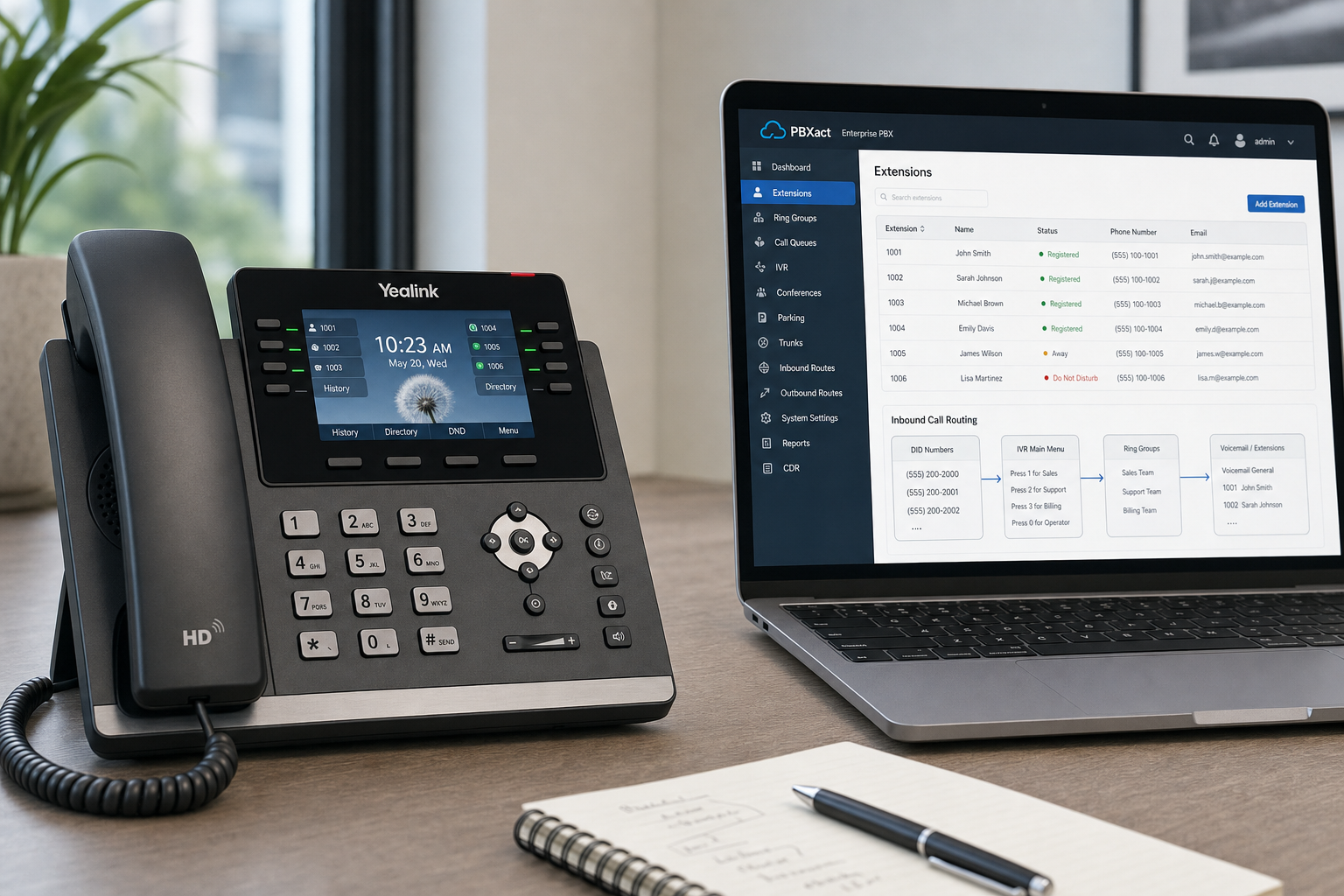
- Hosted PBX phones are typically auto-provisioned via a configuration server. When the phone boots and connects to the network, it pulls its settings automatically — extension number, voicemail PIN, ringtone, and call features.
- Confirm that each phone’s MAC address is registered in the provisioning portal before devices are distributed to desks.
- Label each phone with the user’s name and extension during staging. This prevents the scramble of figuring out which phone belongs where on install day.
Mobile and Desktop Softphones
- For staff who work remotely or travel — common in Florida’s distributed workforce — softphone apps on mobile and desktop extend the office phone system to any device.
- Send each user their softphone credentials before go-live and ask them to log in and make a test call to an internal extension. Catch login issues before cutover day, not during it.
- Confirm that mobile softphone users have the app installed and notifications enabled. A softphone that does not ring defeats the purpose.
Voicemail to Email
- Configure voicemail-to-email for every user who needs it. Verify that the destination email addresses are correct and that the messages are not landing in spam folders.
- Set a voicemail greeting for each extension. A generic system greeting on a business line is a poor first impression for callers.
Phase 4: User Training and Call Flow Configuration
Auto-Attendant and Call Routing Setup
- Build your auto-attendant menu before go-live. Record a professional greeting, map menu options to the correct extensions or queues, and test every option end-to-end.
- Configure after-hours routing. Many Florida businesses lose calls because the auto-attendant plays a dead-end message after 5 p.m. instead of routing to a mobile, an on-call extension, or a voicemail box that someone actually checks.
- For multi-location businesses — say, an Orlando office and a Tampa branch — set up call queues and ring groups so calls can be answered by either location when one is busy.
Staff Training
- Hold a 30-minute walkthrough with all staff before go-live. Cover: how to transfer a call, how to check voicemail, how to use the softphone app, and who to call if something does not work.
- Print or share a one-page quick-reference card with the most common feature codes. Staff who feel confident on day one make fewer mistakes.
- Identify a point of contact at your office — typically the office manager — who can handle basic questions so your vendor support line is not flooded with “how do I put someone on hold” calls.
HIPAA Call Flow Review (Healthcare Offices)
- If your Florida practice handles protected health information over the phone, confirm that your call recording settings, voicemail storage, and call log retention comply with your HIPAA obligations.
- Mynians VoIP supports healthcare call-flow configurations designed to support a HIPAA compliance program for healthcare clients. Confirm your specific configuration during the consultation phase, not after go-live.
Phase 5: Cutover Day Checklist
Cutover day is when your ported numbers go live on the new system. Run through this checklist in order.
Morning of Cutover
- Confirm with your VoIP provider that the port has completed and numbers are active on the new system.
- Call your main business number from an outside line and verify the auto-attendant answers correctly.
- Test every menu option in the auto-attendant. Press 1, press 2, press 0 — confirm each routes to the right destination.
- Make an outbound call from a desk phone and verify your caller ID displays correctly. Callers should see your business name and number, not a generic SIP address.
Extension and Feature Testing
- Call each extension from an outside line and from an internal extension. Confirm the phone rings and the correct voicemail picks up if unanswered.
- Test call transfer: answer a call, transfer it to another extension, and confirm the receiving party hears the caller clearly with no audio drop.
- Test hold music: place a call on hold and verify the caller hears music or a message, not silence or a dial tone.
- Test the after-hours routing by temporarily setting the system clock to after-hours and calling in. Confirm calls route as configured.
Failover and Redundancy Check
- If your system is configured with failover routing — calls rerouting to mobile numbers or a backup location during an outage — simulate a failure scenario and confirm the routing works.
- Florida businesses in hurricane-prone areas should treat failover configuration as a non-negotiable, not an optional add-on. A storm that knocks out your office internet should not knock out your phone system entirely.
- Mynians VoIP configures failover and redundancy as part of the setup process. Confirm your failover destination numbers are correct and tested before you consider the install complete.
End of Day One Review
- Ask staff to report any issues they encountered during the day: calls that dropped, features that did not work, or callers who reported audio problems.
- Check voicemail-to-email delivery. Confirm messages sent during the day arrived in the correct inboxes.
- Review call logs in the admin portal to confirm inbound and outbound call volume looks normal. A sudden drop in inbound calls may indicate a porting issue that needs immediate attention.
Common Installation Mistakes Florida Businesses Make
- Canceling the old carrier too early. If your port has not completed and you cancel your current service, your numbers can be lost. Keep the old service active until you confirm the port is done.
- Skipping the network readiness step. Plugging in VoIP phones on a network with no QoS configuration is the fastest way to get choppy, unreliable calls. Fix the network first.
- Not testing after-hours routing. Most call quality complaints come from callers who reached a dead end after hours. Test it before go-live, not after a customer complains.
- Underestimating porting time. Scheduling a cutover date before the port is confirmed is a common mistake. Build buffer time into your project plan.
- Choosing a national provider for local support. When something goes wrong on cutover day, you want a local team that picks up the phone — not a ticket queue. Businesses in Orlando, Tampa, Miami, Jacksonville, and Winter Garden have a local option with Mynians VoIP.
For network security best practices that apply to VoIP infrastructure, the Cybersecurity and Infrastructure Security Agency (CISA) and the National Institute of Standards and Technology (NIST) publish guidance on securing communications systems. For structured cabling standards relevant to VoIP infrastructure, BICSI is the recognized authority.
Frequently Asked Questions
How long does a hosted PBX installation take for a Florida business?
When your site is network-ready, Mynians VoIP can complete installs across major Florida markets — Orlando, Tampa, Miami, Jacksonville, and Winter Garden — in as little as 72 hours. The most common delay is network preparation or waiting for number porting to complete, which typically takes 7–14 business days. Starting the porting process early and completing your network readiness checklist before the install date keeps the timeline on track.
What can go wrong during phone number porting?
The most common porting problems are mismatched billing information on the Letter of Authorization, missing account numbers or PINs from the current carrier, and businesses canceling their old service before the port completes. Canceling early can cause your numbers to be permanently released. Mynians VoIP handles porting end-to-end, which means the team manages the LOA, carrier coordination, and confirmation — reducing the chance of errors that delay or lose your numbers.
Do I need to upgrade my internet before switching to hosted PBX?
Not always, but you need to verify your current bandwidth and upload speed before go-live. Plan for at least 100 Kbps upload and download per concurrent call. If your office makes 10 simultaneous calls, you need at least 1 Mbps dedicated to voice. Many Florida cable business plans have asymmetric speeds with lower upload capacity — confirm your upload speed during peak hours, not off-hours. QoS configuration on your router is equally important and is often overlooked.
What is the cost per licensed user for Mynians VoIP?
Mynians VoIP plans start at $22.95 per licensed user per month for the Essential plan (five-licensed-user minimum), $29.95 per licensed user per month for Professional, and starting at $39.95 per licensed user per month for Enterprise (ten-licensed-user minimum). All plans are month-to-month with no contracts. Current pricing is published at voip.mynians.com/pricing. Exact savings compared to your current bill can be confirmed on the free consultation call.
What happens on the free VoIP consultation call?
The free consultation includes a review of your current phone bill, a line-by-line quote for your business, and a discussion of your site readiness, number porting timeline, and any specific requirements like healthcare call-flow configurations designed to support a HIPAA compliance program or multi-location routing. There is no obligation and no sales pressure. You can schedule online at voip.mynians.com/schedule-consultation or call (407) 374-2782.
How does Mynians VoIP handle hurricane-season outages?
Mynians VoIP configures failover and redundancy routing as part of the setup process. If your office internet goes down during a storm, calls can automatically reroute to mobile numbers, a backup location, or a voicemail box that staff can access remotely. Florida businesses should treat failover configuration as a standard part of their phone system setup, not an optional add-on. The team tests failover routing before the install is considered complete.
Update Log
- August 2026: Created and reviewed for Mynians VoIP business phone system accuracy.


