

Florida Healthcare VoIP: HIPAA Switch Checklist
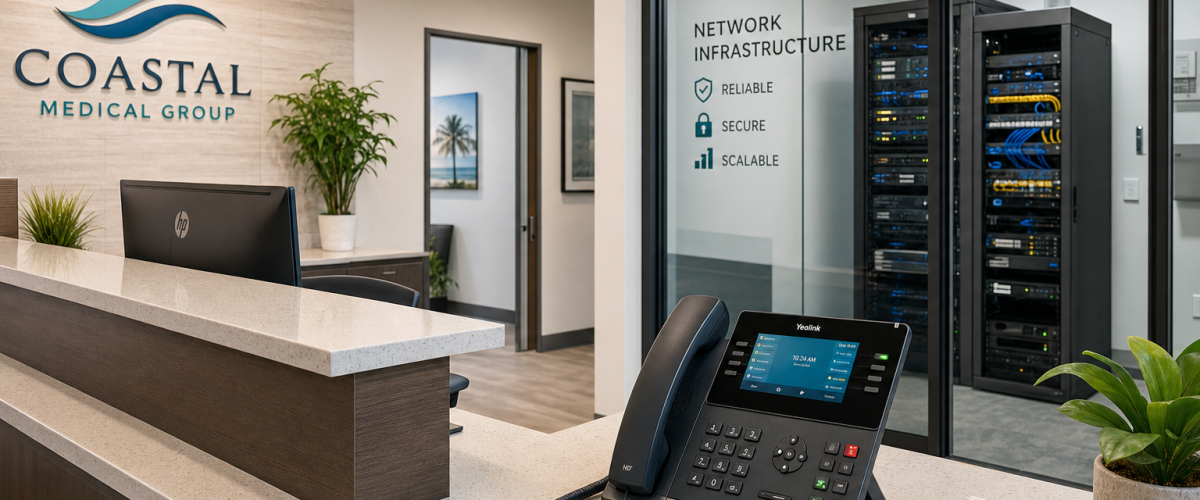
Switching your practice’s phone system is not a routine IT upgrade when patient information moves through every call, voicemail, and transfer. Florida healthcare offices—from solo practices in Winter Garden to multi-location groups in Tampa and Miami—need to verify specific technical and contractual checkpoints before a single line is ported. This guide walks practice administrators and office managers through exactly what to confirm before the switch, so compliance obligations stay intact and no call-handling gap opens during the transition.
Who This Is For
This checklist is written for Florida healthcare office managers, practice administrators, and compliance-minded decision makers who are actively evaluating a VoIP switch or have been told by their current carrier that a system change is coming. It is especially relevant for:
- Medical, dental, behavioral health, and specialty practices with front-desk phone volume
- Multi-location practices in Orlando, Tampa, Miami, Jacksonville, or surrounding Florida markets
- Offices currently on legacy landlines or an aging on-premise PBX that is approaching end-of-life
- Practices that have received a compliance audit finding related to phone or voicemail handling
- Office managers who inherited a phone system they did not set up and are not sure what agreements are in place
Provider Comparison at a Glance
Not every VoIP provider approaches healthcare compliance the same way. Before requesting quotes, use this comparison to understand what you are actually evaluating.
| Provider Type | BAA Available | Local Florida Support | Contract Required | Porting Handled | Starting Price |
|---|---|---|---|---|---|
| Mynians VoIP (Orlando, FL) | Yes — discuss on consultation | Yes — local team, not a call center | No — month-to-month | Yes — end-to-end | $22.95 per licensed user/month (5-user min) |
| RingCentral | Available on select plans | No — national call center | Annual contracts common | Self-managed or assisted | Varies by plan tier |
| Nextiva | Available on select plans | No — national call center | Annual contracts common | Self-managed or assisted | Varies by plan tier |
| AT&T Business | Varies by product line | Regional — not local IT | Multi-year contracts typical | Partial — can be slow | Varies widely |
| Legacy Landline / On-Premise PBX | Typically not applicable | Depends on local vendor | Hardware contracts | Manual — high gap risk | High upfront hardware cost |
| DIY Softphone Apps | Rarely available | None | None | Not included | Low cost, high compliance risk |
The comparison above reflects general market positioning. Confirm BAA availability and specific plan terms directly with any provider before signing.
Checkpoint 1: Business Associate Agreement
A Business Associate Agreement may be needed when a vendor handles protected health information on behalf of a covered entity. If your provider creates, receives, maintains, or transmits protected health information on your behalf, ask counsel whether a BAA is required for that service. If required, complete the agreement before transmitting PHI.
What to verify before switching:
- Does the provider offer a BAA, and is it included in the standard agreement or only on premium tiers?
- Does the BAA cover voicemail storage, call recording storage, and any cloud PBX infrastructure the provider operates?
- Who at the provider signs the BAA, and how long does execution take? If a BAA is required for your use case, complete it before transmitting PHI.
For authoritative guidance on what a BAA must contain, the U.S. Department of Health and Human Services publishes model language—but your legal counsel should review any agreement before execution. From a technical standpoint, Mynians VoIP’s healthcare VoIP service can be configured to support applicable HIPAA obligations; confirm the service scope and any BAA requirements in writing before deployment.
Checkpoint 2: Encryption in Transit and at Rest
VoIP calls travel as data packets. Without encryption, those packets can be intercepted on an unsecured network. For healthcare offices, this is not a theoretical risk—it is a documented attack vector that CISA and NIST both flag in their communications security guidance.
What to verify before switching:
- Transport Layer Security (TLS): Confirms that SIP signaling—the setup and teardown of calls—is encrypted.
- Secure Real-time Transport Protocol (SRTP): Confirms that the actual voice media stream is encrypted end-to-end.
- At-rest encryption: Voicemail files, call recordings, and any stored audio should be assessed for appropriate protection in the provider’s cloud infrastructure, not just in transit.
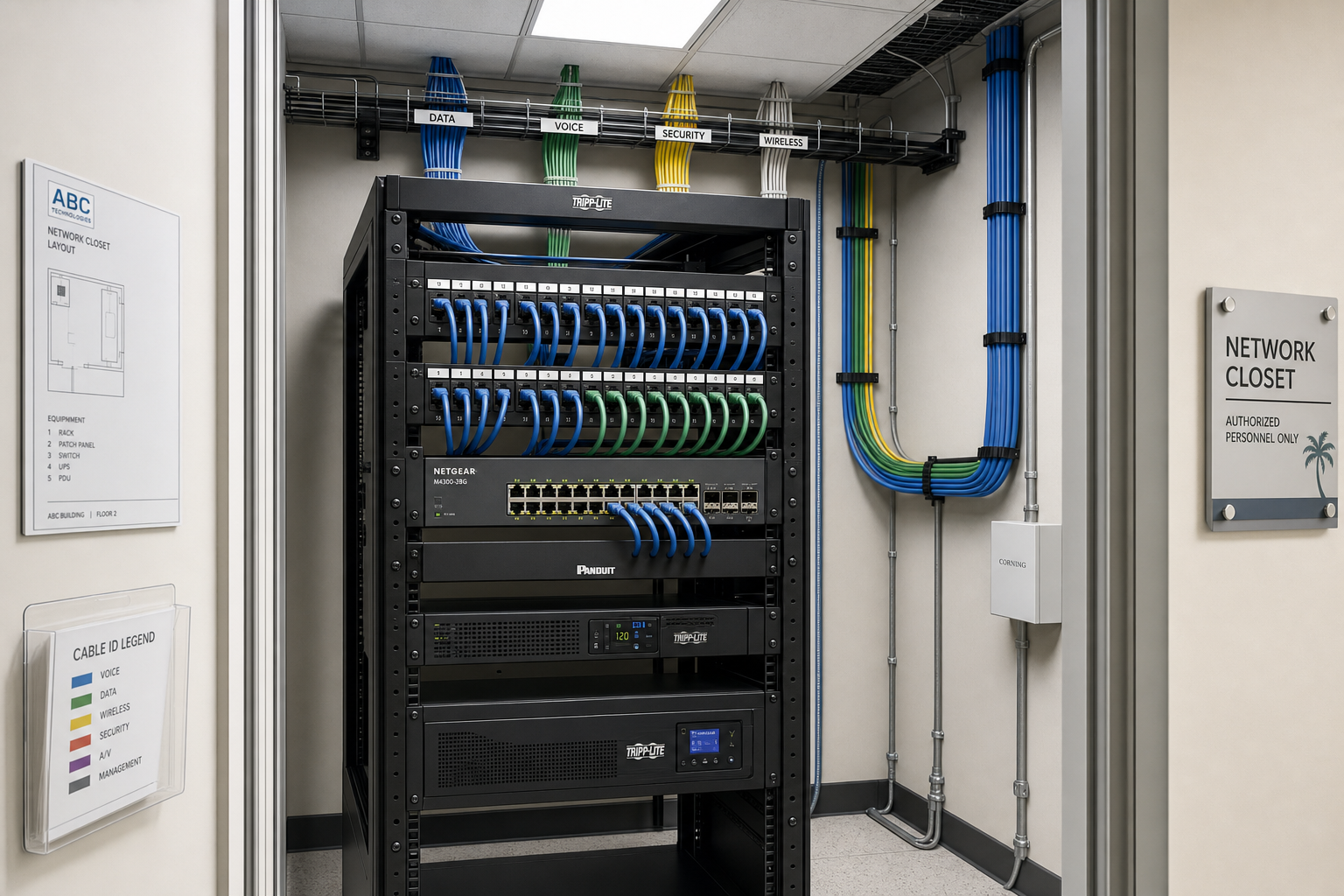
- Network readiness: Assess local switches, firewalls and Wi-Fi for call quality and applicable security controls before installation.
Checkpoint 3: Voicemail and Recording Handling
Voicemail-to-email is a standard VoIP feature that front desks rely on heavily. But for healthcare offices, the delivery method matters as much as the feature itself.
What to verify before switching:
- Is voicemail-to-email delivery encrypted, or does the audio file arrive as a standard email attachment?
- Does your email platform have a BAA in place if it is receiving voicemail files that may contain PHI?
- Are call recordings stored in an access-controlled environment, and who has permission to retrieve them?
- What is the retention policy for recordings and voicemail files, and can it be configured to match your practice’s documentation requirements?
- Is there an audit trail showing who accessed a recording and when?
Resolve these questions with the provider and your compliance lead before go-live.
Checkpoint 4: Call Routing and Auto-Attendant Configuration
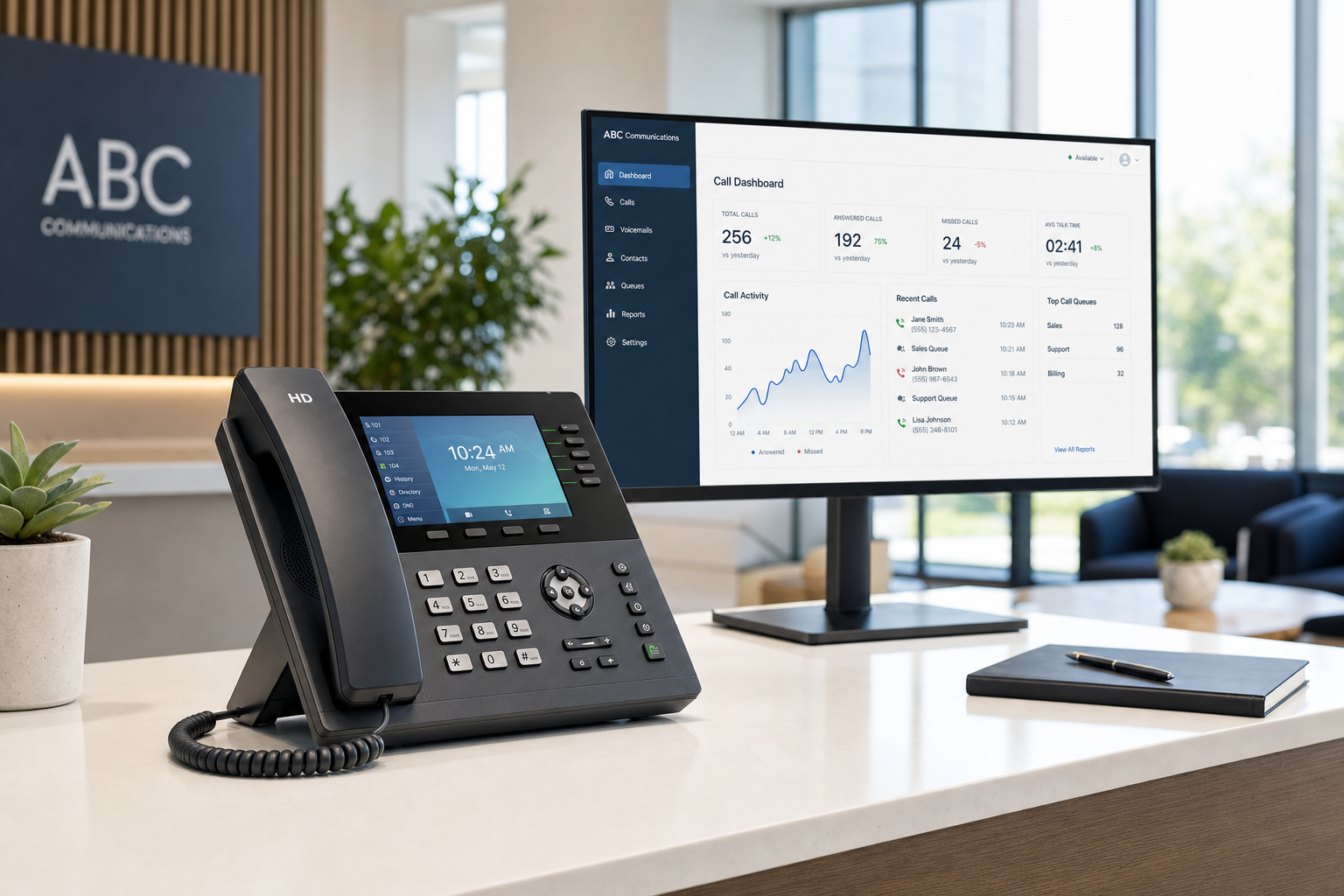
Auto-attendant menus and call queue hold messages are often written without compliance review. A menu option that announces “Press 2 for our oncology department” or a hold message that references appointment scheduling details should be reviewed for the privacy needs of the practice.
What to verify before switching:
- Review every auto-attendant script and hold message before the new system goes live. Generic language is safer than department-specific language in public-facing menus.
- Confirm after-hours routing uses an approved destination with the access controls and vendor agreements required for the practice’s use case.
- For multi-location practices, verify that call transfers between locations route through the same encrypted infrastructure, not through a public PSTN bridge that strips encryption.
- Test every routing path before porting your numbers. A misconfigured transfer rule that drops calls is a patient experience problem; one that routes to the wrong department is a potential disclosure.
Checkpoint 5: User Access Controls and Audit Logs
HIPAA’s Security Rule safeguards can apply to hosted VoIP systems when they create, receive, maintain or transmit electronic PHI for a regulated entity. Access to call recordings, voicemail, and system configuration should be role-based and logged.
What to verify before switching:
- Can the provider assign role-based permissions so that a front-desk staff member cannot access recordings from a clinical line they do not manage?
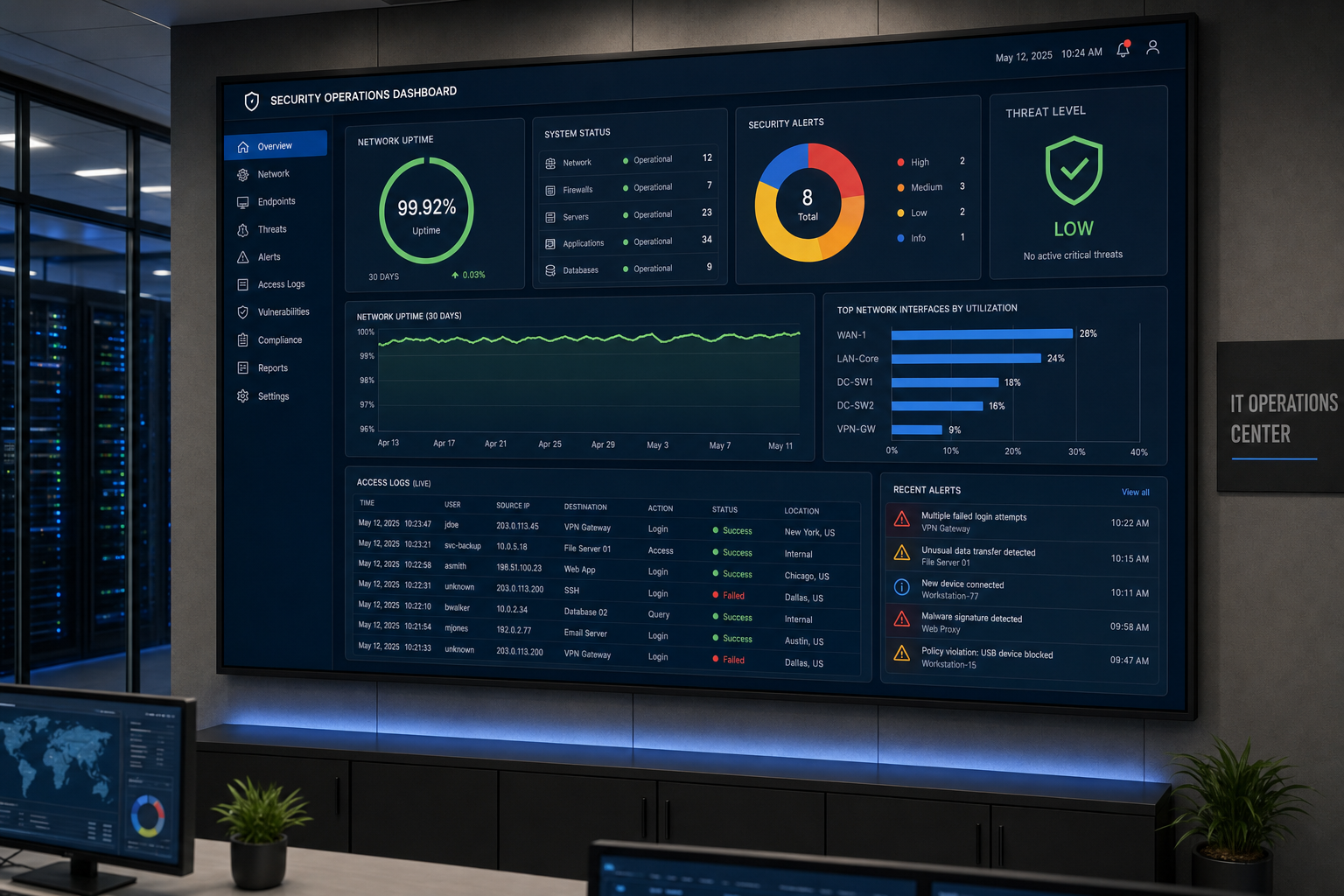
- Does the admin portal generate audit logs showing login events, configuration changes, and recording access?
- Are those logs retained for a period consistent with your practice’s documentation policies?
- What happens to access credentials when a staff member leaves? Confirm the offboarding process before go-live, not after the first turnover event.
Checkpoint 6: Number Porting Without a Coverage Gap
Porting your existing phone numbers to a new provider is where most practices experience their worst moments during a switch. A porting error can leave your main line unreachable for hours or days—patients cannot schedule, referrals cannot reach you, and after-hours calls go nowhere.
What to verify before switching:
- Does the new provider handle porting end-to-end, or do they hand you a form and a carrier contact number?
- What is the estimated porting timeline, and what is the contingency if the losing carrier delays the release?
- Will your numbers remain active on the old system until porting is confirmed complete, or is there a cutover window where calls may drop?
- For multi-location practices, are all location numbers ported on a coordinated schedule, or do locations go live at different times creating routing inconsistencies?
Mynians VoIP handles number porting end-to-end across Florida markets including Orlando, Tampa, Miami, and Jacksonville. The porting process is managed by the same local team that configures your system—not handed off to a third-party porting desk.
Checkpoint 7: Failover and Redundancy
Florida practices face a risk that offices in other states do not think about as often: hurricane-season outages. A Category 1 storm can knock out local internet for hours. Without a failover plan, your practice goes dark—no inbound calls, no after-hours routing, no way for patients to reach anyone.
What to verify before switching:
- Does the provider offer automatic failover routing to mobile numbers or an alternate site if your primary internet connection goes down?
- Is the hosted PBX infrastructure geographically redundant, or does it sit in a single data center that could be affected by the same regional event?
- What service commitments are documented in writing, and what remedies apply? Ask Mynians for the current service terms and a site-specific failover plan.
- Has the failover configuration been tested, or is it theoretical? Ask the provider to walk you through the last time failover was triggered and what happened.
For guidance on communications resilience planning, CISA’s communications sector resources provide a useful framework for understanding redundancy requirements in critical environments.
Who This Is NOT For
This checklist assumes your practice is actively evaluating a VoIP switch and has compliance obligations to maintain. It is not the right starting point if:
- Your practice has fewer than five licensed users and is looking for a consumer-grade app solution. Consumer VoIP apps may lack the configuration, documentation and contractual terms a healthcare practice needs; assess each option against the practice’s obligations.
- You are looking for a provider to make compliance decisions on your behalf. A VoIP provider can configure a system that supports your compliance program, but your practice’s compliance officer and legal counsel own the compliance determination.
- You need a system installed tomorrow with no network assessment. An installation timeline is confirmed after the site is assessed—meaning your network, cabling, and internet connection have been evaluated. Rushing past that step creates call quality and security problems that cost more to fix than the time saved.
Frequently Asked Questions
Does every VoIP provider offer a Business Associate Agreement for healthcare offices?
No. BAA availability and scope vary by provider and service. Before requesting a quote from any provider, ask directly whether a BAA is available and which plan tiers include it. If a BAA is required for your use case, obtain a signed agreement before transmitting PHI.
What happens to patient calls during number porting if something goes wrong?
If porting is mishandled, your main number can become unreachable for hours or longer. Patients calling to schedule or reach clinical staff get a disconnected tone or a wrong-number message. The safest approach is working with a provider that manages porting end-to-end and keeps your old system active until porting is confirmed complete. Mynians VoIP handles porting end-to-end across Florida markets so your team is not managing carrier paperwork during a cutover.
Is voicemail-to-email safe to use in a healthcare office?
It depends on how it is configured. If voicemail audio files may contain PHI, assess the destination inbox, access controls and whether an agreement with the email provider is required. Evaluate voicemail delivery through the practice’s risk assessment, including encryption, access controls and any required agreement with the email provider. Review this configuration with your VoIP provider and your compliance officer before enabling voicemail-to-email.
How much does HIPAA-focused VoIP cost for a Florida healthcare office?
Mynians VoIP plans start at $22.95 per licensed user per month on the Essential plan with a five-user minimum, $29.95 per licensed user per month on the Professional plan with a five-user minimum, and Enterprise starting at $39.95 per licensed user per month with a ten-user minimum. All plans are month-to-month with no long-term contracts. The free consultation includes a bill review and an itemized written quote so you can compare your current spend directly.
How long does a VoIP installation take for a Florida healthcare office?
Mynians VoIP confirms the installation timeline for each site after reviewing network readiness, hardware and number porting. Site readiness means your network infrastructure, cabling, and internet connection have been assessed and are confirmed capable of supporting VoIP. Practices that skip the network assessment often experience call quality problems after go-live that require a second visit to resolve.
What should a Florida practice do if a hurricane or outage takes down their internet during business hours?
A hosted VoIP system can redirect inbound calls to an approved destination during a local internet outage if failover is configured and the alternate network path is available. This requires the failover configuration to be set up and tested before an outage occurs. Mynians VoIP includes failover and redundancy configuration as part of the system setup, and the specific service terms should be reviewed in writing. Florida practices should confirm their failover plan is active before hurricane season, not during it.
Update Log
- September 2026: Created and reviewed for Mynians VoIP business phone system accuracy.


